Readers looking for meshi ai will find a practical comparison of Nanite and triangle reduction for AI-generated models in Unreal Engine, with the decision framed by hardware, scene use, materials, and editability.
Nanite can make a dense generated prop practical in an Unreal level, but it does not make every asset cheap to render. I choose between Nanite and triangle reduction by looking at the target hardware, the number of copies in the scene, the materials, and what I might need to do with the mesh later.
The short version
- Use Nanite for detailed, static props on desktop or console when their silhouettes benefit from the extra geometry.
- Reduce triangles for mobile or constrained projects, especially when the prop is small on screen or appears many times.
- Inspect materials and instance counts too. Nanite handles dense triangles efficiently; it does not excuse an expensive material or an overcrowded scene.
- Keep an editable source. If the object must deform or undergo major shape changes, plan for Blender work rather than treating Nanite as a substitute for clean topology.
What Nanite does—and what it does not
An image-generated mesh often has a dense, triangulated surface. That can be a reasonable input for Nanite: the mesh is already made of triangles, and Nanite is designed to render very high triangle counts efficiently. 3D Studio’s Unreal Engine 3D models workflow takes a generated GLB into Unreal as a static mesh, where you can choose Nanite for a detailed prop.
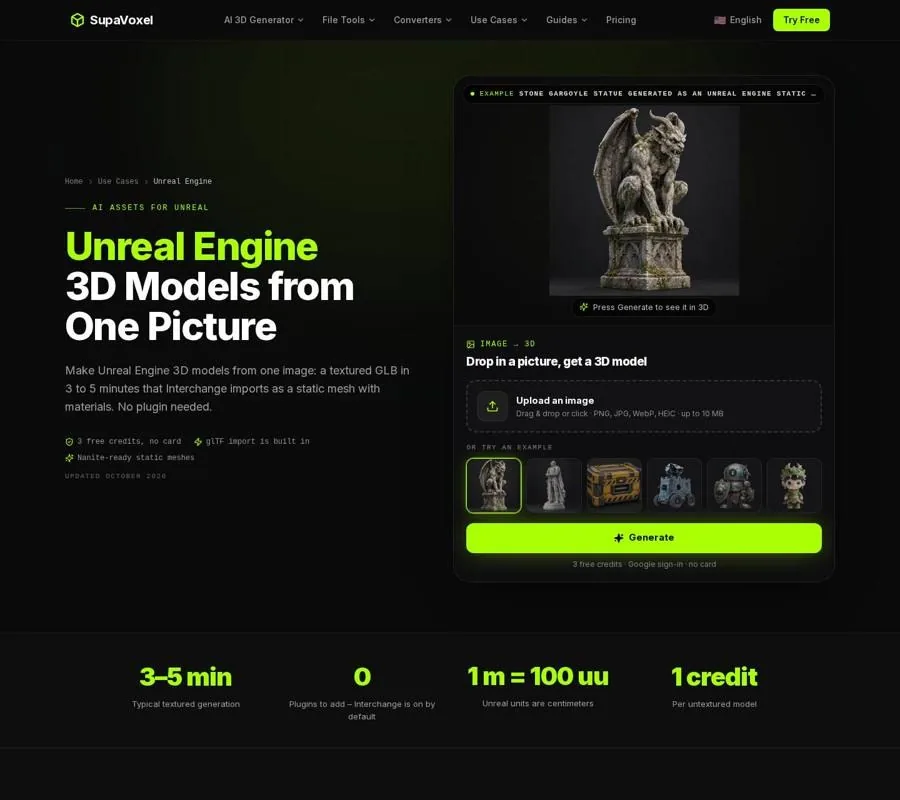
The Unreal Engine page shows the image-to-GLB workflow for static, textured assets.
That is a good fit for a statue, ruin fragment, or ornate piece of furniture that stays still and comes close enough to the camera for its shape to matter. I would first rotate the model and inspect the silhouette. If the detail is mostly in the texture, keeping a dense mesh buys little.
Nanite is not an all-purpose optimization switch. Instance counts, triangles per mesh, and material complexity still need checking on the hardware that will run the project. It also does not give a generated mesh a skeleton, skin weights, or animation. An object that must bend needs a different mesh workflow, even if its static version looks excellent with Nanite.
Keep collision separate from this decision. A detailed visible surface does not require collision made from every visible triangle. For a static prop, use simple collision that approximates the shape well enough for gameplay. That keeps the physics problem from growing along with the rendering mesh.
Make the choice against the actual level
I use the following pass before spending time optimizing an individual asset. The question is not “Is this mesh dense?” but “Where will its density matter?”
- Name the target hardware. For detailed static scenery on desktop or console, Nanite is a sensible candidate. For mobile, start by asking how much of the mesh’s silhouette survives at its usual screen size. If the object reads the same with fewer triangles, reduction is the more useful first move.
- Look at the camera distance. A large foreground statue has a stronger case for preserving geometric detail than a small prop at the far end of a corridor. Rotate the asset and inspect protrusions and openings, not just its front view. A generated mesh may have guessed at surfaces hidden in the source picture; preserving those guesses at full density does not improve them.
- Count how often the prop appears. One centerpiece and a level full of repeated dressing pieces are different problems. Test the populated scene rather than judging an isolated mesh in an empty level. Even when Nanite makes dense geometry practical, the rest of the scene still has to run.
- Inspect the materials under the level’s lighting. A textured GLB carries its UVs and PBR textures into Unreal. Check how the material reads in the lighting the player will actually see. If the asset is expensive to render, reducing triangles alone may not address the part causing trouble.
- Ask what happens to the mesh next. A static rock can remain triangulated. A character that must deform needs retopology and a rig; Nanite cannot supply either. If substantial editing is likely, preserve the original GLB and do that work before treating the asset as finished scenery.
This pass should end with a testable decision: keep detail and try Nanite, make a reduced version, or rebuild the topology for a different job. It is fine to keep both static variants while you compare them in the real scene.
Reduce geometry without losing the reason for the asset
For reduction, I prefer a controlled edit over an arbitrary triangle target. Import the GLB into Blender, keep the original untouched, and make a copy to simplify. 3D Studio’s Blender AI workflow covers opening the generated GLB with Blender’s built-in glTF importer, then editing or decimating the mesh.
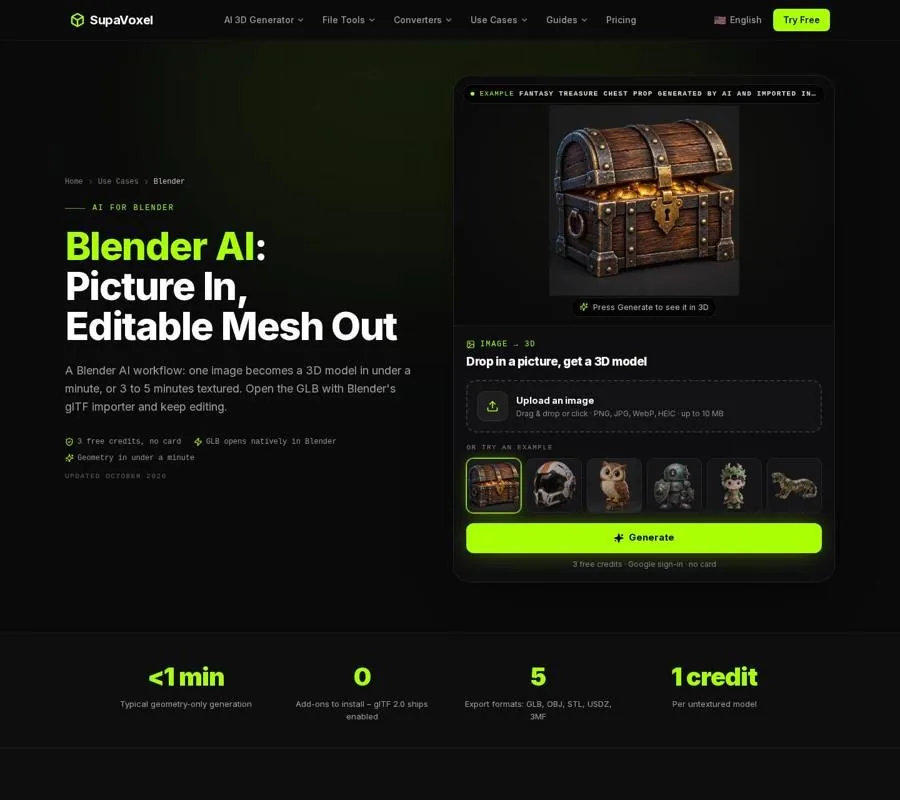
The Blender page follows the generated GLB into an editable Blender scene.
With a Decimate modifier, lower the ratio while watching the object from the angles it will occupy in the game. Stop when a recognizable edge, opening, or curved profile begins to fail, then back off. The useful limit depends on the shape: broad surfaces usually tolerate reduction better than narrow handles or detailed outlines. Check the model at its intended screen size as well as up close. A flaw visible during inspection may disappear in the level; a broken silhouette may remain obvious from across it.
Preserve the original GLB for another reason: reduction and later editing are different tasks. Decimation can make a static prop lighter, but it does not create the orderly edge flow needed around a bending joint. Generated meshes are triangulated and have no rig. For animation, build clean topology over the shape and rig that result. Do not spend time tuning Nanite for a mesh that is about to be rebuilt for deformation.
If the asset is textured, inspect it again after editing. A good silhouette is not enough if the material no longer reads correctly. The comparison should use the same lighting and placement for the dense and reduced versions; otherwise, it is easy to mistake a presentation change for an improvement to the mesh.
When the asset must work beyond Unreal
A reusable prop may need to live in another engine or a more constrained project. That changes the value of a reduced source: it is an asset you can test elsewhere, not merely a fallback for Unreal.
For example, 3D Studio’s Godot 3D models guide explains how Godot imports the GLB and offers import options such as generated LODs for props viewed from a distance. The same guide recommends checking triangle counts and simplifying assets aimed at mobile or web projects.
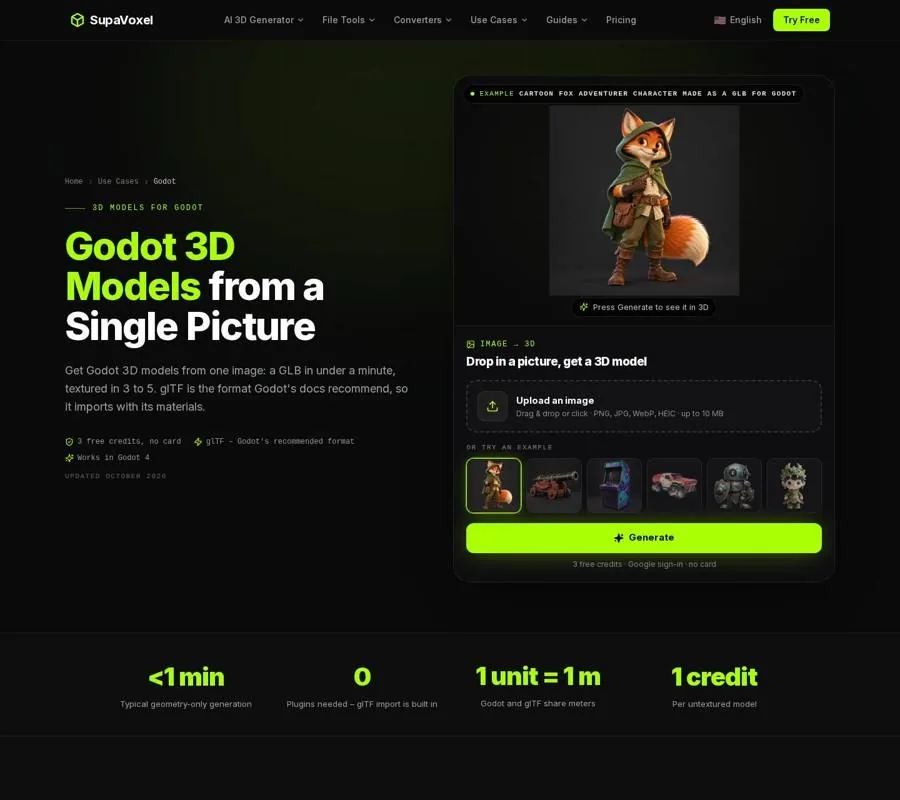
The Godot page shows the GLB route for assets that may also need a lighter engine workflow.
Do not assume an Unreal setting travels with the GLB. Nanite is a choice you make for the Unreal static mesh; a reduced mesh is a change to the geometry you can carry into another workflow. If cross-engine use matters, keep the original and the reduced version clearly distinguishable, then judge each inside its destination project.
Compare versions in context
I make the dense and reduced assets compete for the same job. Place each at the size and distance the level calls for, use comparable materials and lighting, and inspect the silhouette from the player’s likely viewpoints. Then test with the surrounding props present, because an isolated asset does not show the cost of a populated scene.
For a desktop or console project, the dense Nanite version may be the simplest choice when it holds visible detail and meets the project’s performance needs. For mobile or a constrained scene, a reduced version may be easier to justify when the lost triangles do not change what the player sees. Neither result can be decided from a triangle count alone. The right version is the one that preserves the prop’s visual job on the hardware you intend to support.
FAQ
Does Nanite mean I can ignore polygon count?
No. Nanite handles very dense static meshes efficiently, but you still need to measure the asset in your scene and check instance counts, triangles per mesh, and material complexity on target hardware.
Should I decimate every AI-generated prop before importing it?
No. Inspect the silhouette and the prop’s role first. A close, detailed static asset may benefit from Nanite; a distant or frequently repeated prop may gain more from reduction.
Will either approach make a generated character animatable?
No. These generated meshes are static and have no skeleton. A character that must deform needs suitable topology and a rig; reducing its triangle count or enabling Nanite does not provide them.