The Easiest Way to
Create 3D Models
Meshi AI is a free AI 3D model generator that turns text or images into ready-to-use 3D models for games and 3D printing, in under a minute.
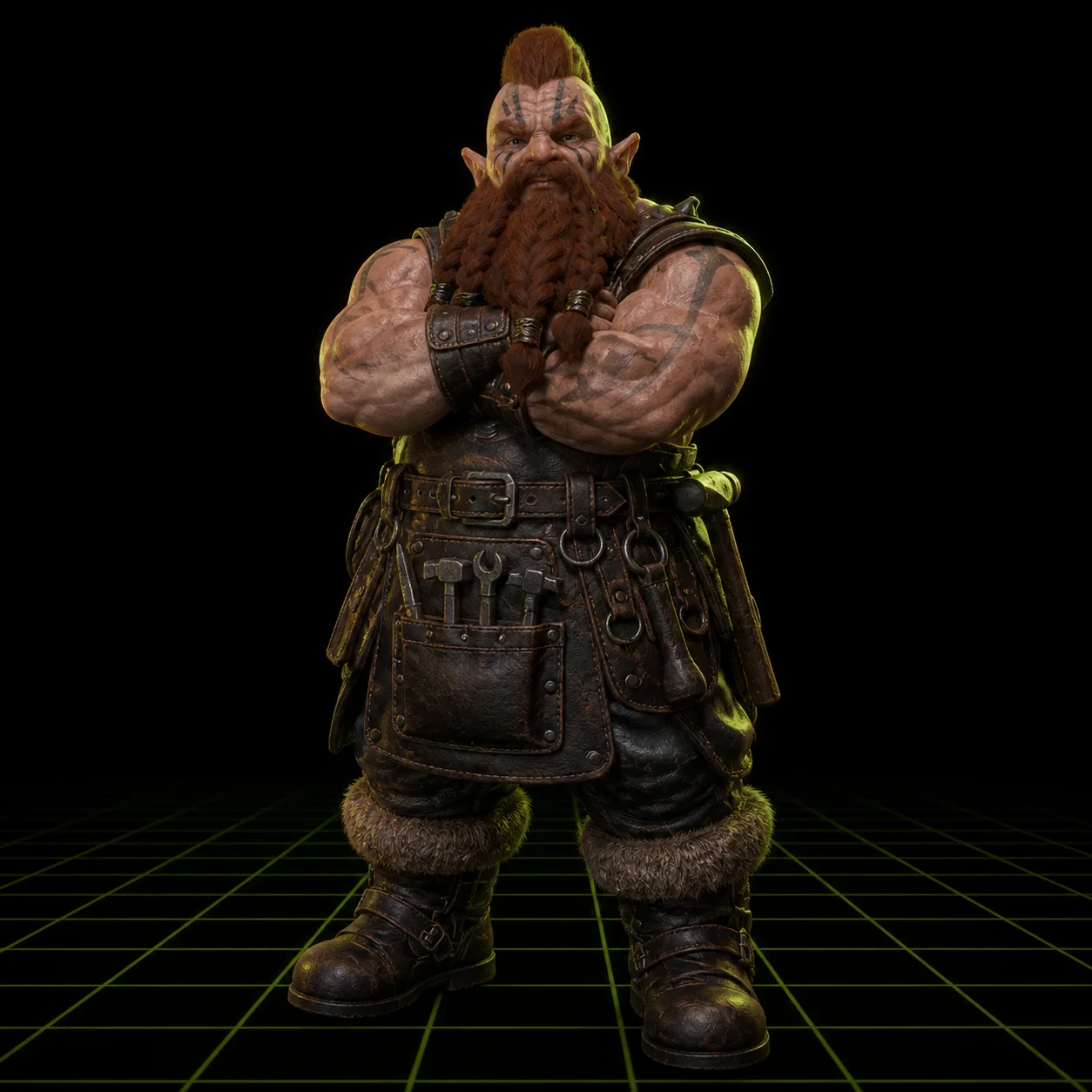
Create 3D, your way
Upload a photo for a quick generate, or describe it in a sentence. Either way the same AI 3D model generator hands you a finished mesh.
High-Fidelity Image-to-3D
Upload a photo, a sketch, or a piece of concept art, and Meshi AI turns it into a matching 3D model you can print, drop into a game, or refine further. Edges stay sharp and proportions stay true to the source image.
Lightning-Fast Text-to-3D
Just describe what you want in a sentence, and Meshi AI builds a 3D model in about a minute that you can retexture, export, or send straight to your slicer. No reference image required.
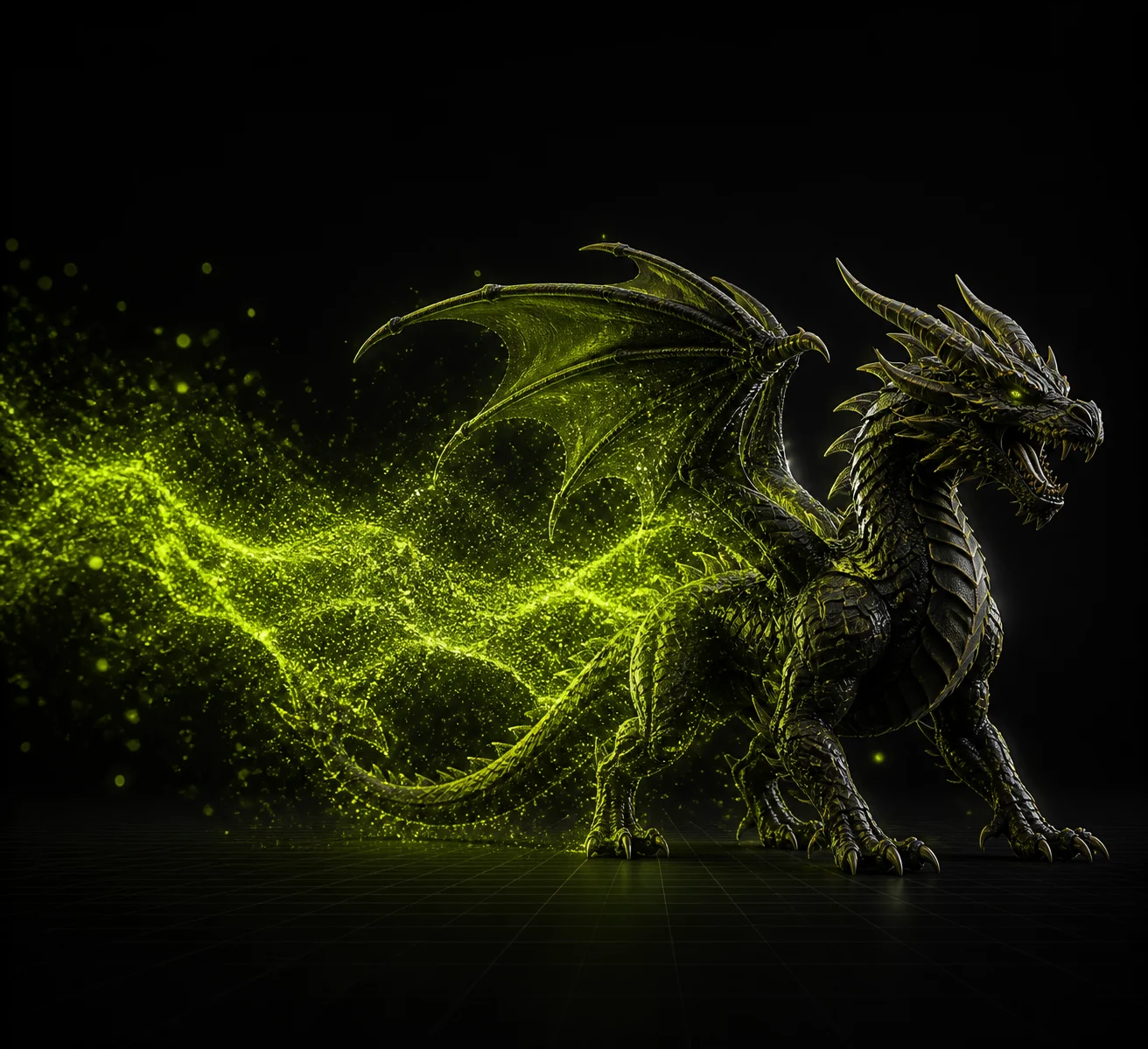
Everything you need in one AI 3D generator
Image to 3D
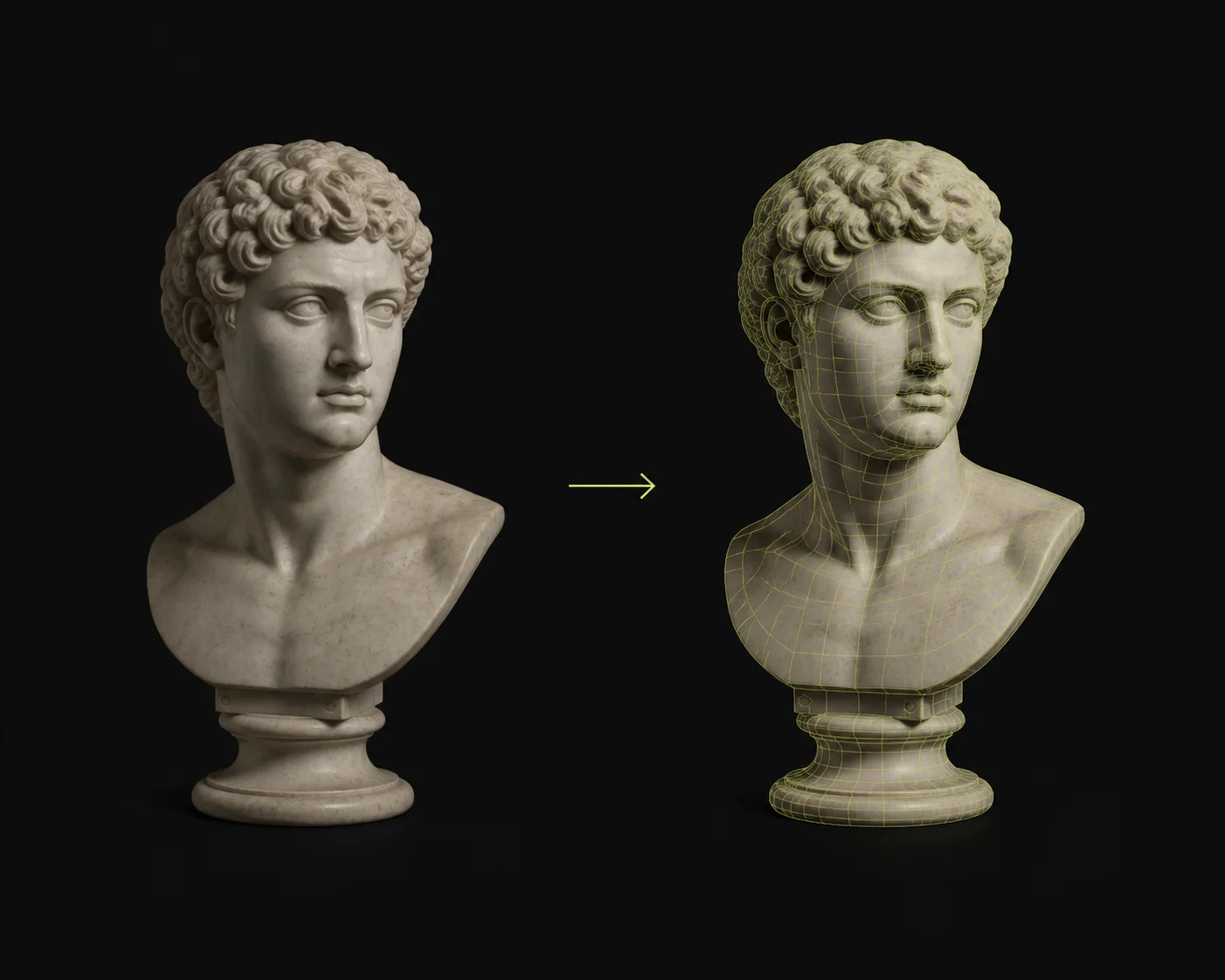
Upload a photo, a sketch, or concept art and get a matching 3D model back in about a minute. Sharp edges, accurate proportions, and detail up to nearly 600K faces.
Learn more →Text to 3D
Describe the object in one sentence and this text to 3D generator builds the mesh for you. No reference image, no modelling software, no setup.
Learn more →AI Texturing
Every model ships with a full PBR set — diffuse, roughness, metallic, and normal maps — that drops straight into any game engine or renderer. Restyle it by describing a material.
Learn more →3D Animation
Auto-rigging handles humanoid and quadruped characters, then a library of 600+ motion presets covers walk cycles, idles, jumps, attacks, and gestures. Export as FBX or GLB.
Learn more →AI Image Generator
No reference art? Generate one first. Turn a prompt into a clean, well-lit reference image, then feed it straight into the 3D model generator in the same pass.
Learn more →3D Agent
Chat your way to a finished asset. The agent plans the steps, generates, textures, and refines — and answers your 3D and printing questions while it works.
Learn more →Meshi AI can help you create Miniatures
Not sure where to start? Describe it in plain language. The Meshi AI 3D agent turns a rough idea or a 2D concept into a textured 3D model, and tells you what it changed along the way.
Describe your idea, and start creating with the agentTry Free →From 2D Image to 3D Model
Type a prompt or drop in an image, and the agent plans, generates, textures, and refines a complete 3D model — the whole multi-step workflow, handled in one pass.
Retexturing by Chat
Describe a material or a mood and the agent restyles the model, re-texturing every variant at once, with no manual UV work at any point.
The Only 3D AI Trained to Print
Meshi AI 3D models are the most likely to print — watertight, manifold, and ready to slice on the first try, with no manual repair pass in between. It is the one AI 3D model generator built around the slicer, not around the render.
See the 3D printing workflow →Born Printable, Not Patched
Most AI 3D models need a manual cleanup pass before they will slice. Meshi AI models come out watertight and manifold. A built-in printability check still scans every export and auto-repairs the edge cases before you slice.
Print in Multi-Color, or Split to Fit
Multi-color printing maps each texture region to the right filament with clean colour boundaries. When a model is too big for the plate, Auto Split breaks it into watertight parts, pre-arranged and ready to print.
Straight to Your Slicer
Export as STL, OBJ, or 3MF and send models directly into OrcaSlicer, Bambu Studio, Cura, and the rest — ready for single- or multi-color printing without a detour through repair software.
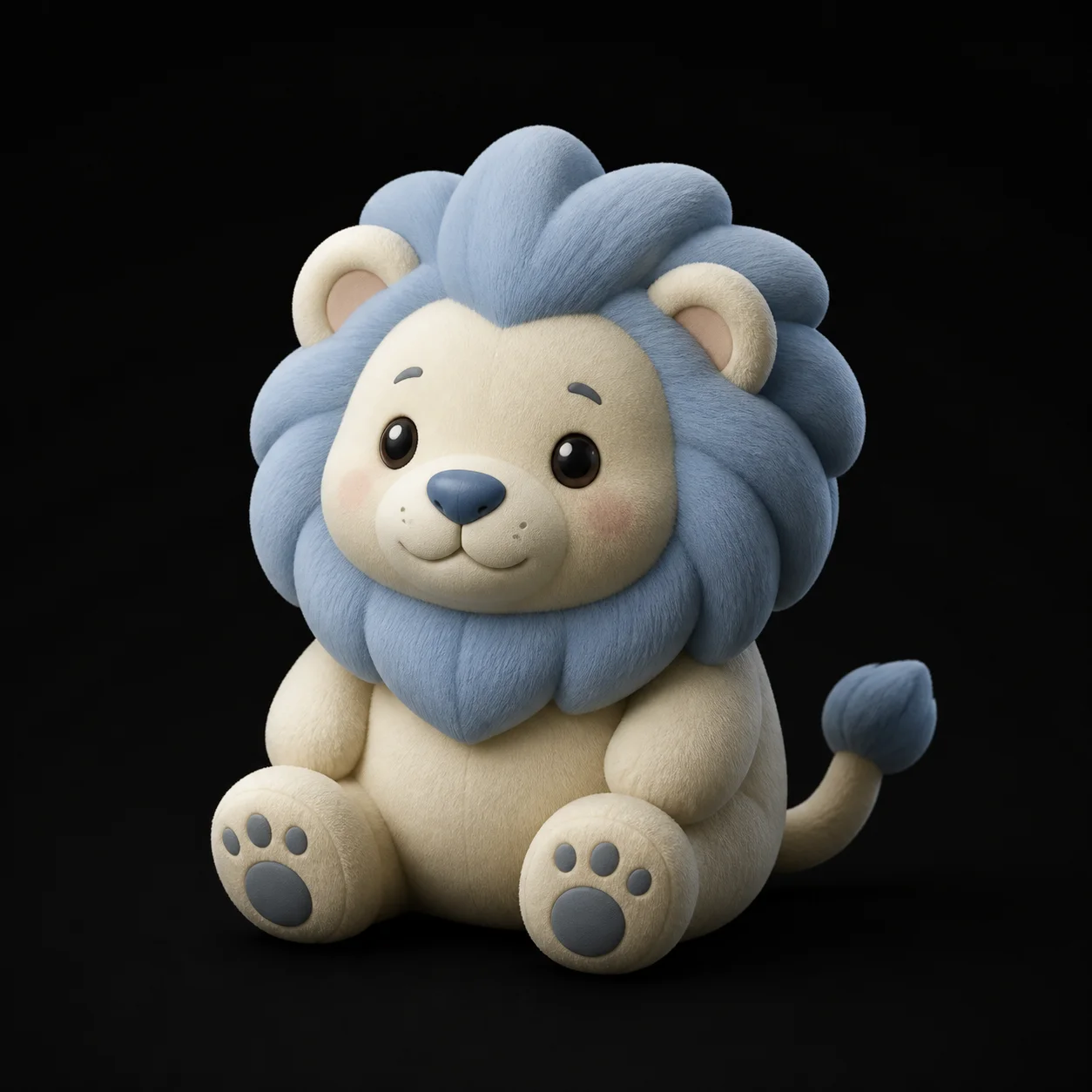
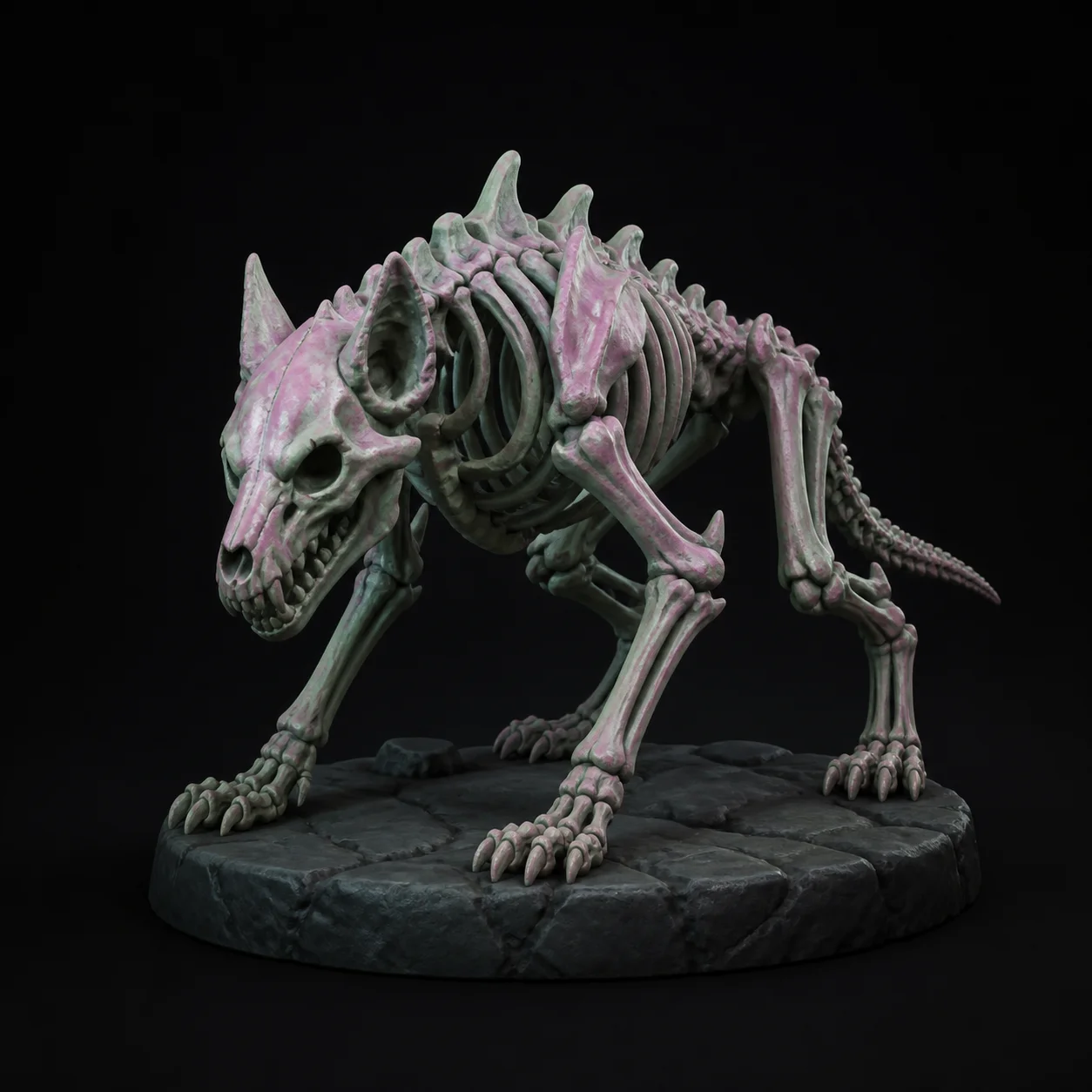
AI Assets to Get Your Game Playable
More than a one-asset generator — this AI 3D model generator helps you build enough of your game world to start playtesting this week instead of next quarter. Game development teams use it to fill a level with 3D models in an afternoon.
See the game development workflow →Low Poly for Real-Time Performance
Low Poly Mode gives you clean topology at a poly count you set, light enough to drop straight into a scene without costing you frames. Remesh any model up or down when the budget changes.
One-Click PBR Texturing
Generate a full PBR set — albedo, normal, metallic, and roughness — with no shader setup at all. Switch on HD Texture for crisp 4K detail in seconds.
Rig and Animate Your Characters
Auto-rigging works on humanoid and quadruped characters alike, paired with 600+ motion presets covering walk cycles, idles, jumps, attacks, and gestures. Drop the FBX into Unity, Unreal, or Godot as-is.

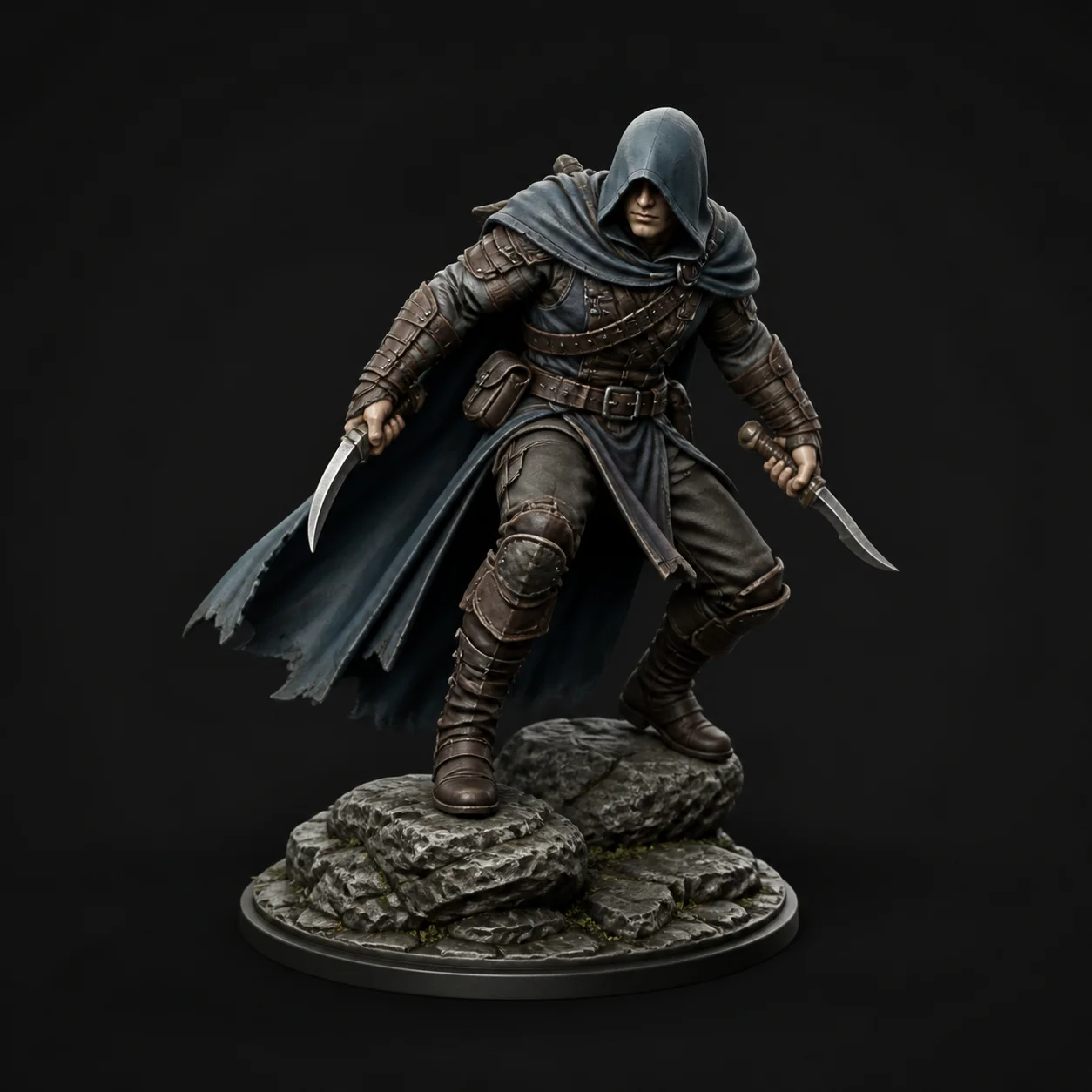
Explore More Features
The same AI 3D model generator, pointed at whatever you actually build — from printable miniatures to game-ready 3D models.
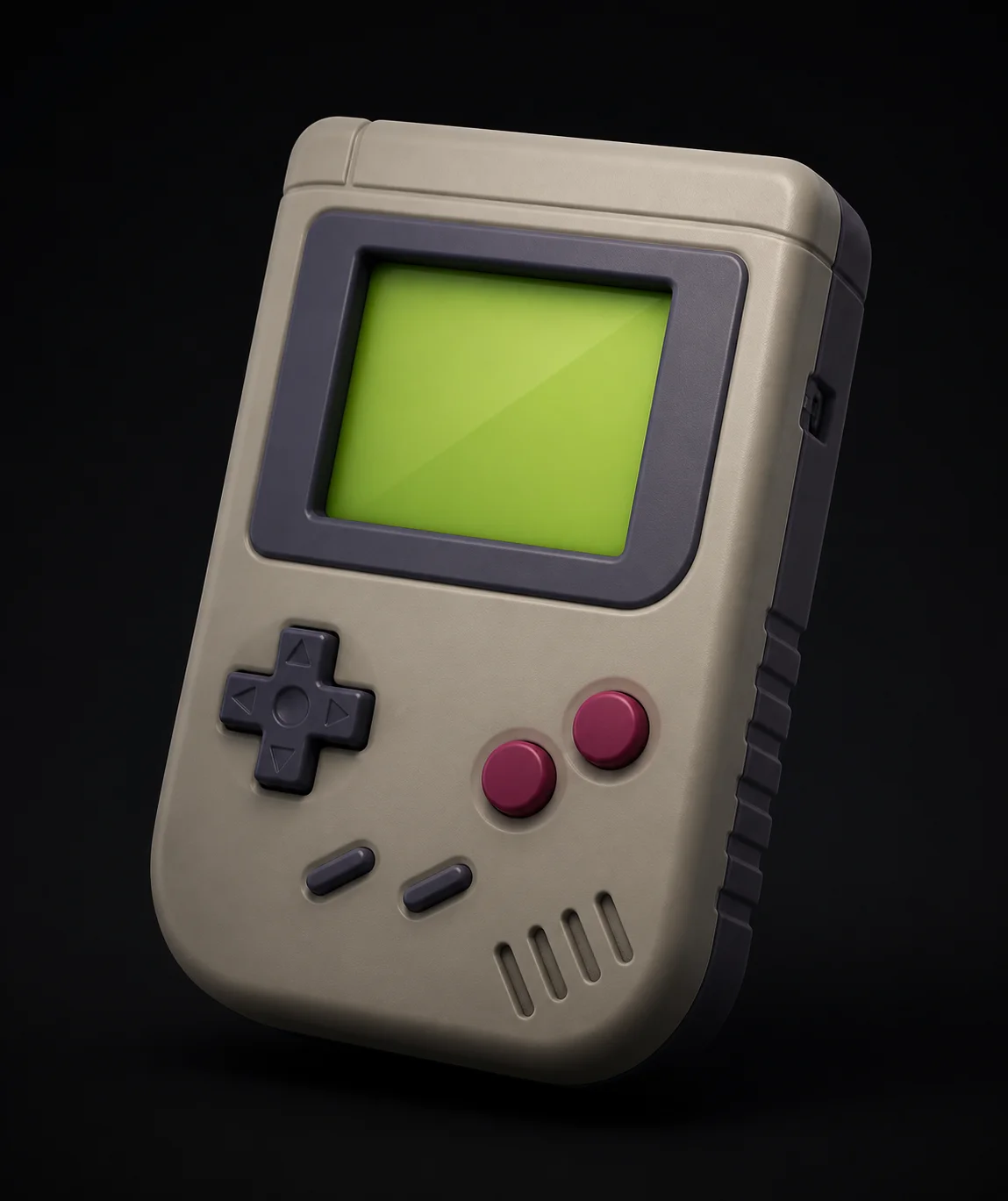
Prototype faster than you can sketch
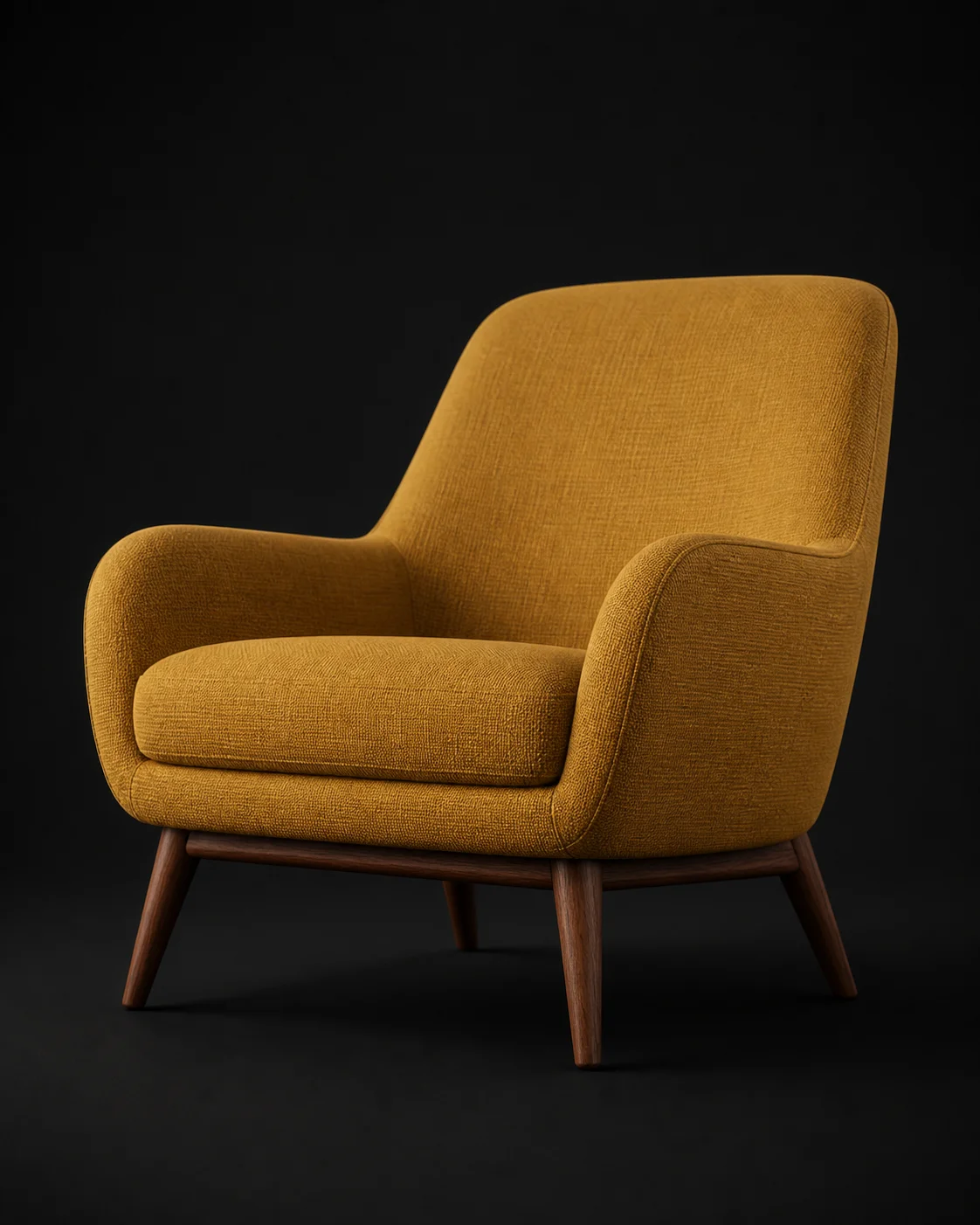
Fill any space with custom 3D assets
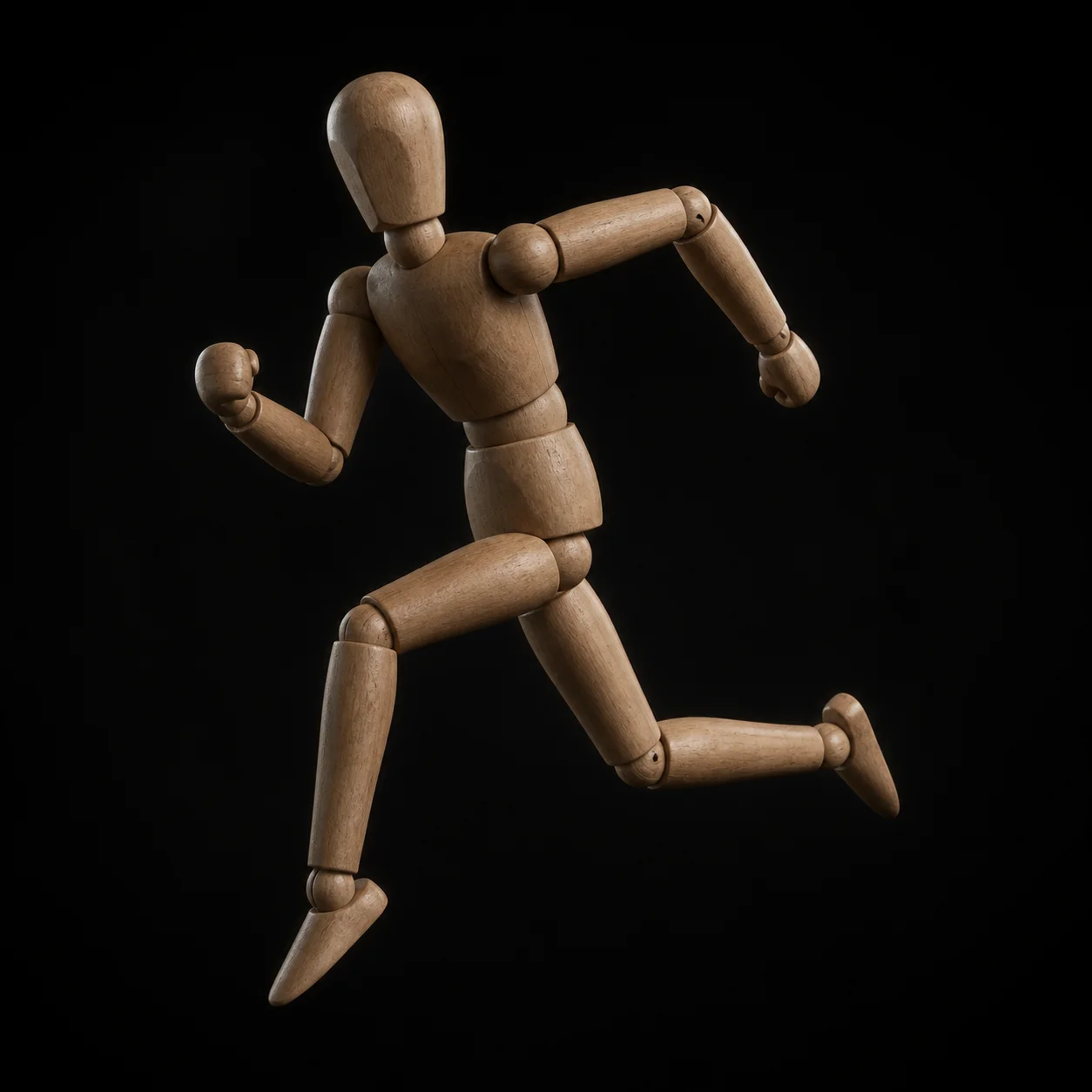
Turn a lesson into something students can hold
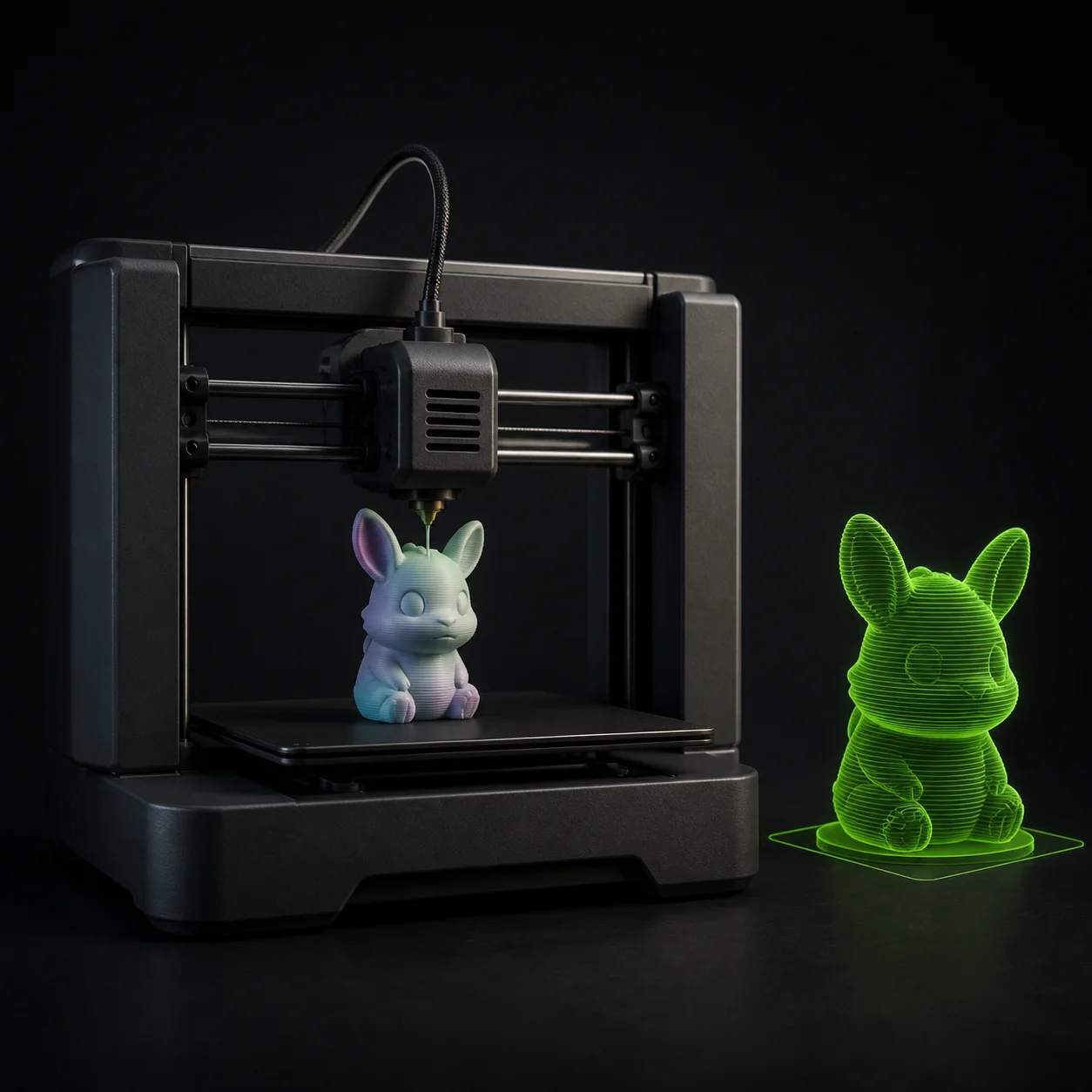
Print-ready on the first slice
Try Free →Built for Creators, Not for Studios Only
What Creators Make With It
See What the Community Is Creating
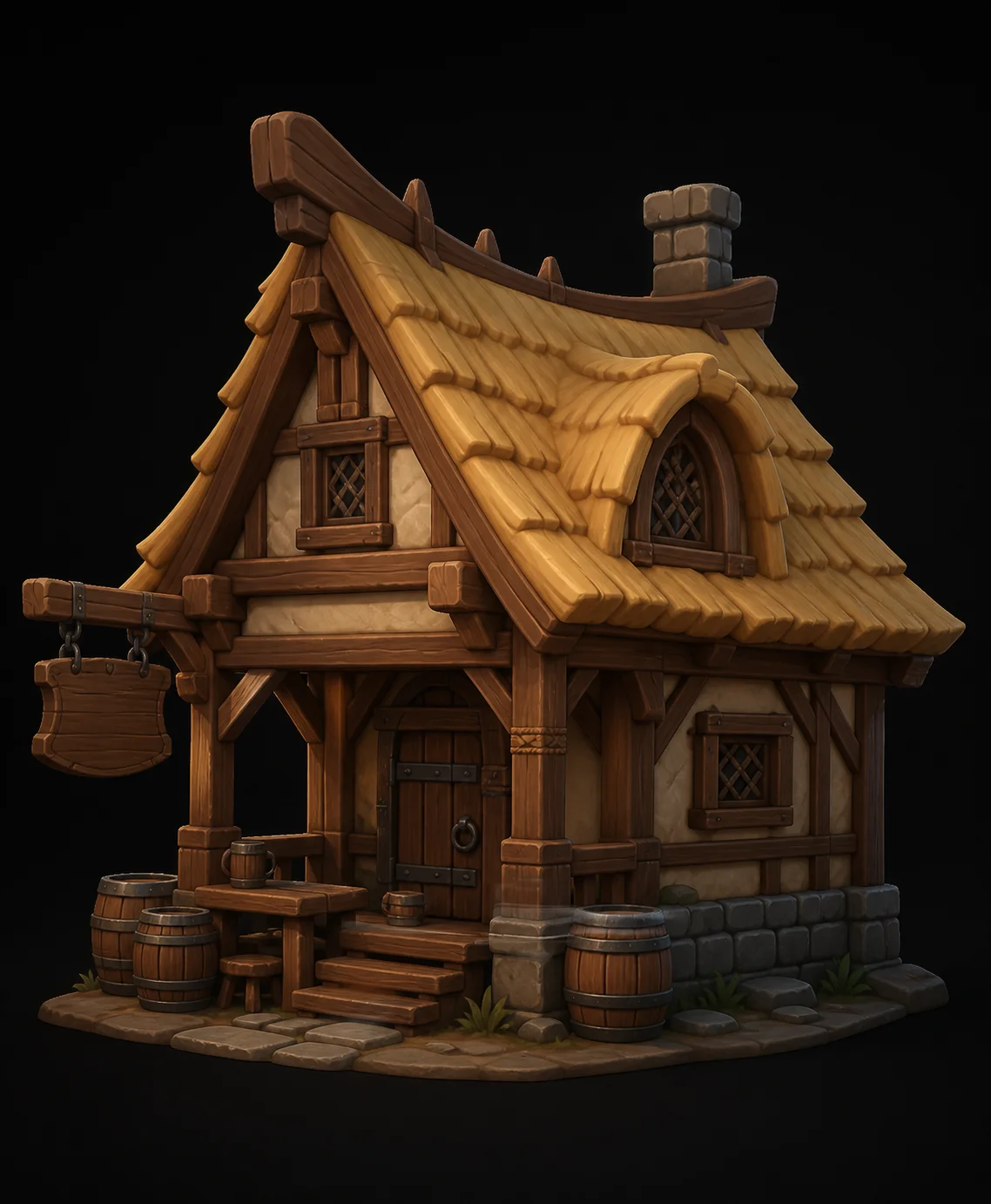
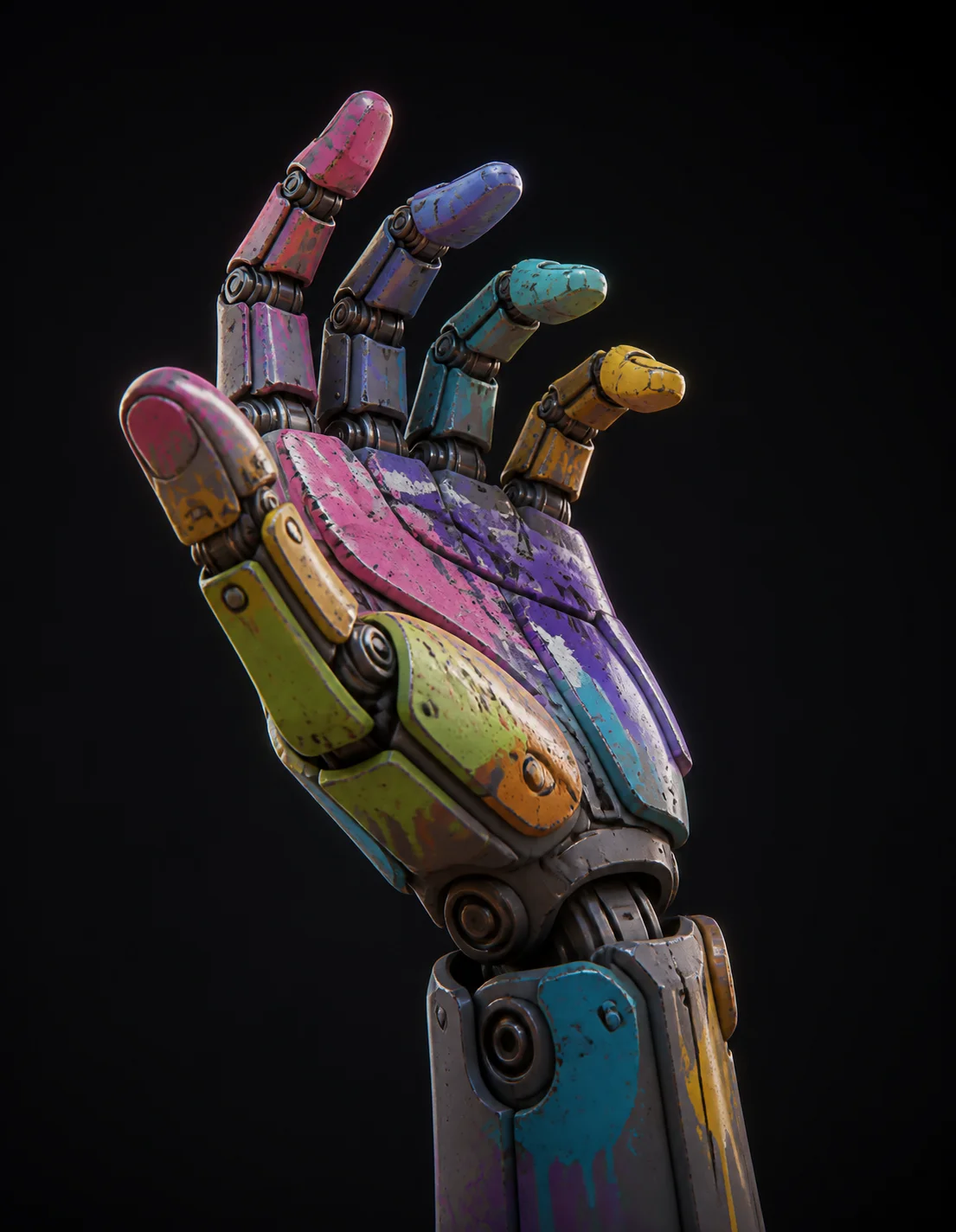
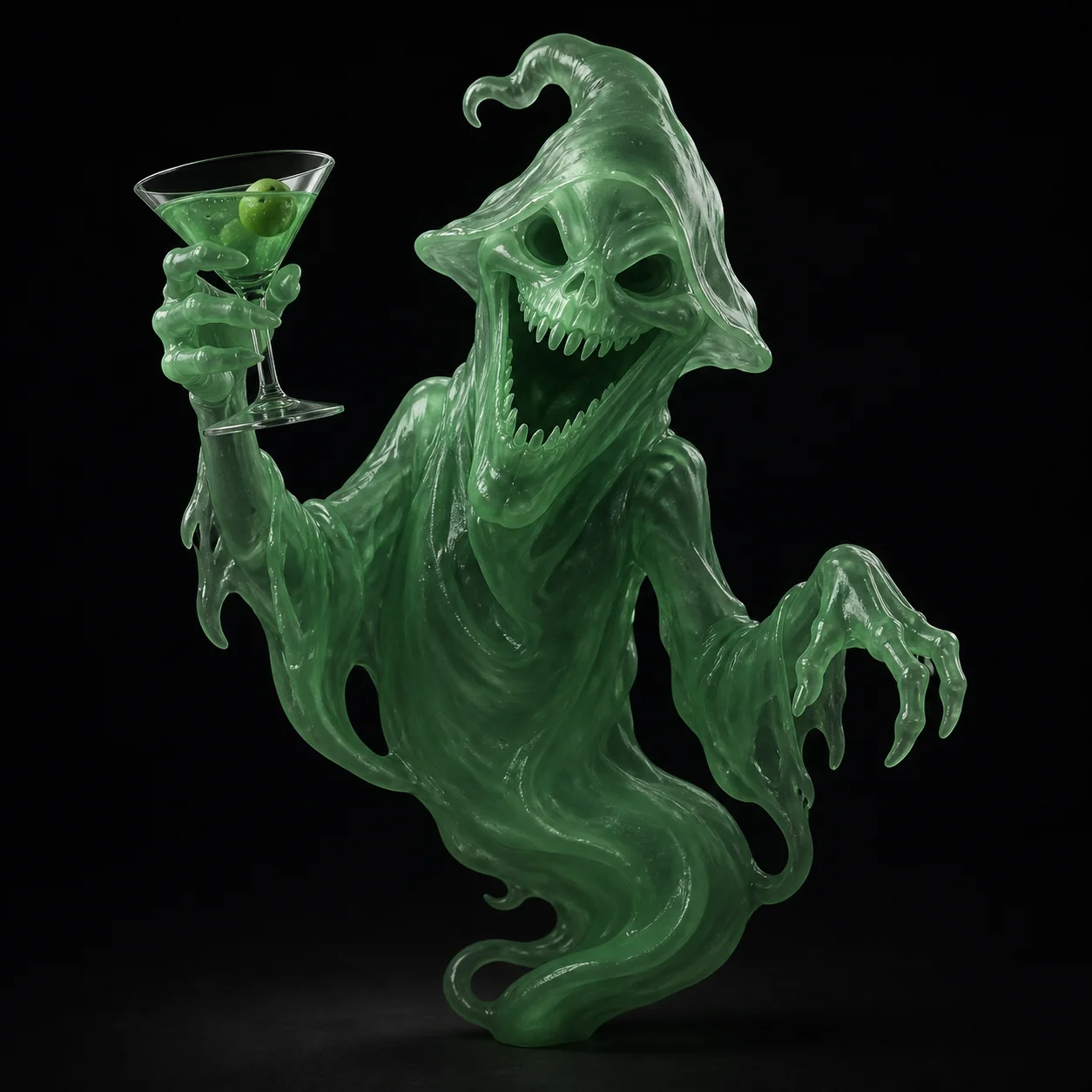
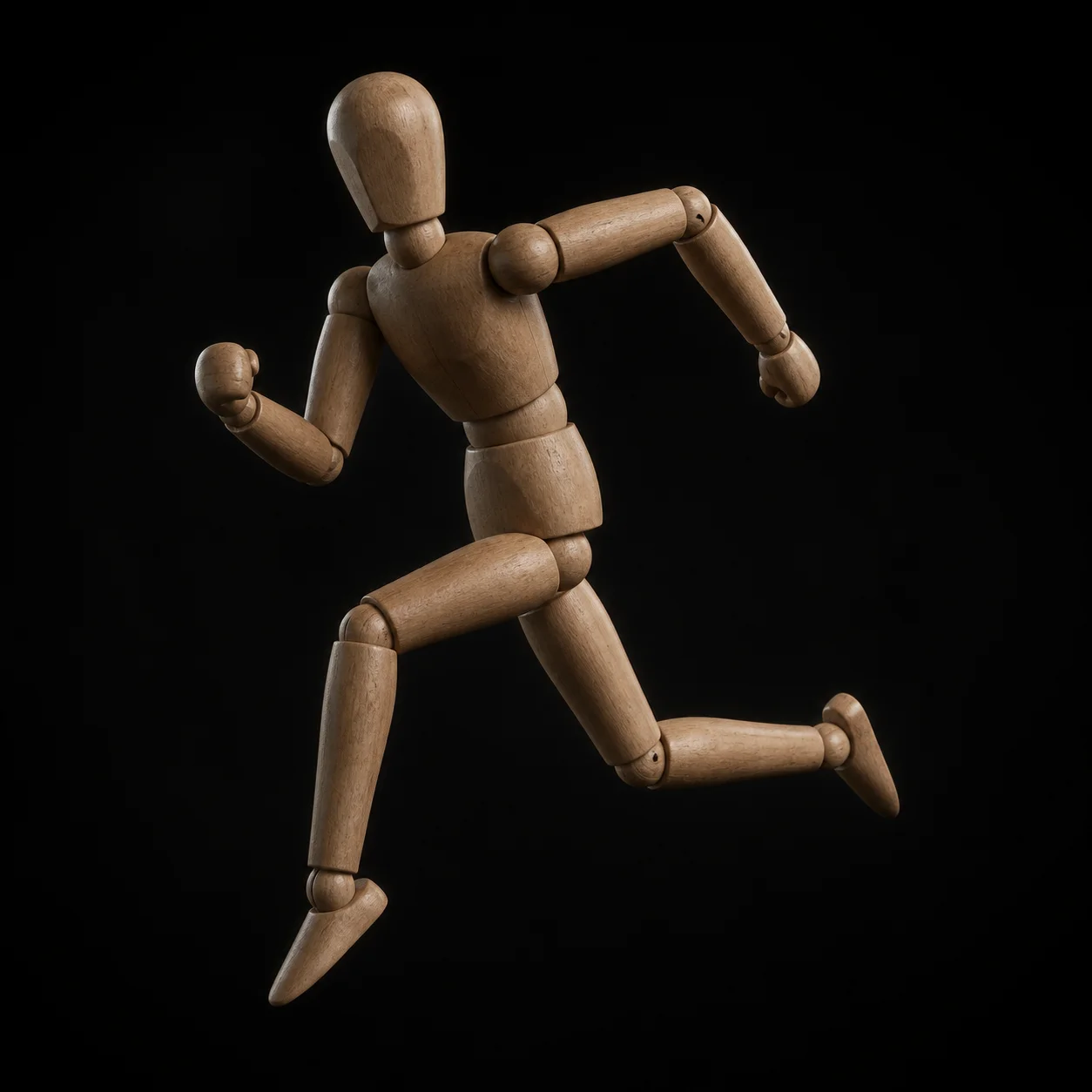
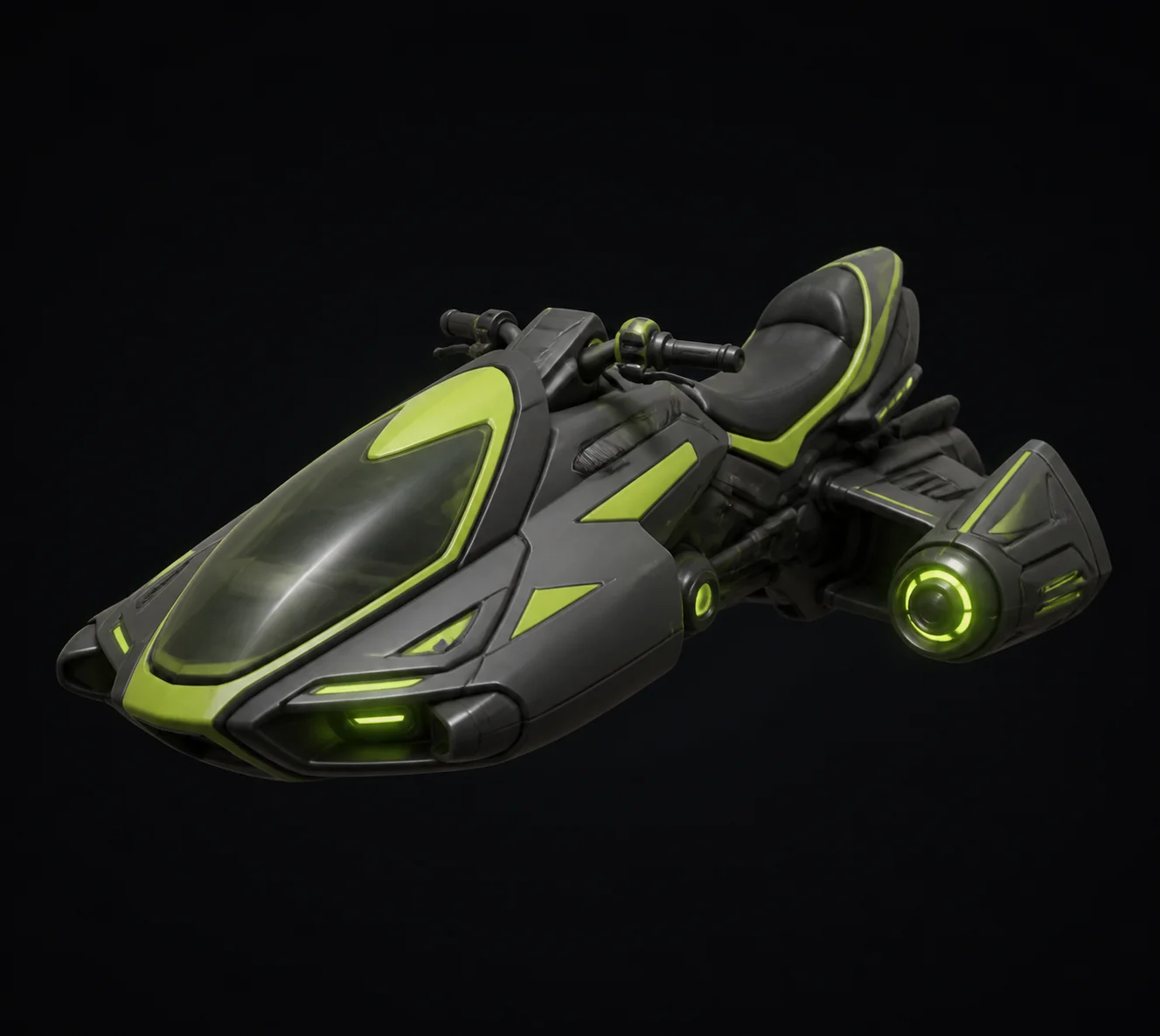
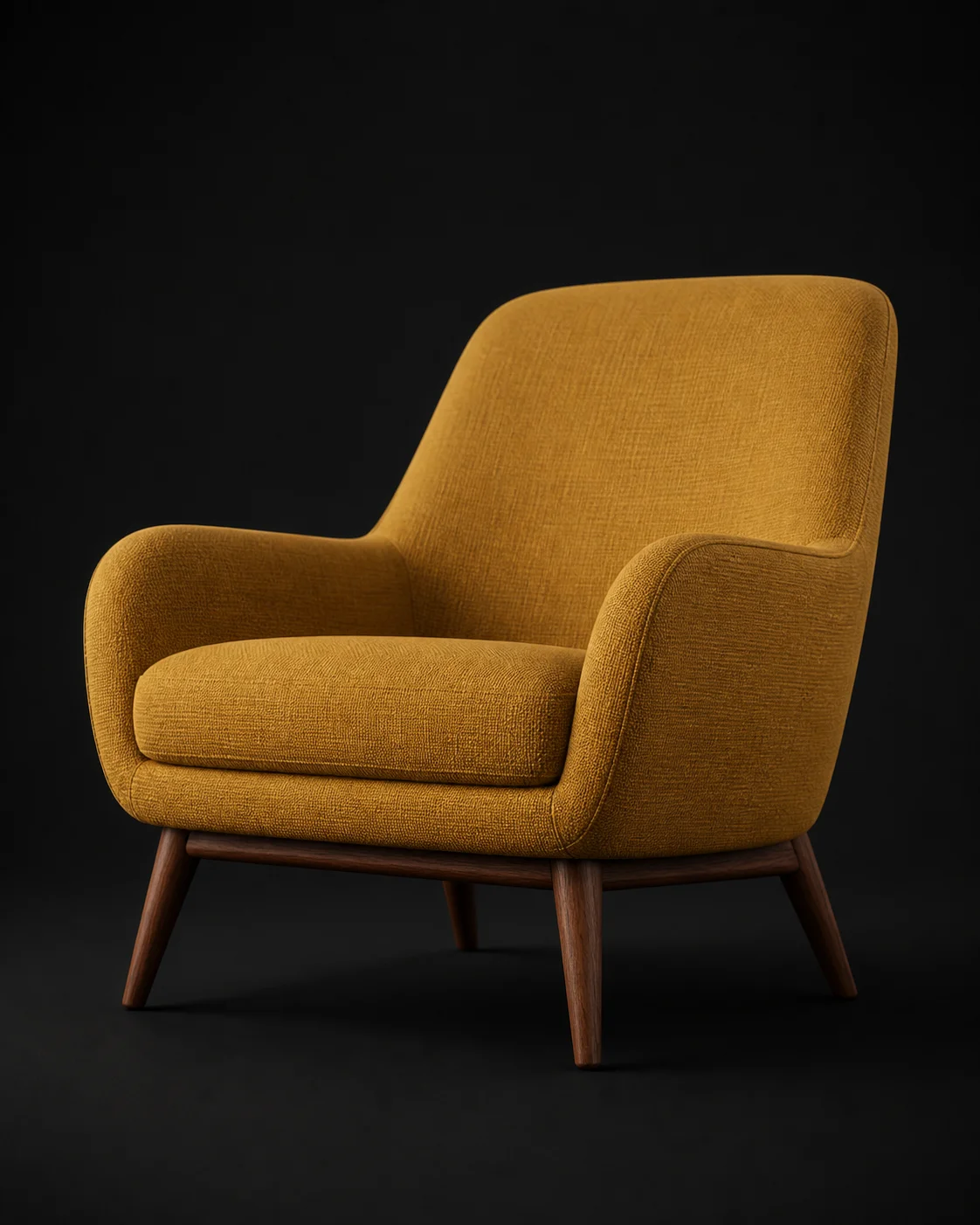
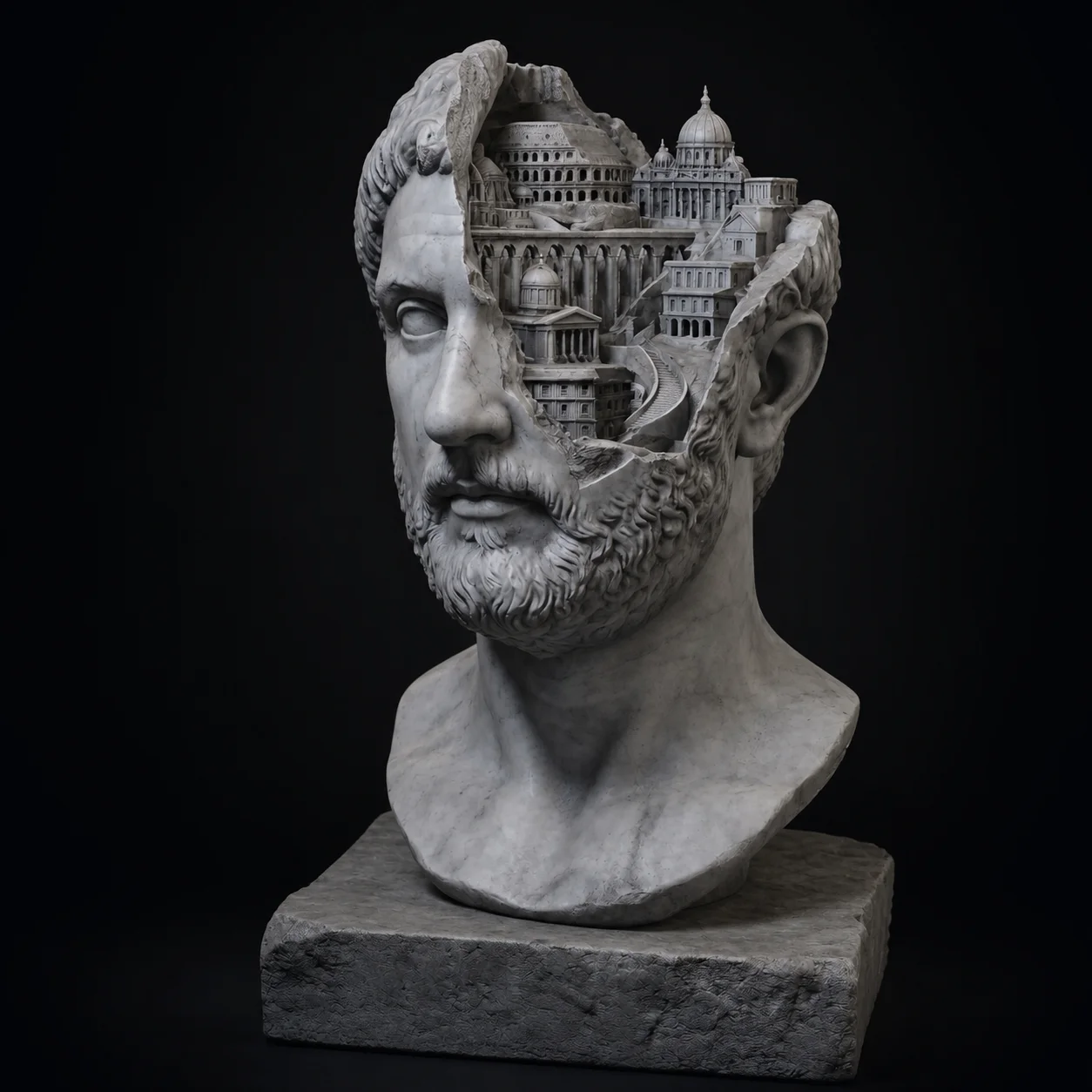
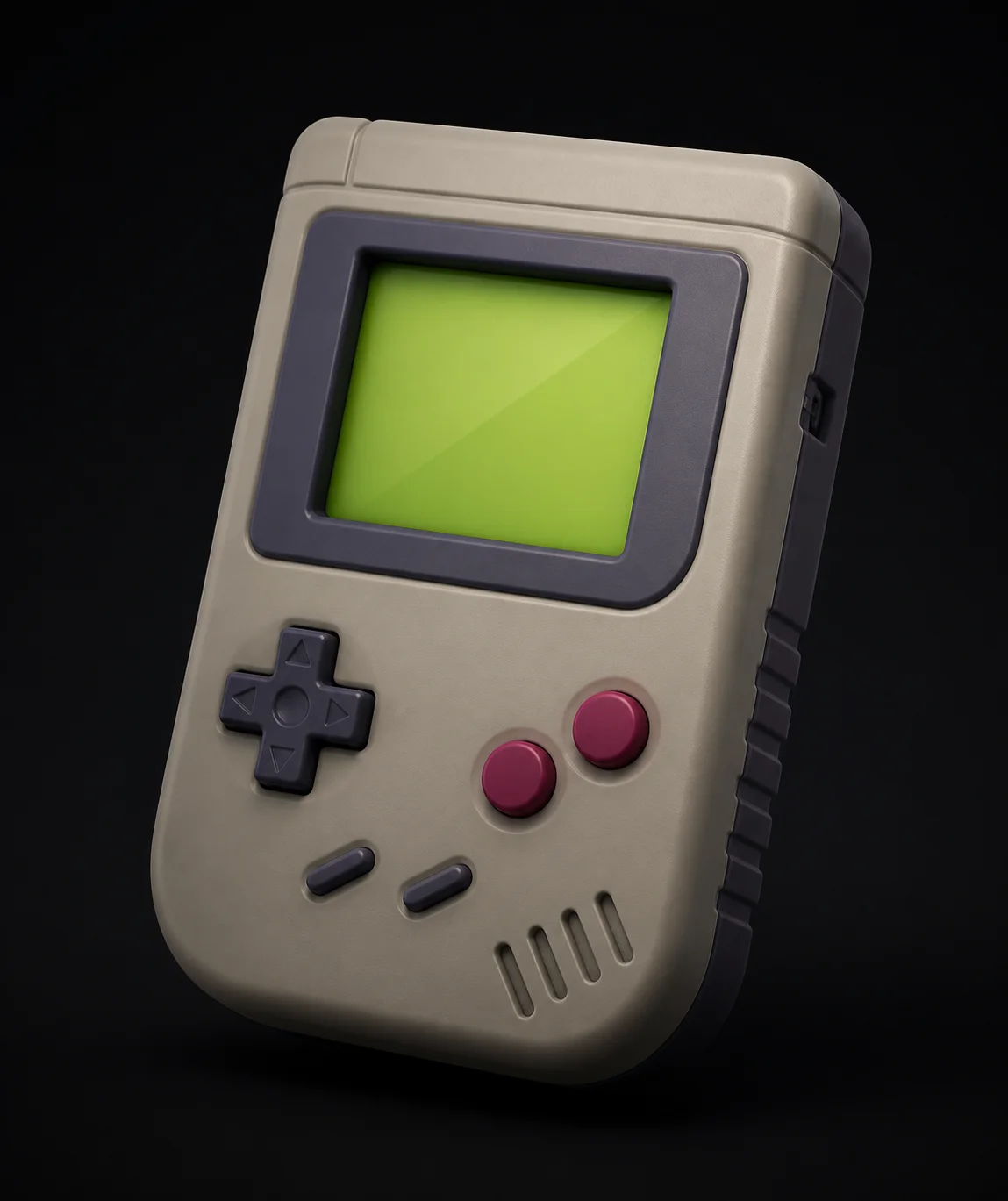
Every model below started as one photo or one sentence.
Browse the Gallery →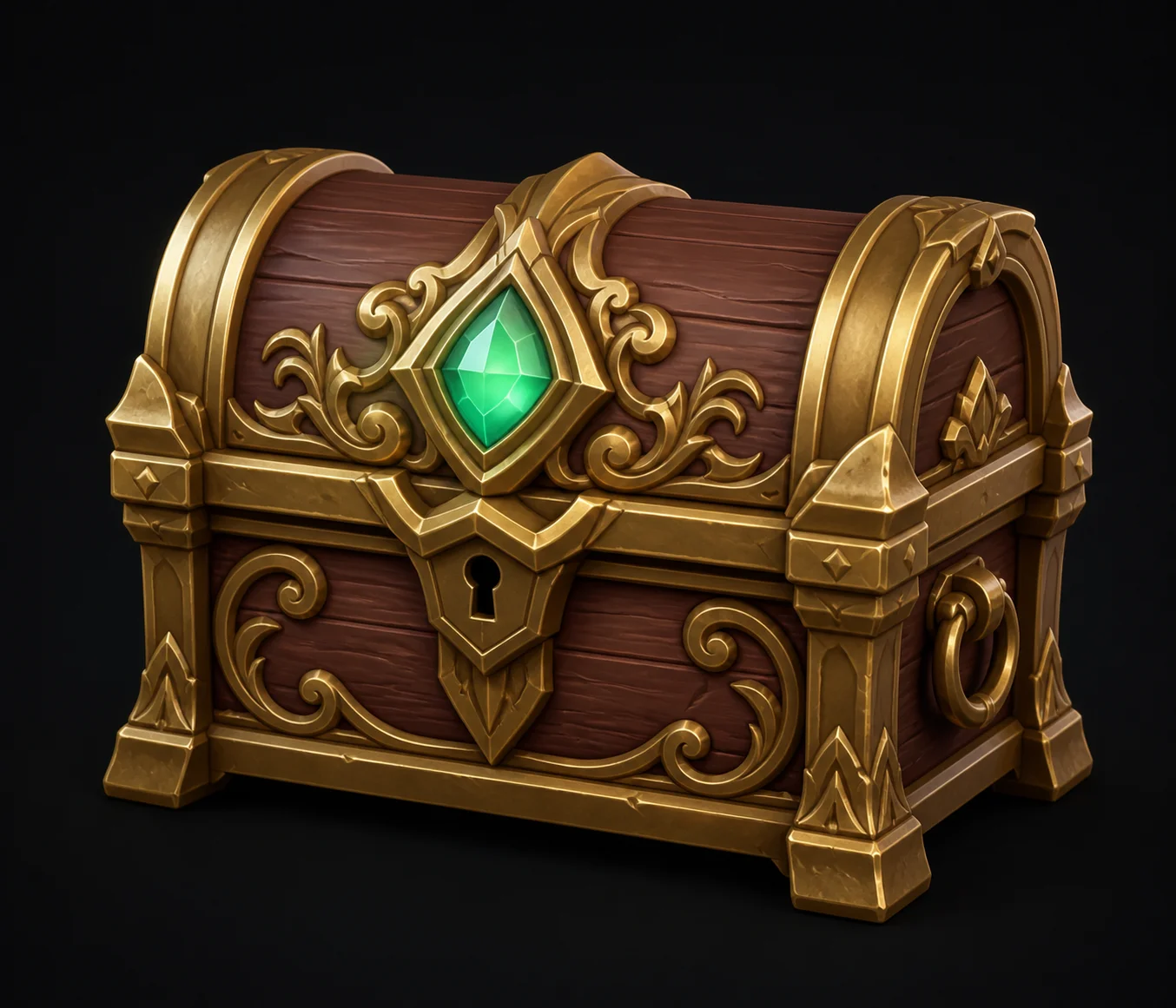
Frequently Asked Questions
Everything people ask before their first generate with a free AI 3D model generator.