3D Agent:
Chat Your Way to a Finished 3D Model
Describe what you want changed and the agent works out which tool to reach for. Generation, retexturing, decimation, print prep and animation all happen inside one conversation about one mesh.
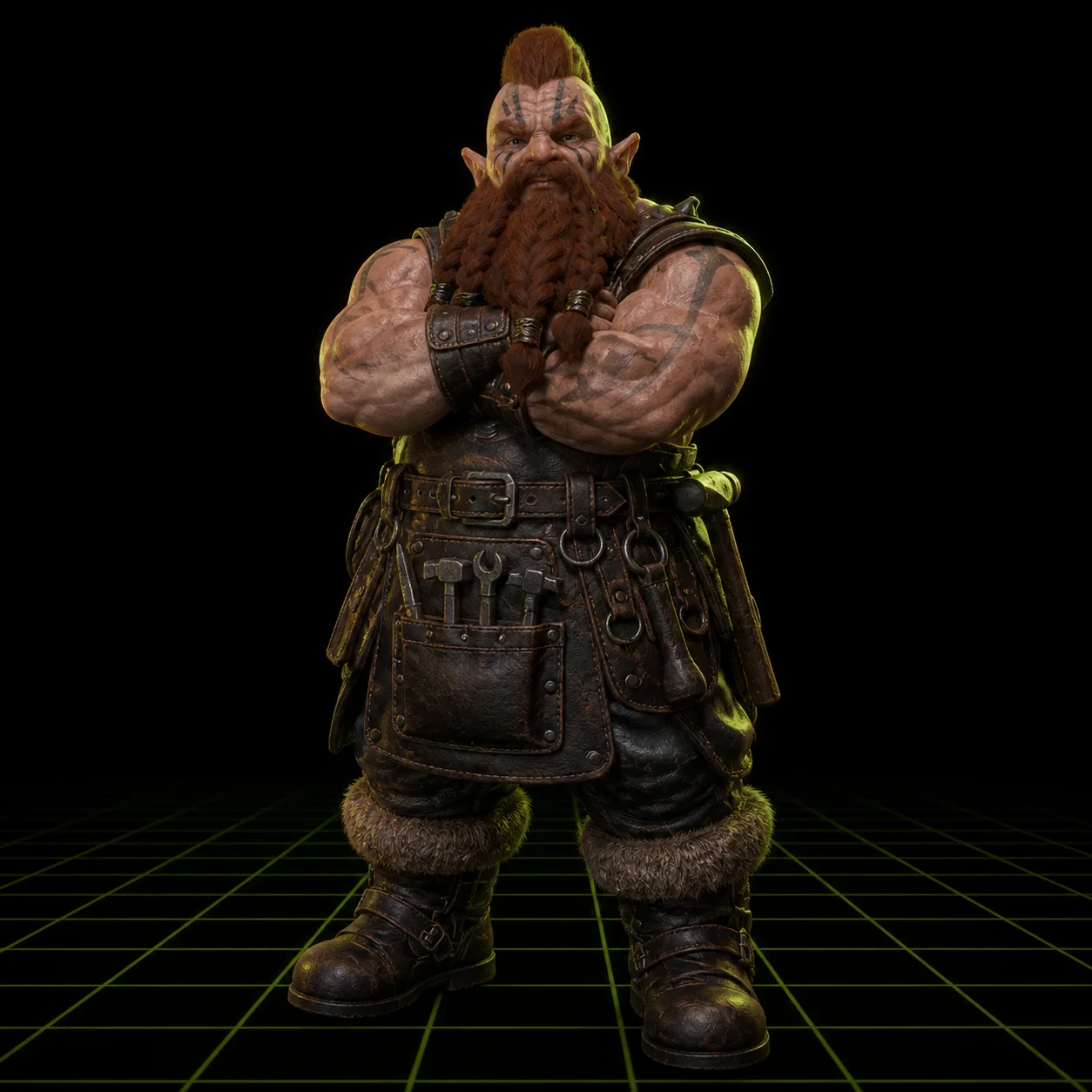
How to Build a 3D Model by Chatting in 3 Steps
Open With a Prompt
Start the thread the way you would brief a colleague: a carved wooden owl, a low poly desert rover, a chess knight for printing. The agent generates a first pass in about sixty seconds and puts it in the browser viewer so you are looking at geometry, not a description of geometry.
Refine in Plain Language
Then talk to it. Make it wooden. Lower the poly count. Add a flat base. Split it for printing. Each turn is a request, not a form, and the agent maps it onto the right operation: retexture, decimate, boolean, rig. The viewer updates and the conversation keeps going.
Branch, Compare, Export
Every turn is a checkpoint. Roll back to any earlier state and take the thread somewhere else, so one session can produce a smooth variant and a faceted one without starting over. Export the version you like as FBX, OBJ, GLB or STL when the thread is done.
Why Meshi AI's 3D Agent Replaces a Toolbar with a Sentence
The hard part of 3D software is rarely the idea. It is knowing which of four hundred menu items does the thing you already pictured. The agent removes that lookup.
One Thread, Every Tool
Text to 3D, Image to 3D, AI Texturing and 3D Animation are separate features with separate settings. In an agent session they are one surface. Say retexture this in brushed copper and it routes to texturing. Say make it walk and it routes to rigging. You never pick the tool.
The Mesh Keeps Its Identity
This is the difference between an agent and a prompt box. Ask for a color change and you get the same owl in a new finish, not a different owl. Edits apply to the model you have been looking at, so proportions, pose and silhouette survive across a dozen turns of refinement.
Undo and Branch Freely
Turn seven made it worse. Go back to turn five and try something else. The history is a tree, not a stack, so exploring a variant does not destroy the version you already liked. This is the safety net that makes it reasonable to try the weird idea instead of protecting a good result.
Print Aware From the Start
Say split it for printing, add a base, or thicken that wall, and the agent applies it while keeping the geometry manifold and watertight. The result drops into Cura, Bambu Studio, OrcaSlicer, PrusaSlicer or Lychee without a repair pass, because the mesh never left a printable state along the way.
Poly Count on Demand
Meshes come out at up to 600K faces, which is right for a render and heavy for a browser. Ask for a lower poly count and the agent decimates while protecting the silhouette. Ask again and you get a lighter pass. Fine for a Three.js scene, a mobile build or a Godot prototype.
Honest About Its Limits
Chat wins when the change is descriptive: material, density, style, pose, print prep. It loses when the change is numeric. If you need a mounting hole exactly 6.2mm from an edge, export the OBJ and finish it in Blender or a CAD tool. Knowing which half you are in saves an hour of arguing with a chat box.
Say what you want changed. Watch the same model change.
A conversational modeling loop that keeps one mesh, remembers every turn, and lets you roll back any of them.
Try Free →Made with the Meshi AI 3D Agent
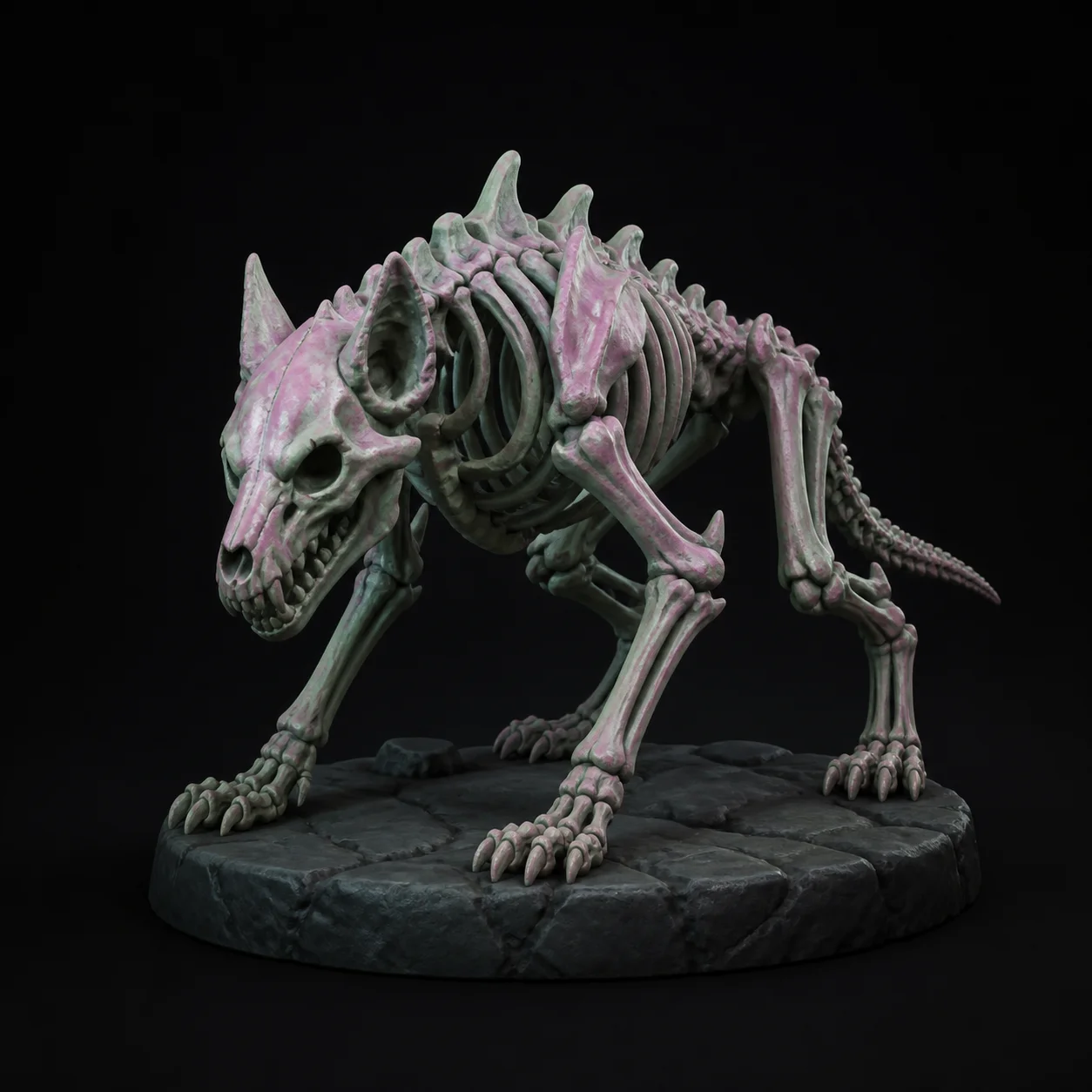
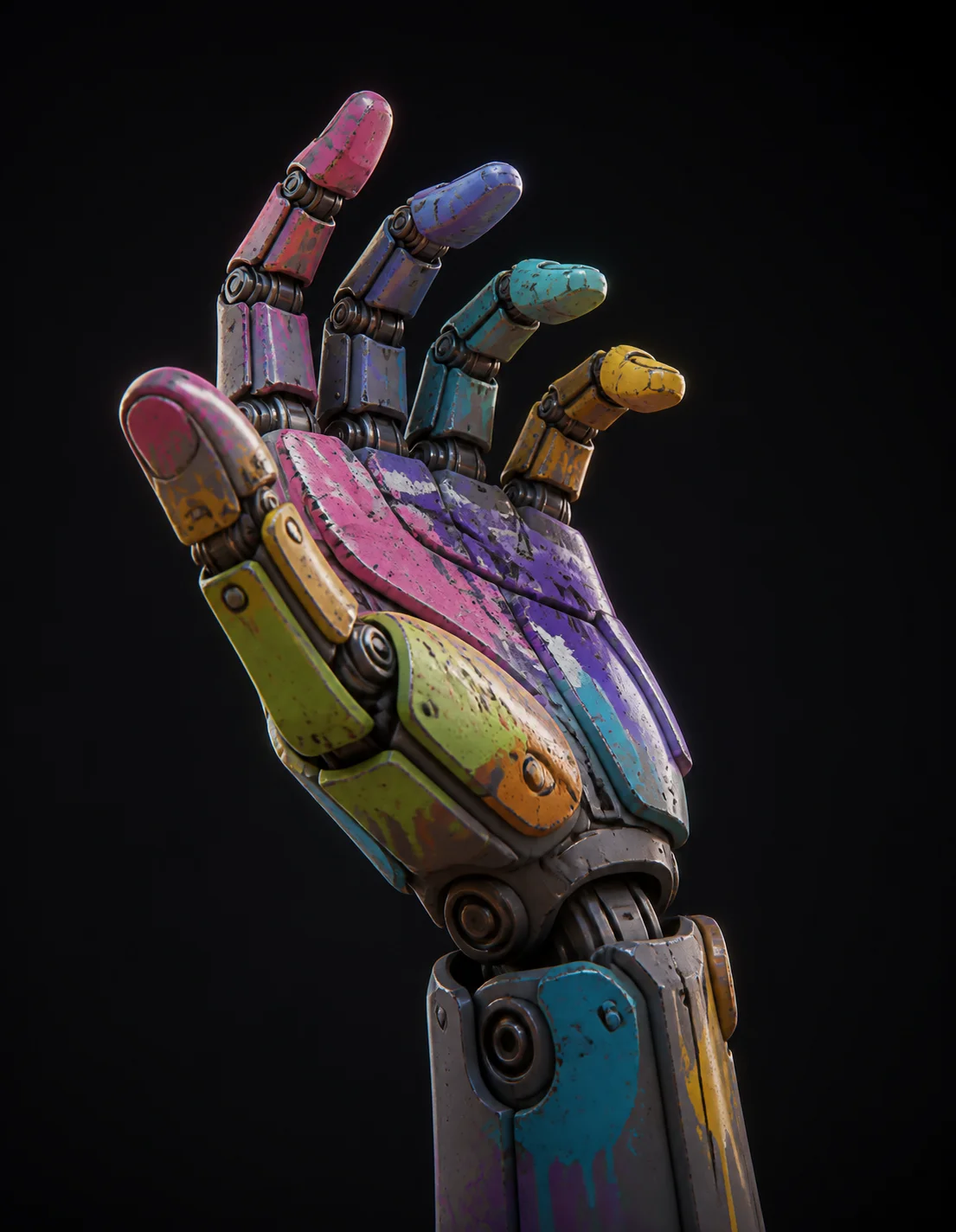
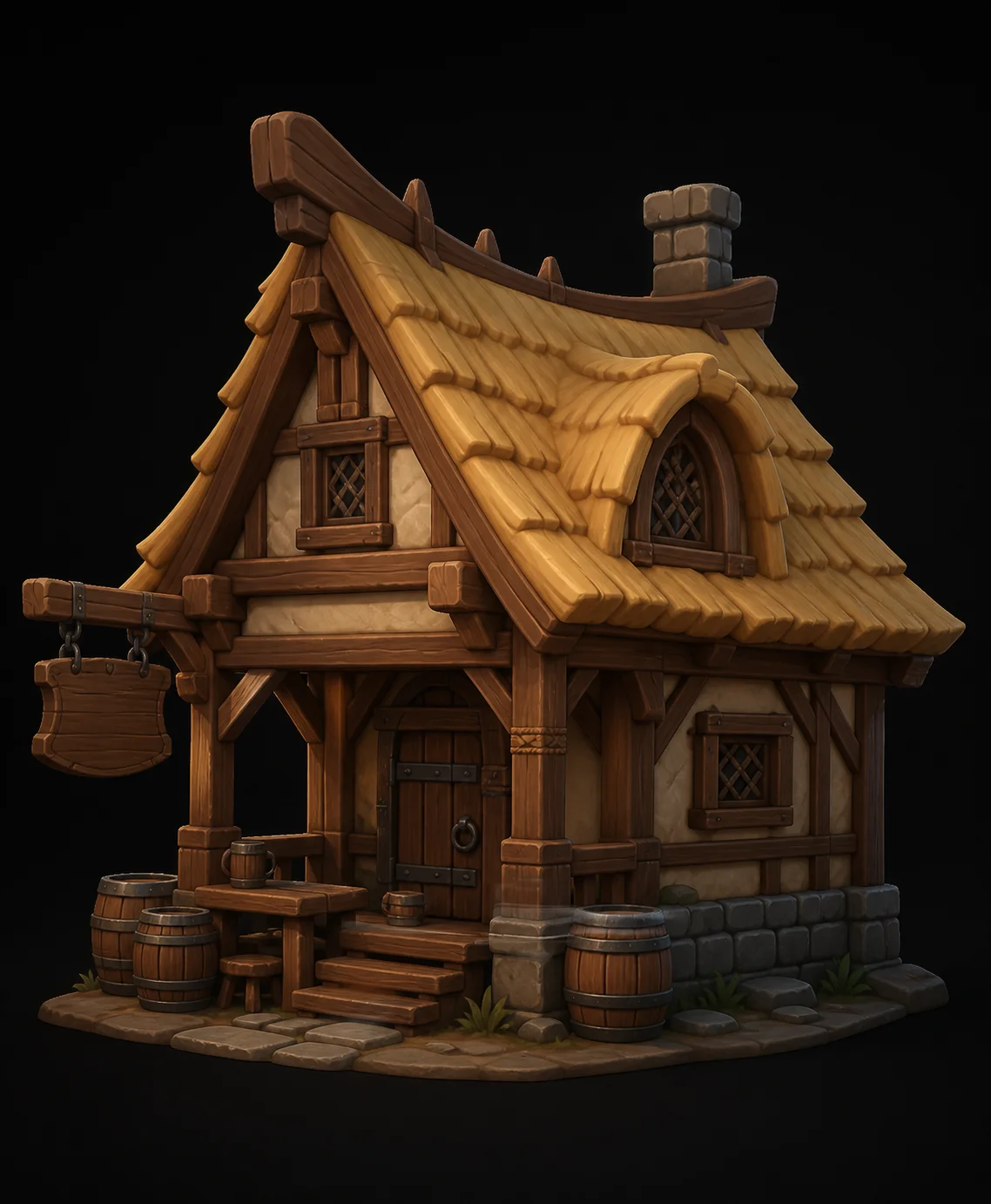
Models built turn by turn in chat, from first prompt to print-ready export, shared by the community.



3D Agent FAQ
Stop hunting menus. Just describe the change.
Open a thread, say what you want, and refine a real 3D model one sentence at a time. Free, in the browser, no install.
Try Free →