AI 3D Models for 3D Printing
Print-Ready on the First Slice
Upload a photo or type a prompt and get a printable 3D model in about 60 seconds. Every mesh comes out watertight and manifold, so it drops into Cura, Bambu Studio or Lychee without a repair pass first.
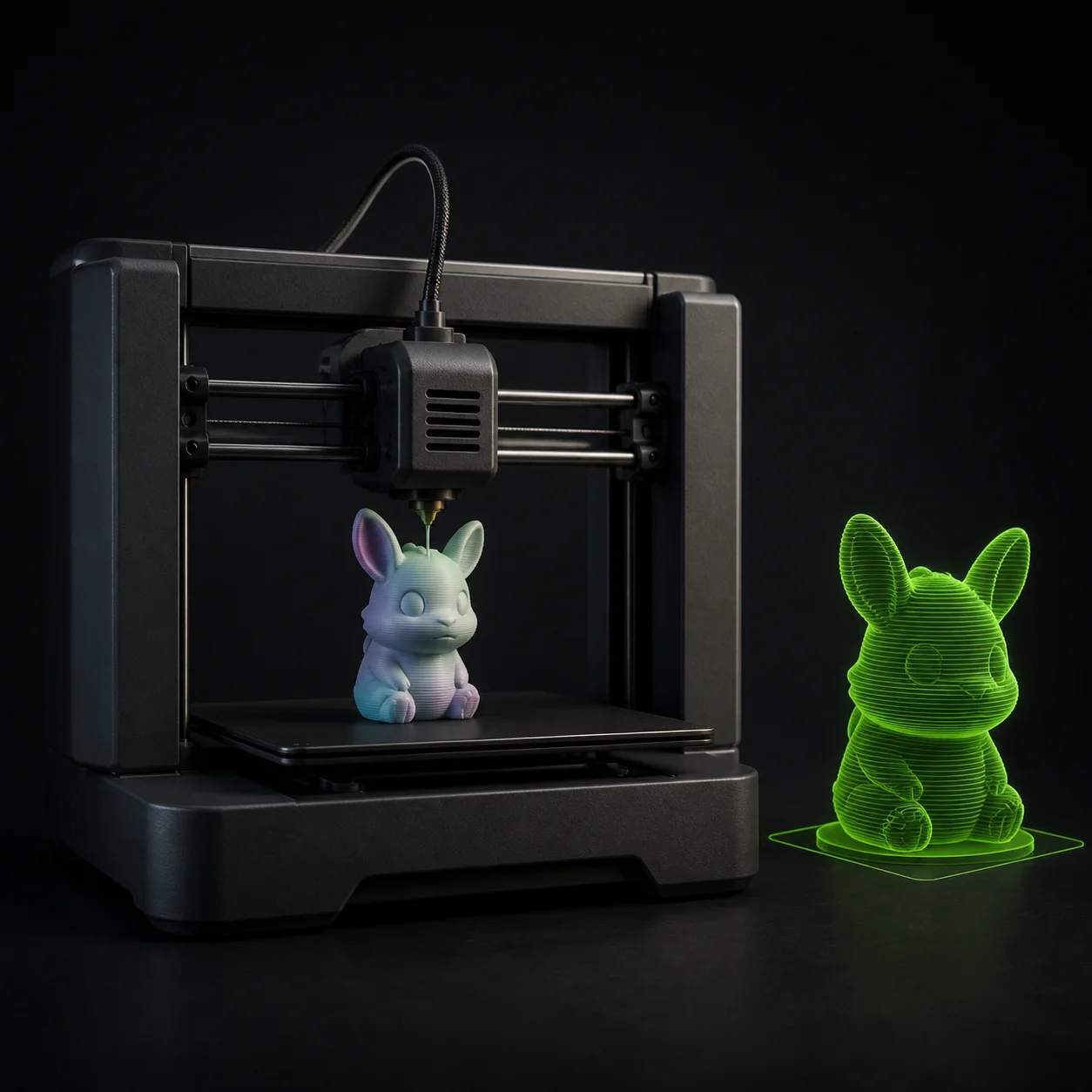
How to Go from Idea to Printed Model in 3 Steps
Feed It a Reference
Drop in a photo, a sketch, a scan screenshot or a piece of concept art, or skip the image and type what you want in plain English. A single clear reference beats a busy one. Shoot the object against a plain background, fill the frame, and avoid hard shadows that hide silhouette detail.
Inspect Before You Slice
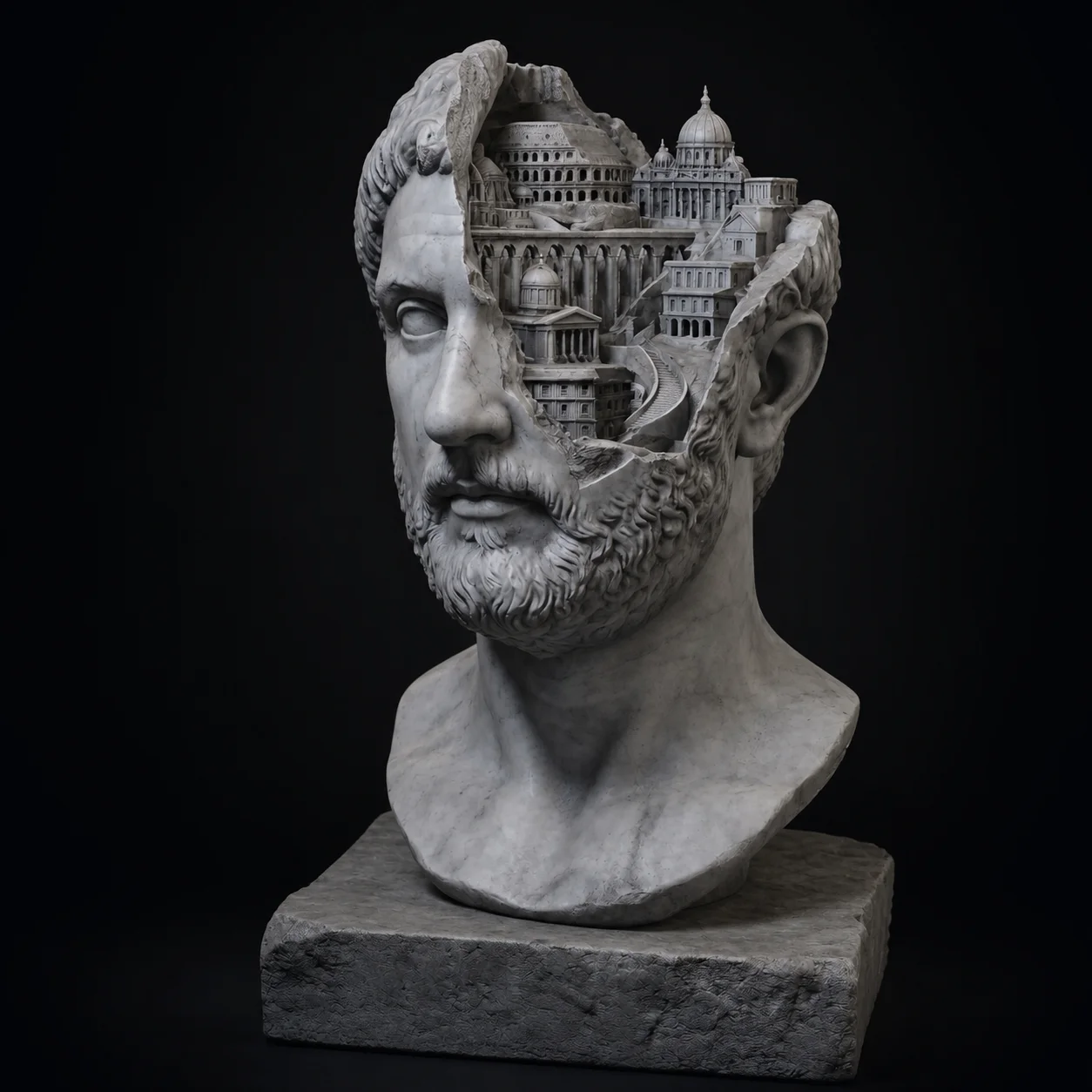
About 60 seconds later the model opens in the browser viewer. Orbit it and look for the things that ruin a print: thin fins, floating islands, detail finer than your nozzle. Up to 600K faces means the fine work survives, so a 32mm bust keeps its face instead of turning into a blob.
Export STL and Print
Download STL for a pure print workflow, or OBJ, GLB and FBX if you want to tweak scale and orientation in Blender first. Import into your slicer, set layer height and supports, and send it. No mesh repair round trip, no hunting for non-manifold edges before the first slice. Slice, preview, print.
Why Meshi AI Works for 3D Printing
Most AI meshes fail at the slicer, not at the render. Meshi AI is built the other way round: geometry first, so the file you download is the file that prints.
Watertight, Manifold Geometry
A printable mesh has no holes, no self-intersections and no edges shared by three faces. Meshi AI enforces that at generation time instead of leaving it to you. Load the STL in your slicer and the preview shows solid layers, not the shredded cross sections you get from a leaky surface.
Normals Point the Right Way
Flipped normals are the quiet killer. The model looks fine on screen, then the slicer reads inside as outside and hollows the wrong volume. Every face here is generated with consistent outward winding, so surface orientation is one less thing to check in Blender before you commit an eight hour print.
STL Straight from the Browser
STL is the native language of every slicer, and it is one click away. Prefer OBJ for a mesh you will edit, GLB when you want the PBR maps carried along for a render, FBX for a DCC round trip. Pick the format at download time; you are not locked into one.
FDM and Resin Both Work
On FDM the geometry is clean enough that Cura and OrcaSlicer generate sane supports without a manual fix. On resin the 600K face ceiling matters more: a 32mm miniature printed at 30 micron layers will show every crease, and there is enough mesh density to feed it. Same file, both machines.
Wall Thickness Under Control
AI output is a surface, so thickness is a decision you make downstream. Scale the model in Bambu Studio or PrusaSlicer until the thinnest feature clears two nozzle widths, roughly 0.8mm on a 0.4mm nozzle. For resin, 1.5mm walls on a hollowed body with two drain holes is the safe default.
Bigger Than the Build Plate
Generate the whole object at full detail, then cut it. Every modern slicer has a plane cut with keyed pins: Bambu Studio, PrusaSlicer and OrcaSlicer all ship one. Because the mesh is watertight, each half caps itself into a closed solid instead of leaving an open shell that fails to slice.
Watertight on the first slice, not after three repair passes.
Free, browser based, no install. Type a prompt or upload a photo and have STL in about a minute.
Try Free →Made with Meshi AI, Printed at Home
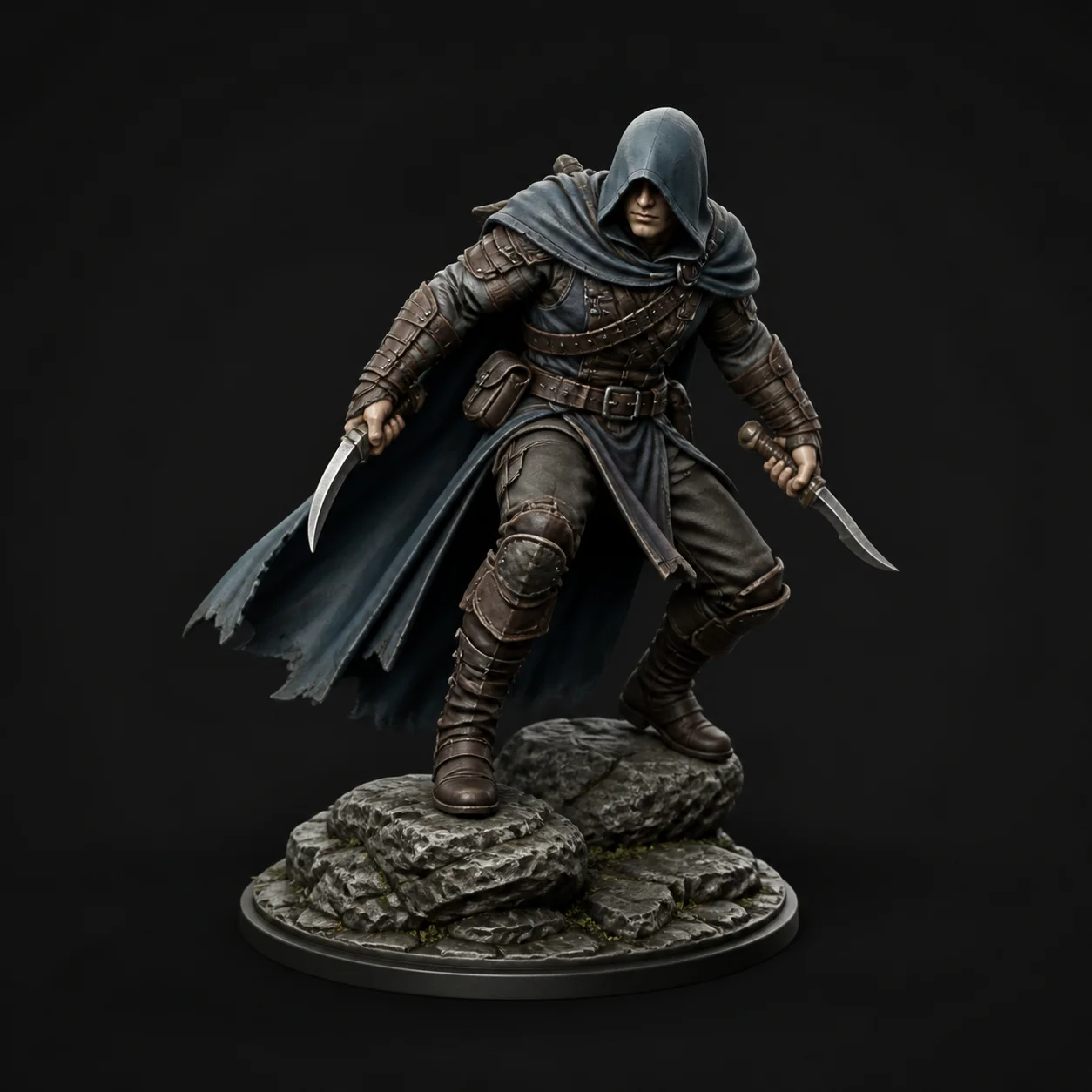
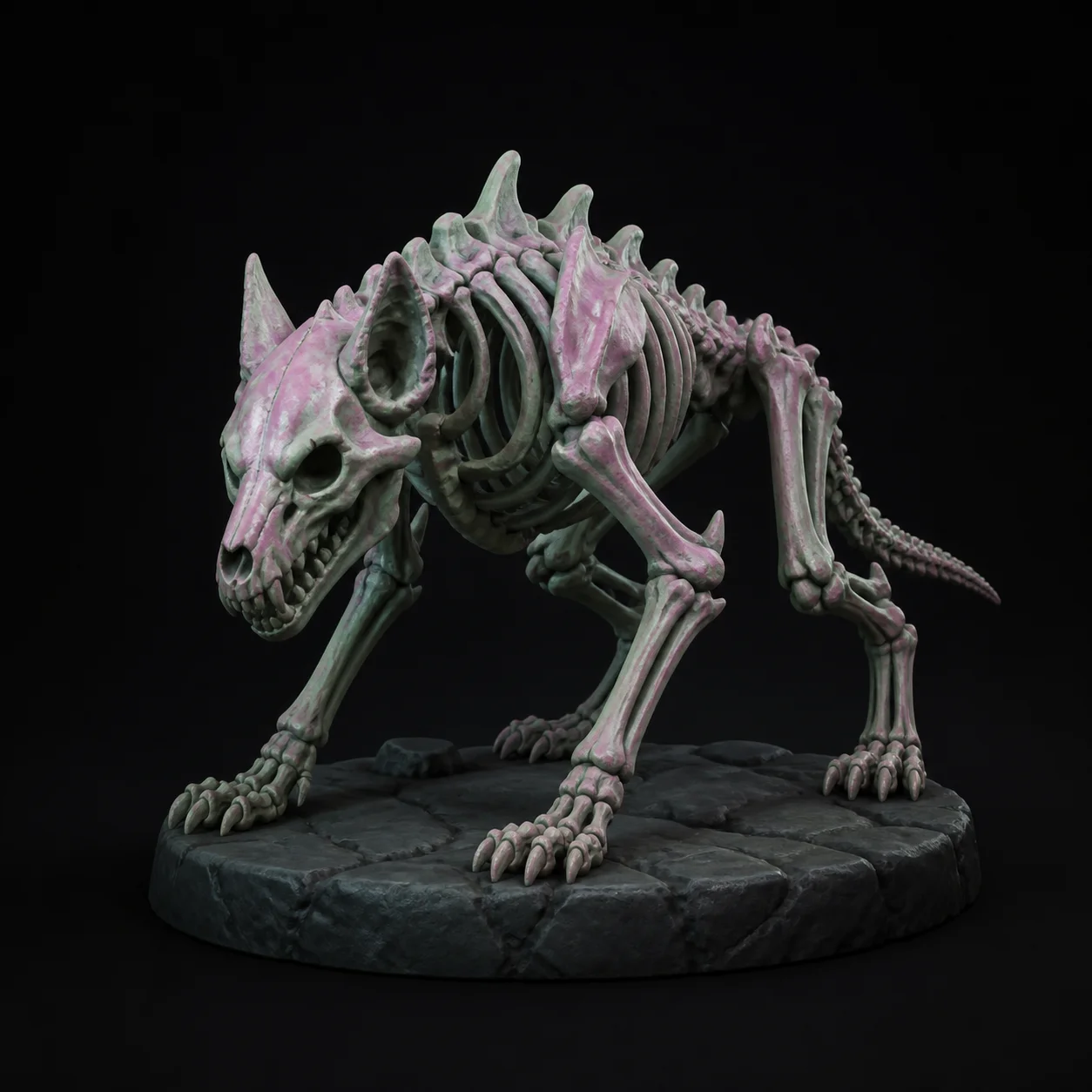
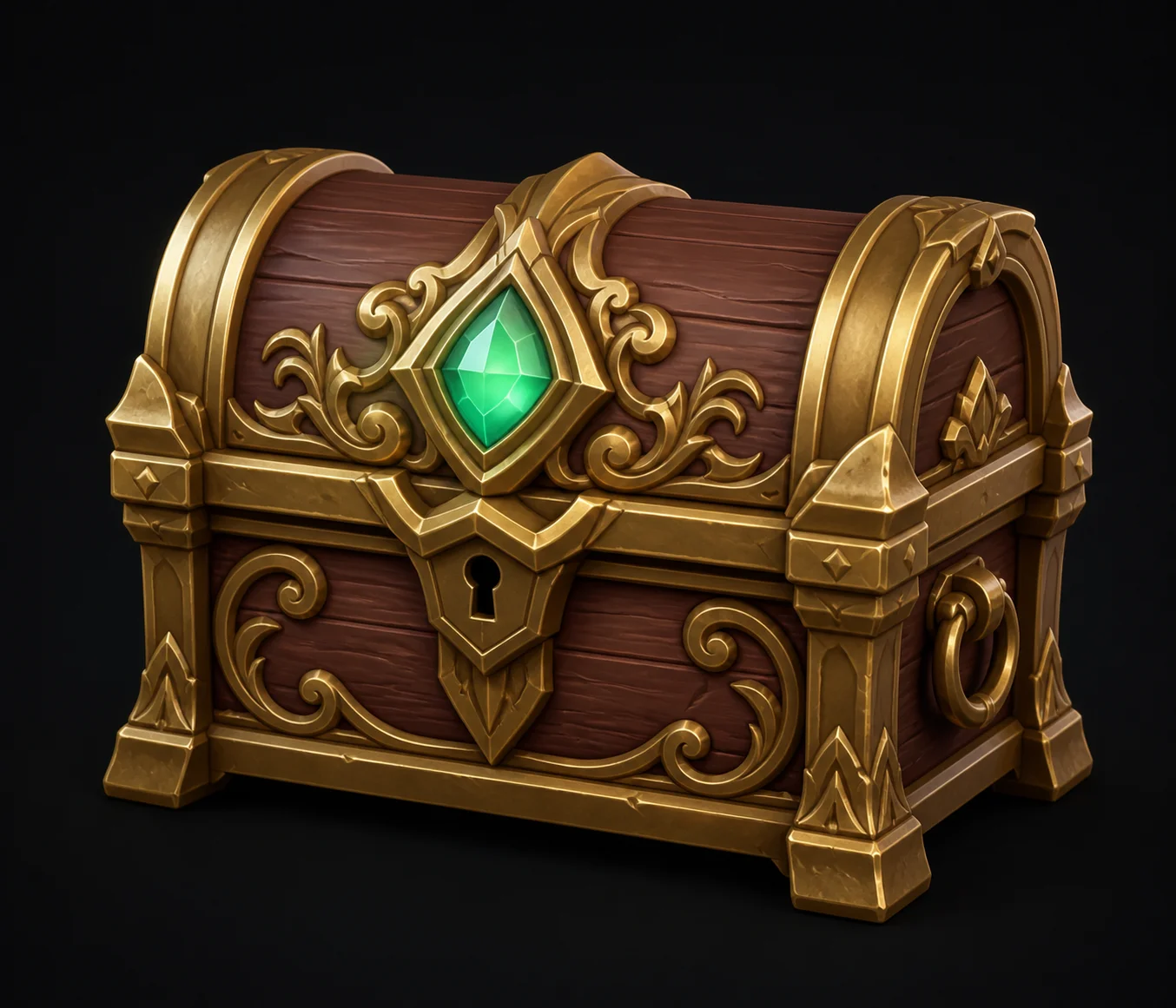
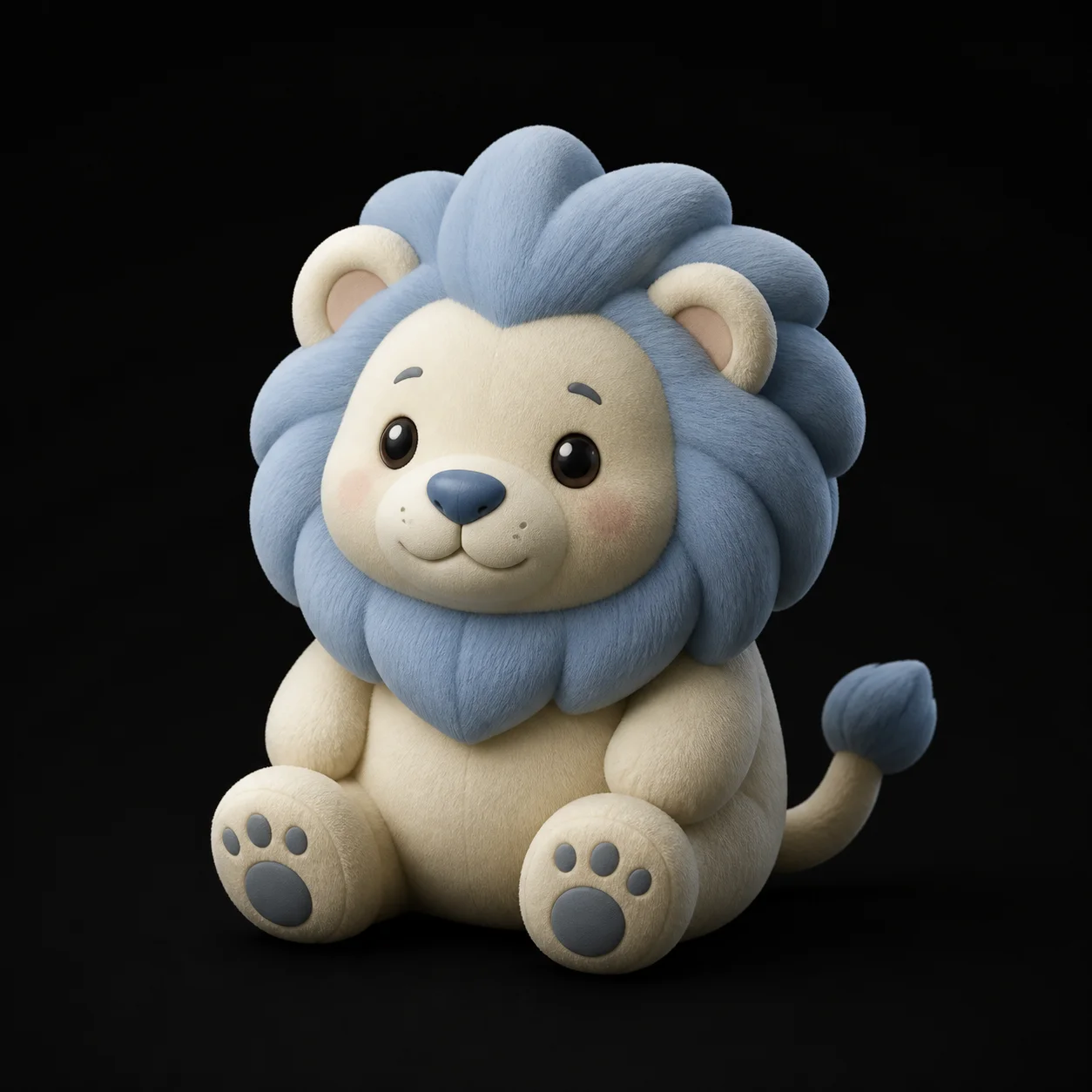
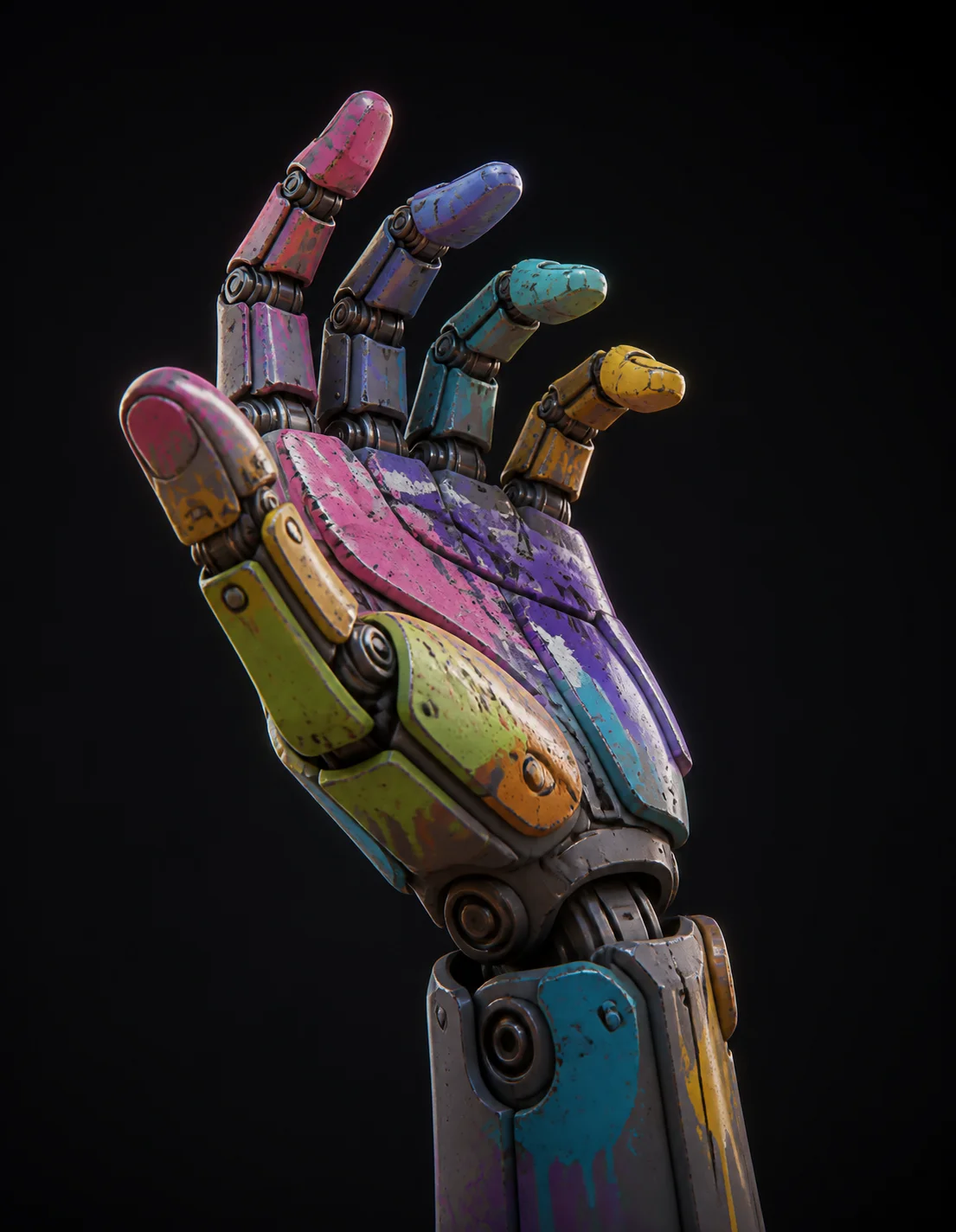
Miniatures, cosplay props, replacement parts and desk toys, all generated in the browser and printed by makers like you.
3D Printing FAQ
Ready to print your first AI generated model?
Three free 3D generations every hour, no install and no account needed. Upload a photo, hit generate, and have an STL on the plate tonight.
Try Free →