AI 3D Model Generator
for Game Development
Describe a prop or upload concept art and get a textured, engine ready mesh in about 60 seconds. Export FBX or GLB, drop it into Unreal, Unity or Godot, and keep building instead of waiting on art.

How to Get a Game-Ready Asset in 3 Steps
Prompt or Concept Art
Type the asset the way you would brief an artist: weathered sci-fi supply crate, stenciled numbers, chipped paint. Or upload the concept sheet you already have and let Image to 3D read the silhouette. Naming a material and a wear state gets you closer than naming an art style. Fifty plus presets cover the rest.
Judge It in the Viewer
The mesh lands in about 60 seconds with diffuse, roughness, metallic and normal maps already baked. Spin it in the browser viewer and check silhouette first, because that is what reads at gameplay distance. If the shape is wrong, reroll the prompt; if only the surface is wrong, retexture it later.
Export FBX or GLB
FBX for Unreal and Maya, GLB for Godot and anything running on Three.js or Babylon.js, OBJ when you want to decimate in Blender first. Drop the file into your Content or Assets folder, let the importer build the material, assign a collision primitive, and the asset is in the level. Total round trip: minutes.
Why Meshi AI Fits a Real Game Pipeline
Game art is a budget problem before it is an art problem. What matters is whether the asset imports clean, sits inside a poly budget and ships without a licensing argument.
Poly Budgets and LODs
Meshes come in dense, up to 600K faces, which is the right starting point for a source asset. Decimate to your target in Blender or let Unreal build Nanite proxies. For mobile, a 5K to 15K face LOD0 with two auto generated LODs below it holds up on a mid range phone.
PBR Maps, Ready to Pack
Every generation ships diffuse, roughness, metallic and normal as separate maps. That is exactly the input an ORM pack wants, so you can channel pack roughness and metallic into a single texture in Substance Painter or an engine material and cut sampler count on the way to a tighter frame budget.
Blockout to Final Art
Greybox with real shapes instead of cubes. Generate twenty rough props in an afternoon, place them, walk the level, and find the sightline problems while they are still cheap to fix. When the layout locks, regenerate the props that survived at higher fidelity and swap them in. Same asset slot, better mesh.
Imports Into Any Engine
Unreal reads FBX and builds a material instance from the map set. Unity takes FBX or GLB with the same textures. Godot prefers GLB and gets scene, mesh and material in one file. WebXR and Three.js projects take the GLB unchanged, which is why browser games skip the conversion step entirely.
Collision and Draw Calls
A render mesh is not a collision mesh, and you should not let the engine auto fit one on a 200K face prop. Build a convex hull or a box in Blender, name it UCX_ for Unreal, and the physics cost stays flat. Batch props that share a material to keep draw calls down.
Built for Solo Devs
Three free 3D generations an hour is roughly a game jam's worth of props over a weekend, at no cost and with nothing to install. If you are the programmer, the designer and the artist on the same project, this is the part of the pipeline that stops being the bottleneck.
Blockout on Friday, playable level on Sunday.
Textured, engine ready meshes in about 60 seconds each, exported as FBX or GLB straight into your project.
Try Free →Made with Meshi AI, Shipped in Games
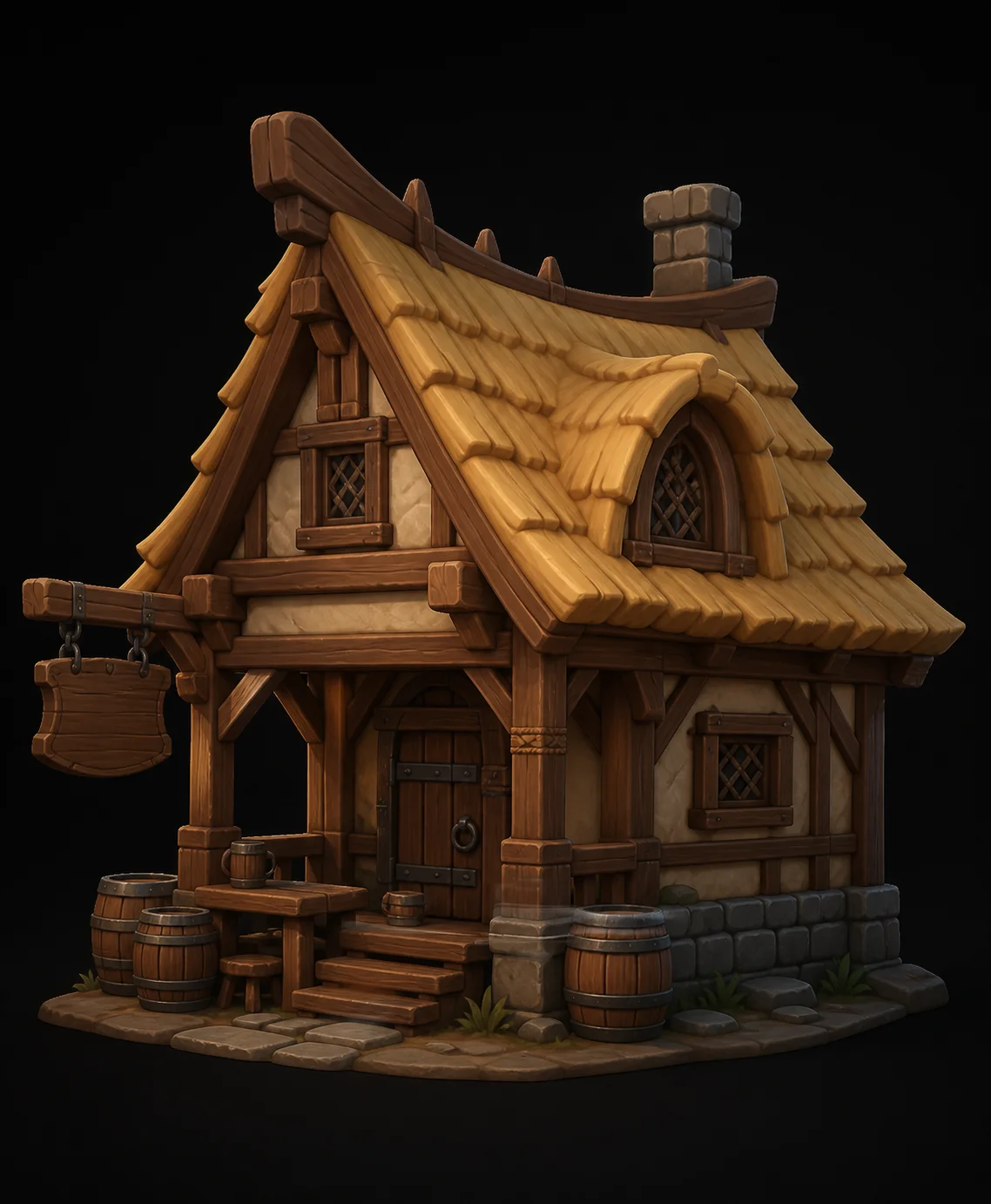
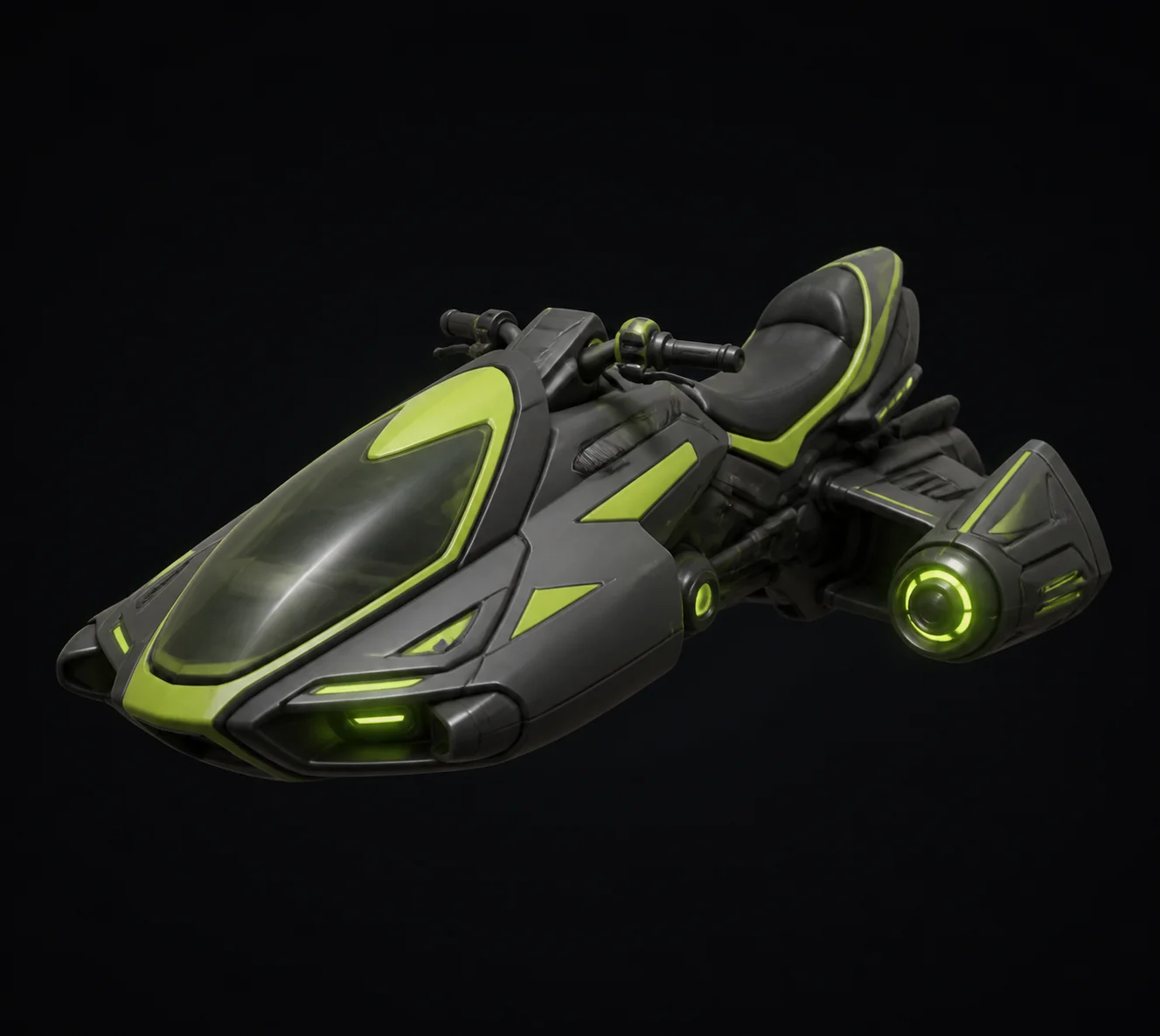
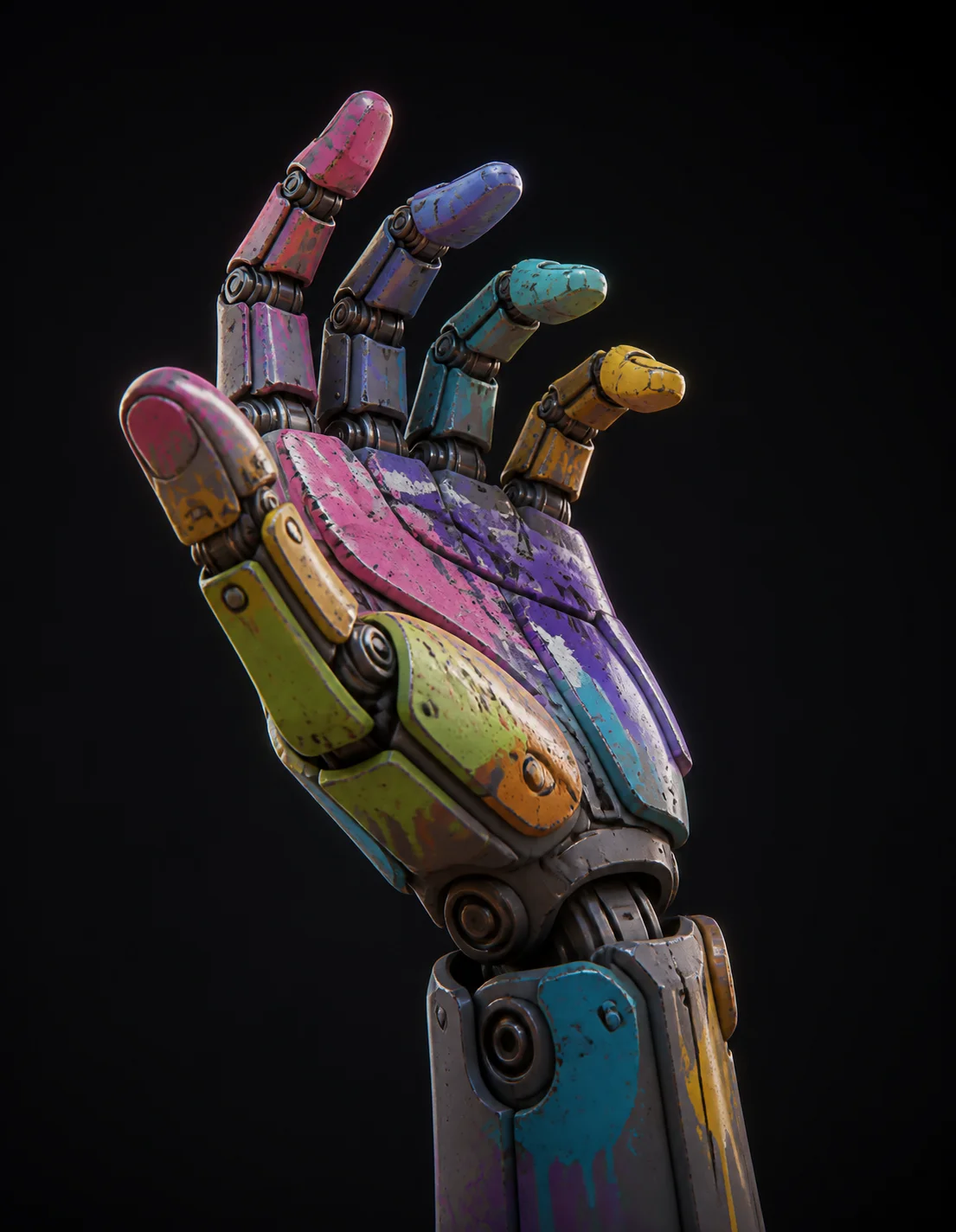
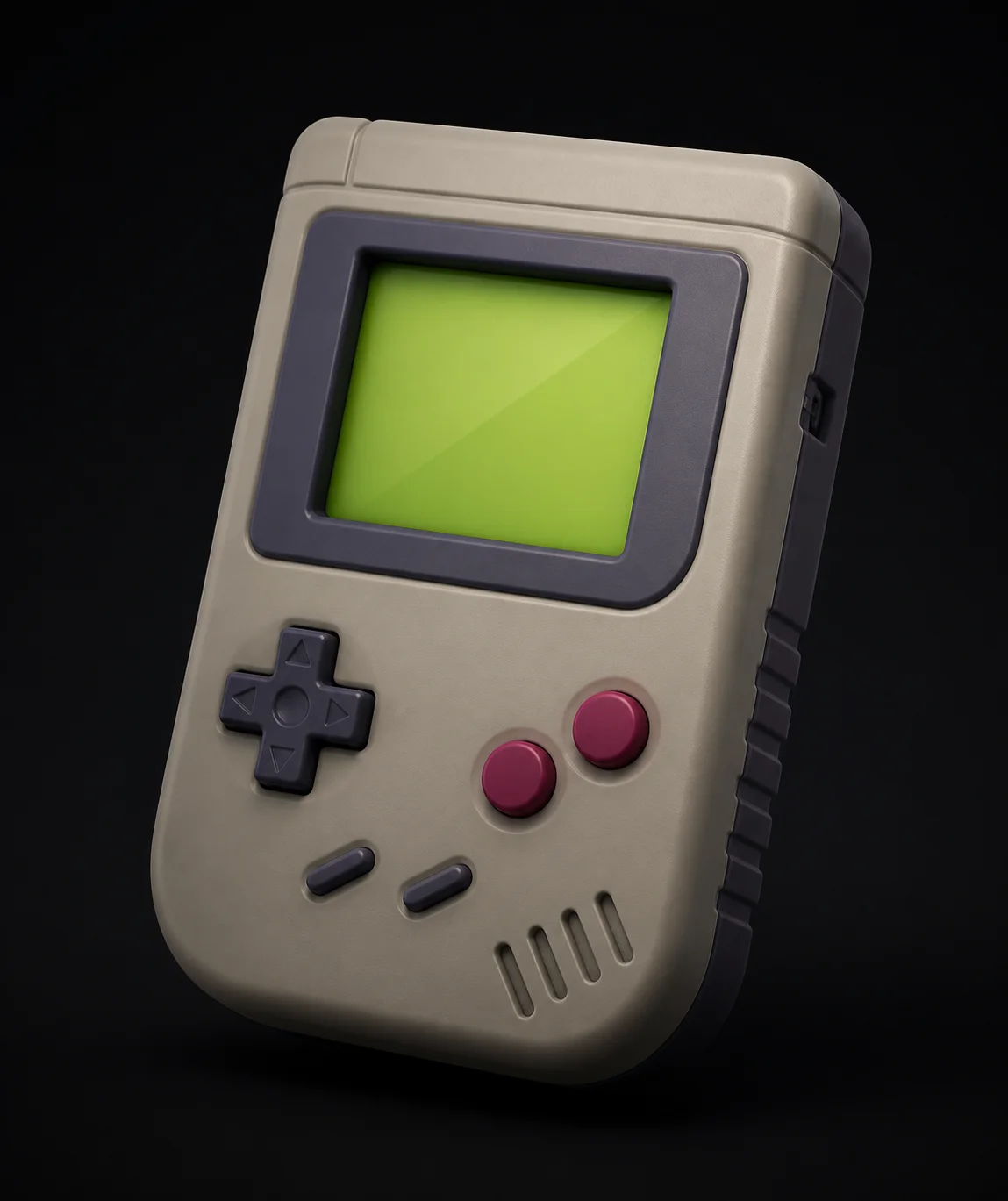
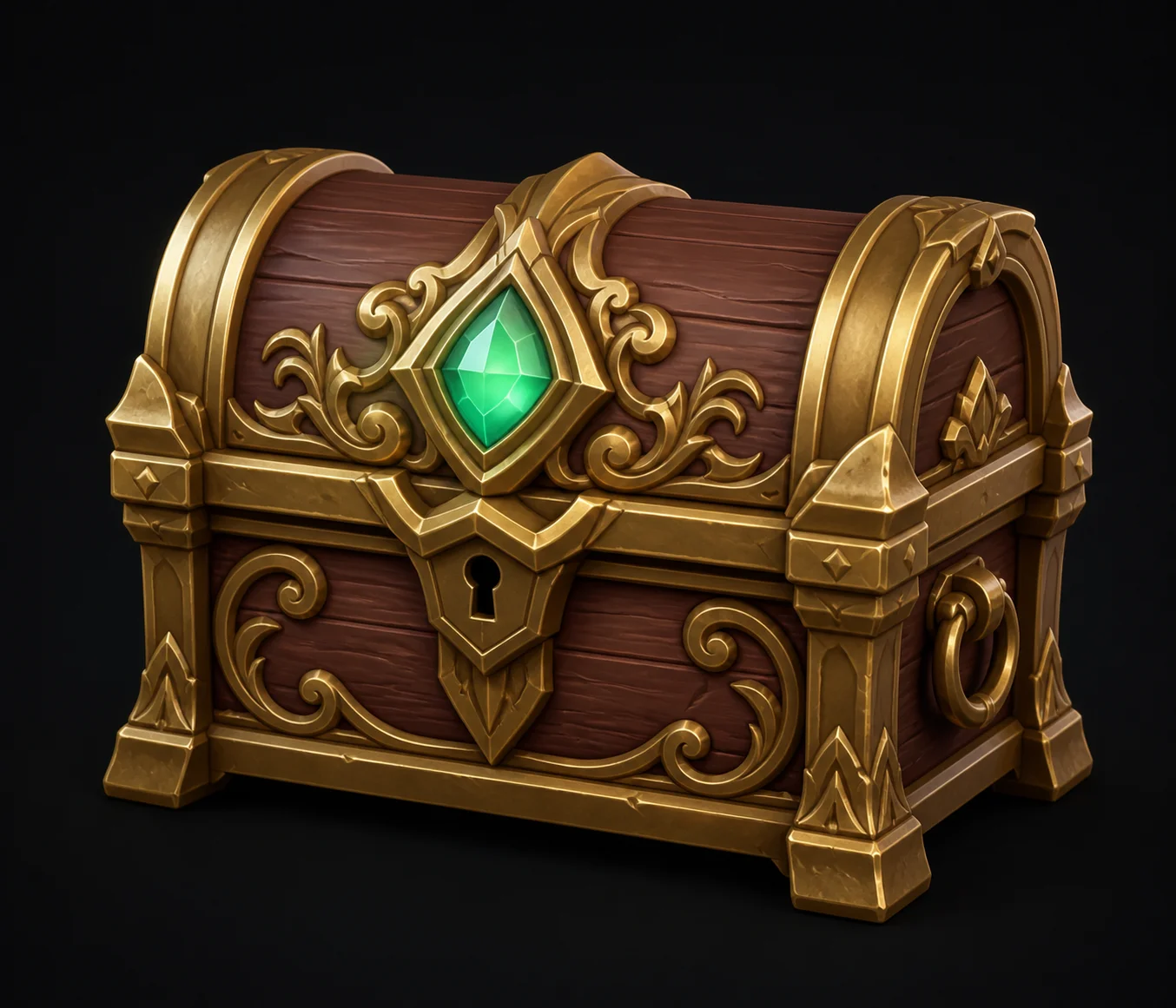
Props, weapons, environment kits and jam entries built by solo developers and small studios using the free generator.

Game Development FAQ
Need assets before the jam ends?
Three free 3D generations an hour, no install and no account. Describe a prop, export FBX or GLB, and have it in engine before your coffee cools.
Try Free →