AI Texturing:
PBR Materials for Any 3D Model
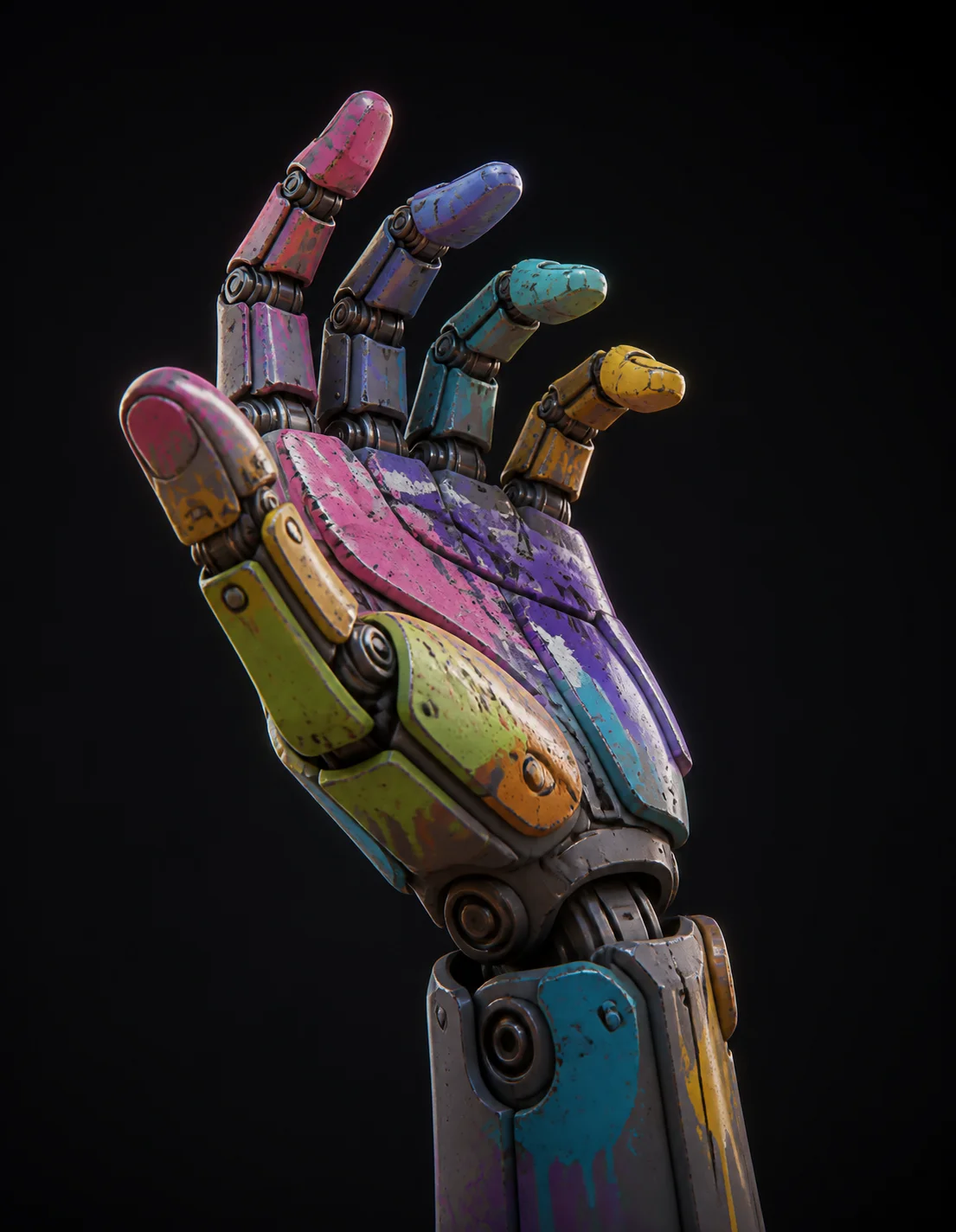
Bring your own mesh or one you just generated, describe the material in a sentence, and get a full PBR set baked onto the existing UVs. Brushed steel, mossy stone, lacquered wood or hammered gold, roughly 60 seconds each.
How to Retexture a 3D Model in 3 Steps
Load the Mesh
Start with a model you generated here or import your own OBJ, FBX or GLB. Existing UV layouts are respected, so a mesh you already unwrapped in Blender or Maya keeps its islands. Untextured, greyboxed and previously textured meshes are all valid inputs; the old maps are simply replaced.
Describe the Material
Write what the surface is made of and what has happened to it: 'brushed aluminium with fine circular grain and scuffed edges', 'green moss over damp granite', 'aged oak with visible end grain'. Wear, age and finish carry as much weight as the base material, and they are what keep a surface from reading as plastic.
Check Seams and Export
Spin the model in the viewer and look where UV islands meet, since seams are where texture generation usually shows its hand. Then export GLB with the maps embedded, or FBX and OBJ with the map set alongside. Drop them into Unreal Engine, Unity, Godot or Substance Painter for a final pass.
Why Meshi AI's Texturing Holds Up Under a Close Camera
Anything looks fine at ten metres. The real test is a close orbit under a moving key light, where flat albedo, mismatched roughness and a seam running down the chest all announce themselves immediately.
A Full PBR Map Set
Not a colour image stretched over geometry. You get diffuse, roughness, metallic and normal as separate channels, which is what a modern renderer actually consumes. Roughness is what sells wet stone against dry stone; metallic is what stops painted steel reading as chrome. Both arrive authored, not guessed from brightness.
Seams That Do Not Show
Texture generation traditionally falls apart at UV borders, where two islands that should be continuous end up half a shade apart. Generation happens with island adjacency in mind, so grain direction carries across a seam instead of stopping at it. Look along a character's shoulder join; that is where the tell used to be.
4K Bakes for Hero Assets
Resolution decides how close the camera can get. A 4K bake carries sixteen times the pixels of a 1K map across the same UV layout, which is the difference between legible woodgrain and mush in a product turntable. Drop to lower resolutions for background props and keep the budget where the camera actually lingers.
Materials by Description
The vocabulary is ordinary English. Hammered gold, oxidised copper, frosted glass, glazed ceramic, carbon fibre weave, moss over damp granite, cracked desert clay. Compound it when you need to: 'gold leaf worn through to dark bronze on the raised edges' gives you edge wear that follows curvature rather than a uniform tint.
Round Trips to Substance
Nothing here is a walled garden. Exported maps are standard image files against standard UVs, so you can open the set in Substance Painter, paint a decal, adjust roughness by hand and reimport. Treat AI texturing as the base layer that removes an hour of blocking in, not as a replacement for the tools you already know.
Retexture Without Regenerating
Geometry you are happy with should not be thrown away to change a finish. Texturing runs against the mesh you already have, so the silhouette, the polycount and the UVs stay exactly as they were. That makes variants cheap: the same crate in painted pine, weathered steel and mossy stone, three runs, one topology.
Describe a material. Get diffuse, roughness, metallic and normal maps baked on.
AI texturing runs on your mesh, keeps your UVs, and exports straight into Unreal Engine, Unity or Substance Painter.
Try Free →Made with AI Texturing
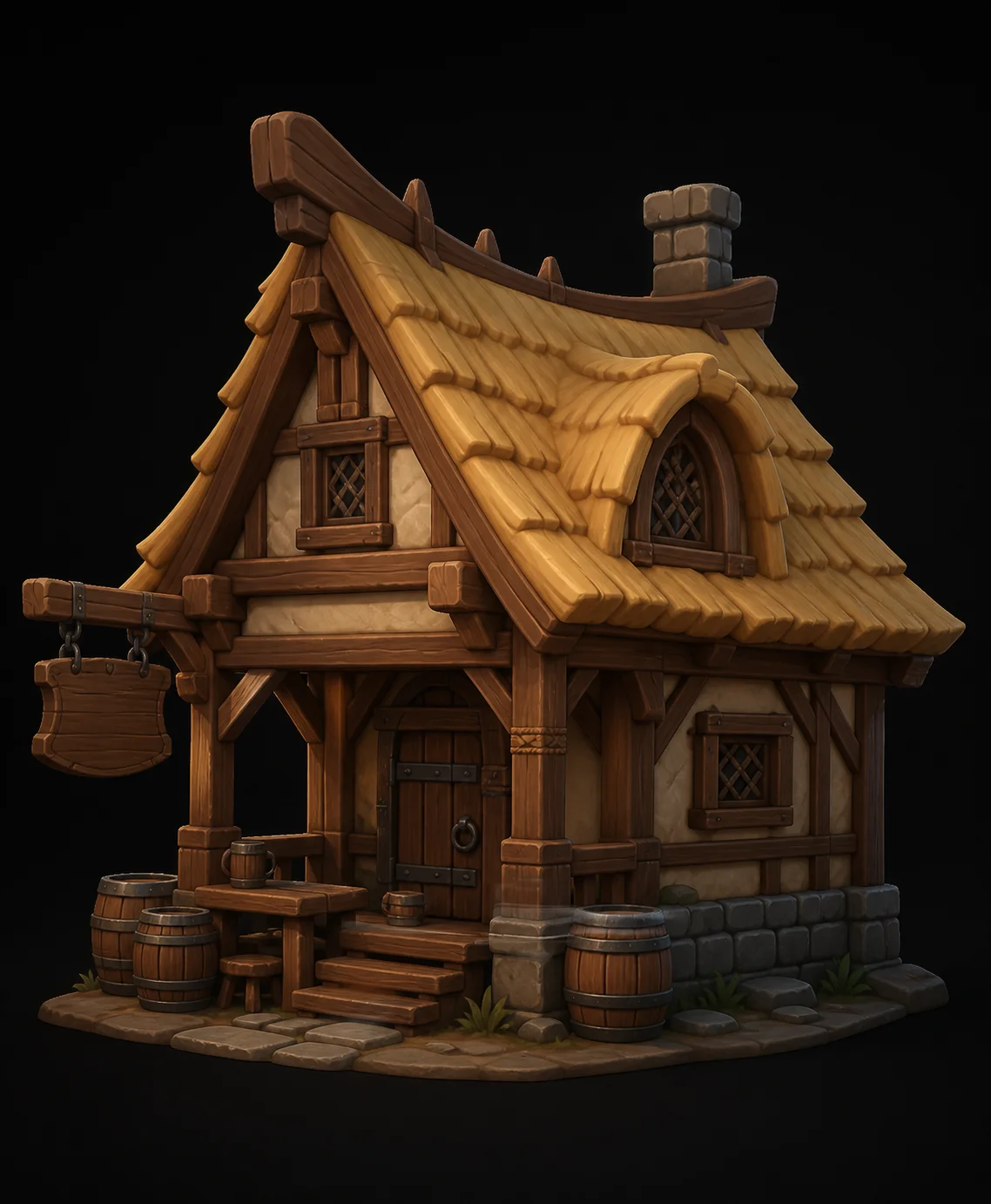
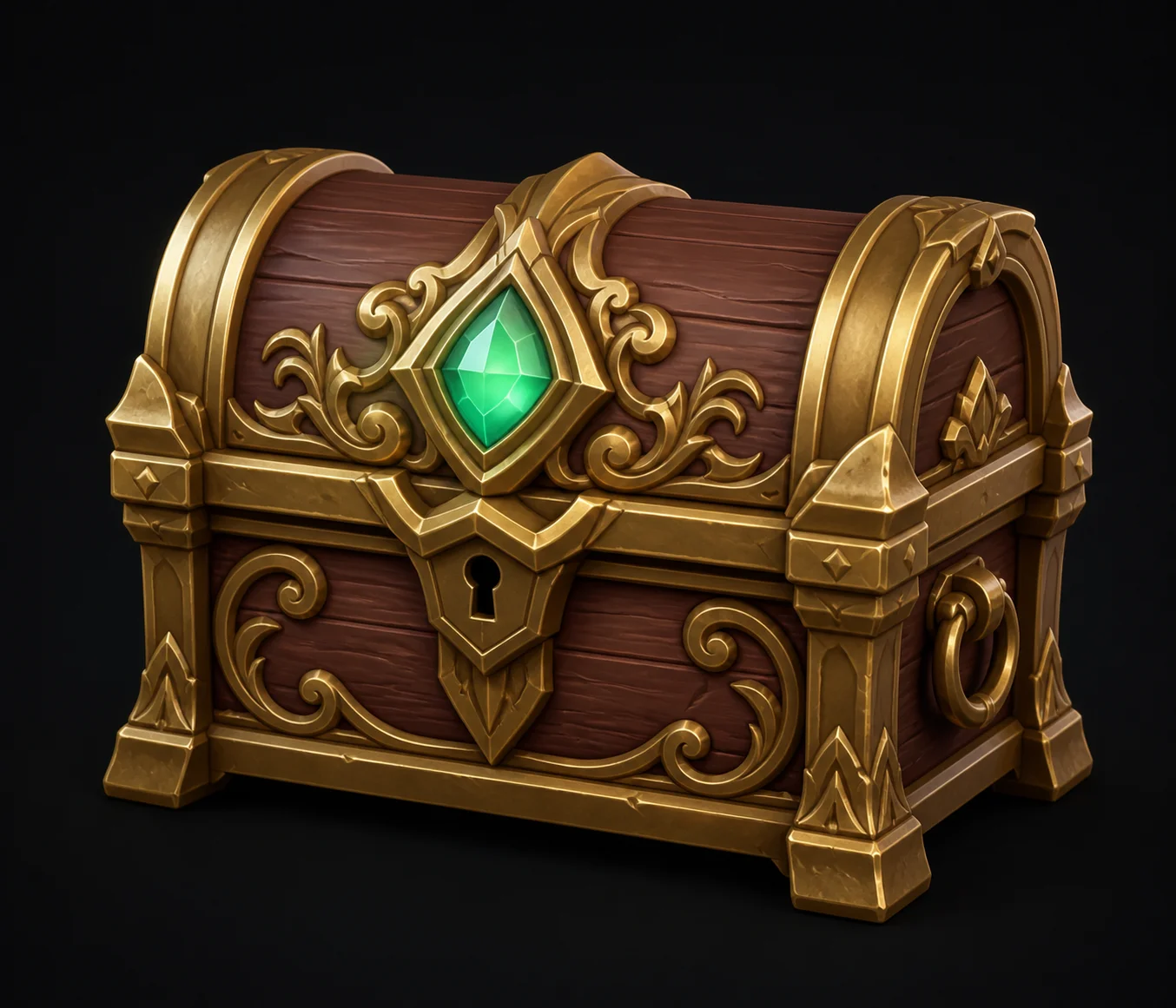
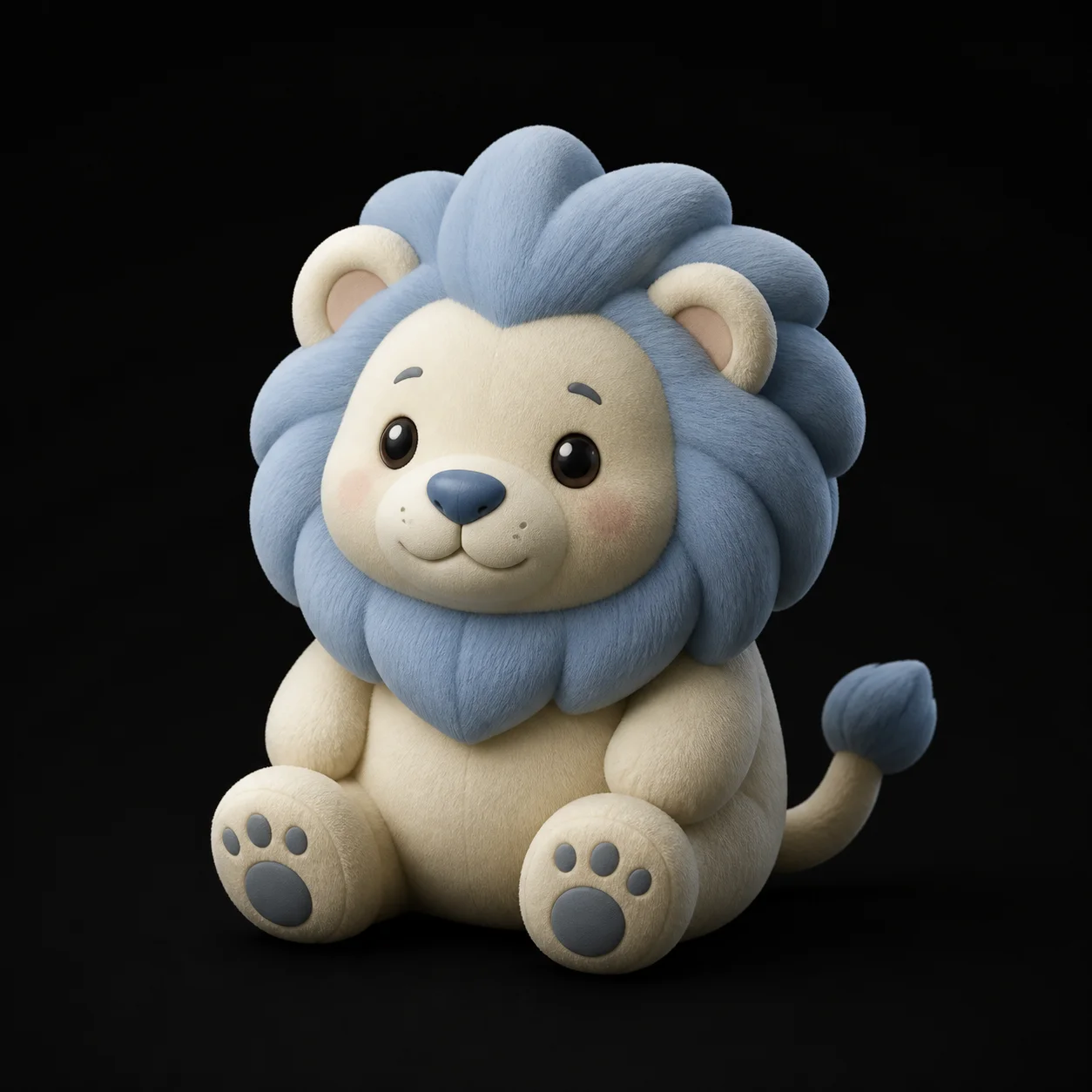
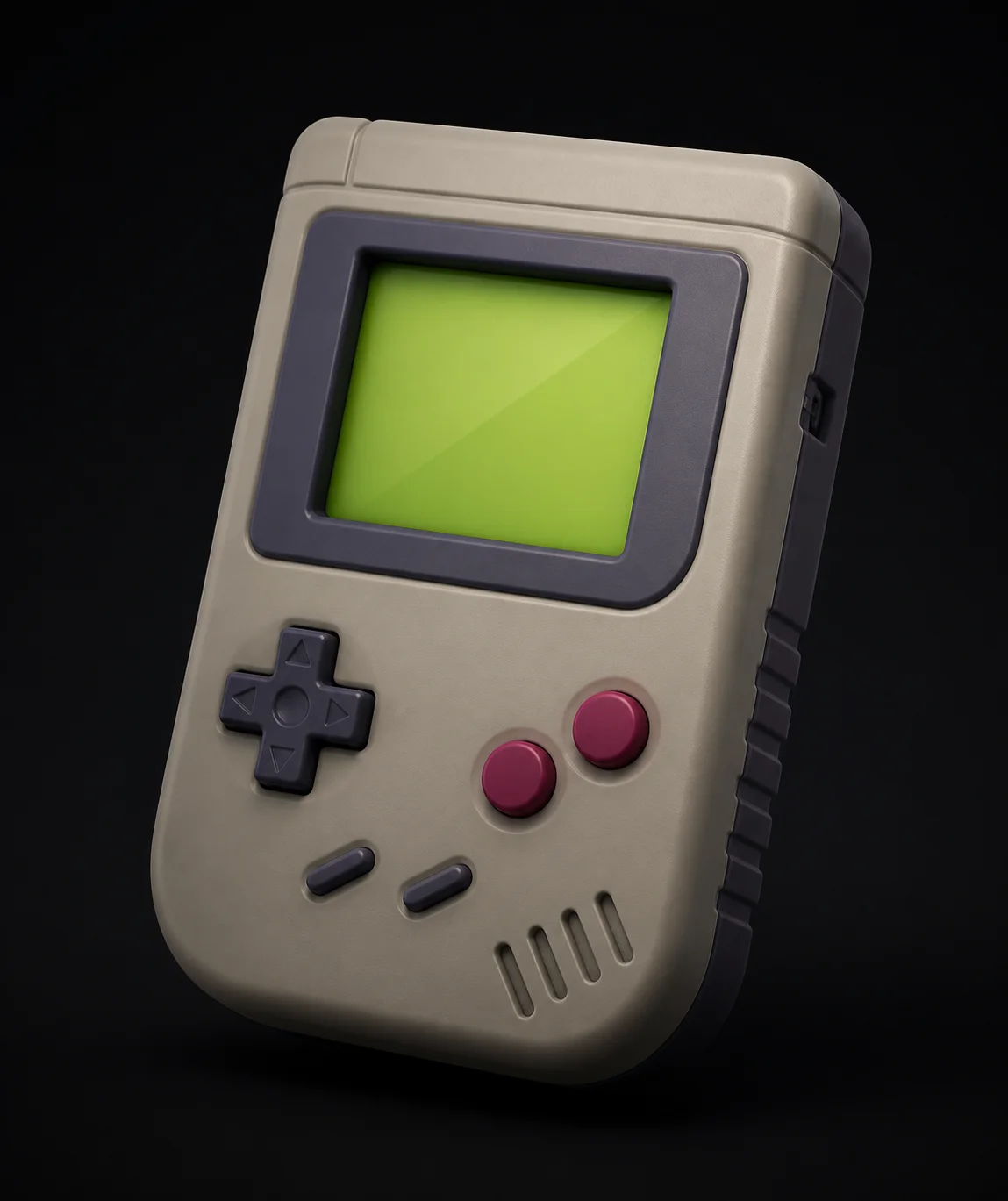
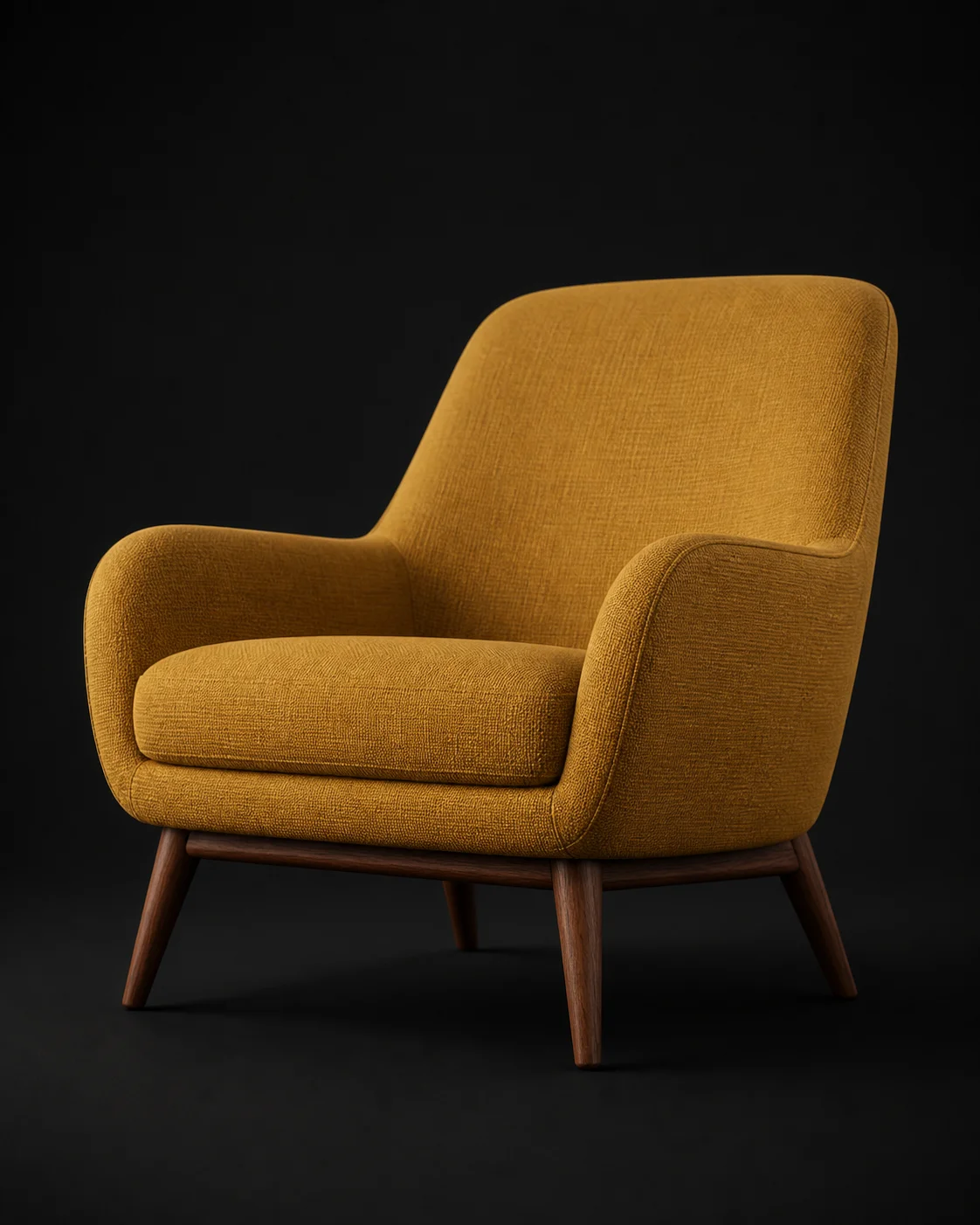
See what other people got out of a single material sentence, from mossy ruins to polished chrome.
AI Texturing FAQ
Ready to give that grey mesh a surface?
Describe a material, wait about a minute, and download diffuse, roughness, metallic and normal maps baked onto your own UVs. Free in the browser.
Try Free →