AI 3D Modeling
for Product Design and Prototyping
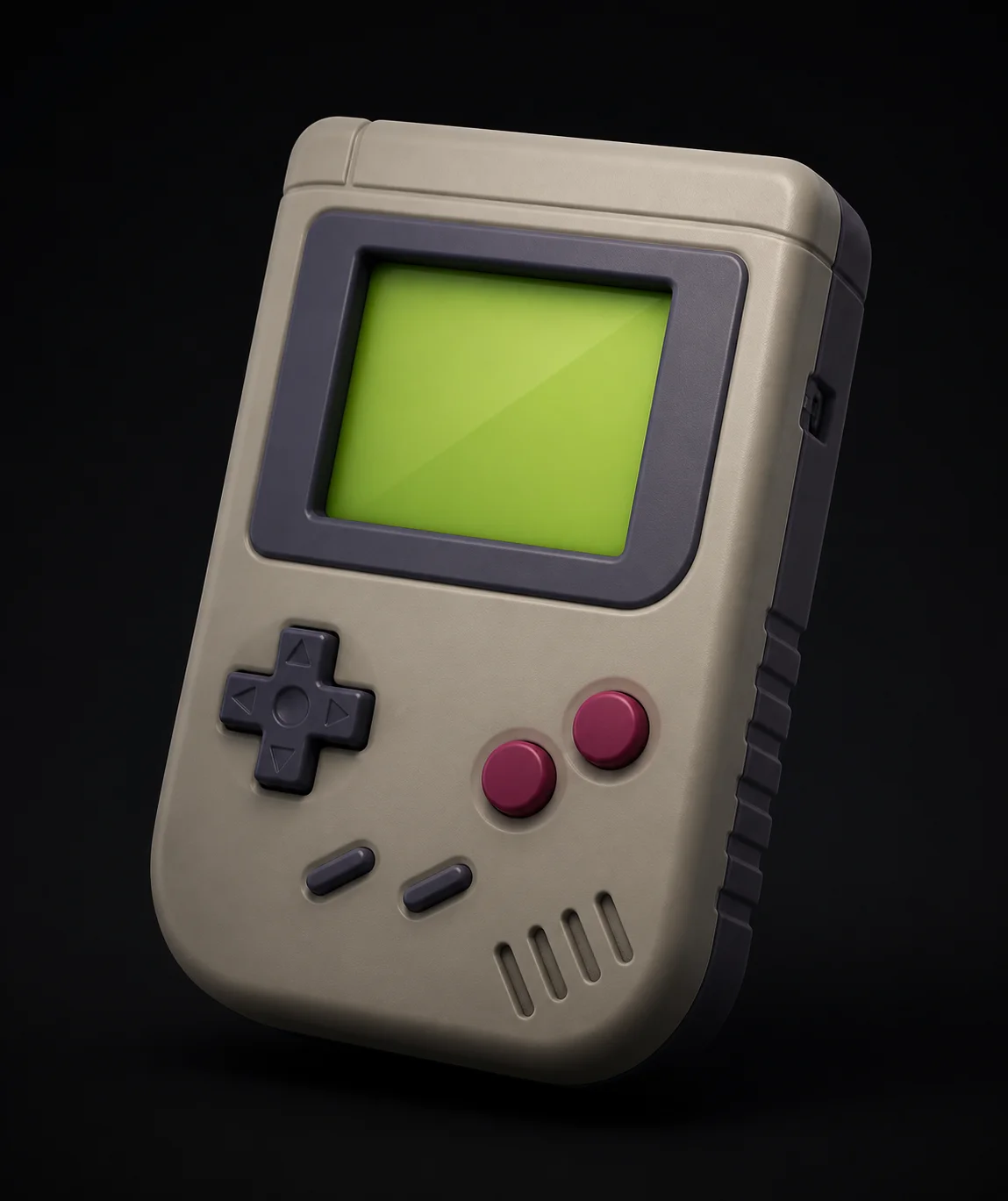
Explore twenty form directions in an afternoon, before anyone commits a week to CAD. Sketch it, prompt it, generate in about 60 seconds, and put a real object in front of a stakeholder while the idea is still cheap to change.
How to Prototype a Product Concept in 3 Steps
Start from a Sketch
Photograph the marker sketch in your notebook and upload it, or type the brief: a compact desk humidifier, matte housing, brushed metal collar, soft radius on every edge. Both routes land in the same place. Working from your own sketch keeps the proportions you already committed to on paper. Generate three variants, not one.
Judge the Form in 3D
A minute later you are orbiting the object instead of arguing about a rendering. This is where bad ideas die cheaply: the proportion that read well in elevation looks top heavy in three quarter view, the grip is too shallow, the parting line lands wrong. Kill it and generate the next one.
Share It or Print It
Export GLB and the concept opens in any browser, so a client reviews it on a phone without installing anything. Export STL and you have a physical proof on the desk by morning, which settles ergonomics arguments that renders never do. Export OBJ or FBX when the surviving direction moves into CAD.
Why Meshi AI Speeds Up the Concept Phase
Concept work is a numbers game. The team that looks at thirty forms picks a better one than the team that modeled three, and the cost per form is what decides how many you see.
Divergence Before Convergence
Sixty seconds a concept changes what the concept phase can be. Run the same brief through eight prompt variations, put the results side by side, and the strong direction is obvious in a way it never is on a mood board. You are comparing objects, not descriptions of objects. That is the whole point.
Kill Bad Ideas Cheaply
The expensive failure in product development is the concept that survives to CAD because nobody wanted to waste the modeling week already spent on it. When a form costs a minute, killing it costs nothing and no one defends it. Sunk cost stops steering the review, which changes what gets shipped.
Form Studies and CMF
Generate the silhouette once, then explore surface separately. AI Texturing retextures the same mesh into soft touch black, anodized aluminum, ceramic white or a woodgrain trim, so a CMF review looks at one form in six finishes rather than six unrelated renders. Colorways stop being a render job.
Review in a Browser
Send a GLB and the reviewer orbits the real geometry on whatever device they have open, with no viewer to install and no half gigabyte CAD file to move. Stakeholders who cannot read an orthographic drawing can still tell you the handle looks thin, which is the feedback you actually needed.
Print a Physical Proof
Because the geometry is watertight, the winning concept goes straight to STL and onto an FDM or resin printer overnight. Holding a full size proof answers questions a screen cannot: does the thumb reach the button, is the base too light, does the profile look bulky in a real hand? Print it, hold it, decide.
Hands Off to CAD Cleanly
This is a concept tool, not a replacement for parametric modeling. Once a direction is chosen, rebuild it in Fusion 360, SolidWorks, Rhino or Onshape where tolerances, draft angles and wall thickness live. Import the OBJ as a canvas and model over it, so the surfacing work starts from an agreed form.
Thirty concepts by lunch, one physical proof by morning.
Free AI 3D modeling in the browser: sketch to textured concept model in about 60 seconds, no install.
Try Free →Made with Meshi AI, Prototyped Fast
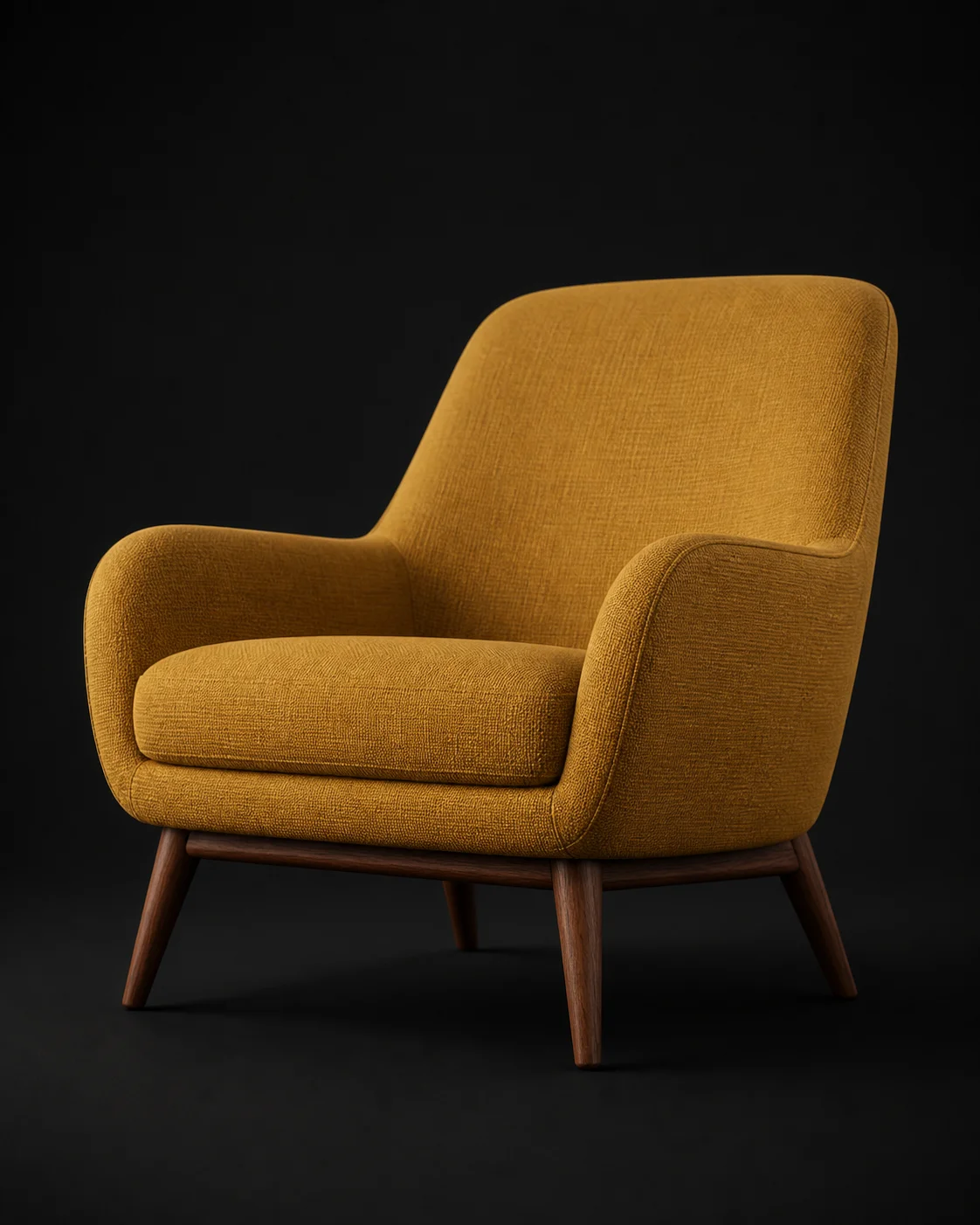
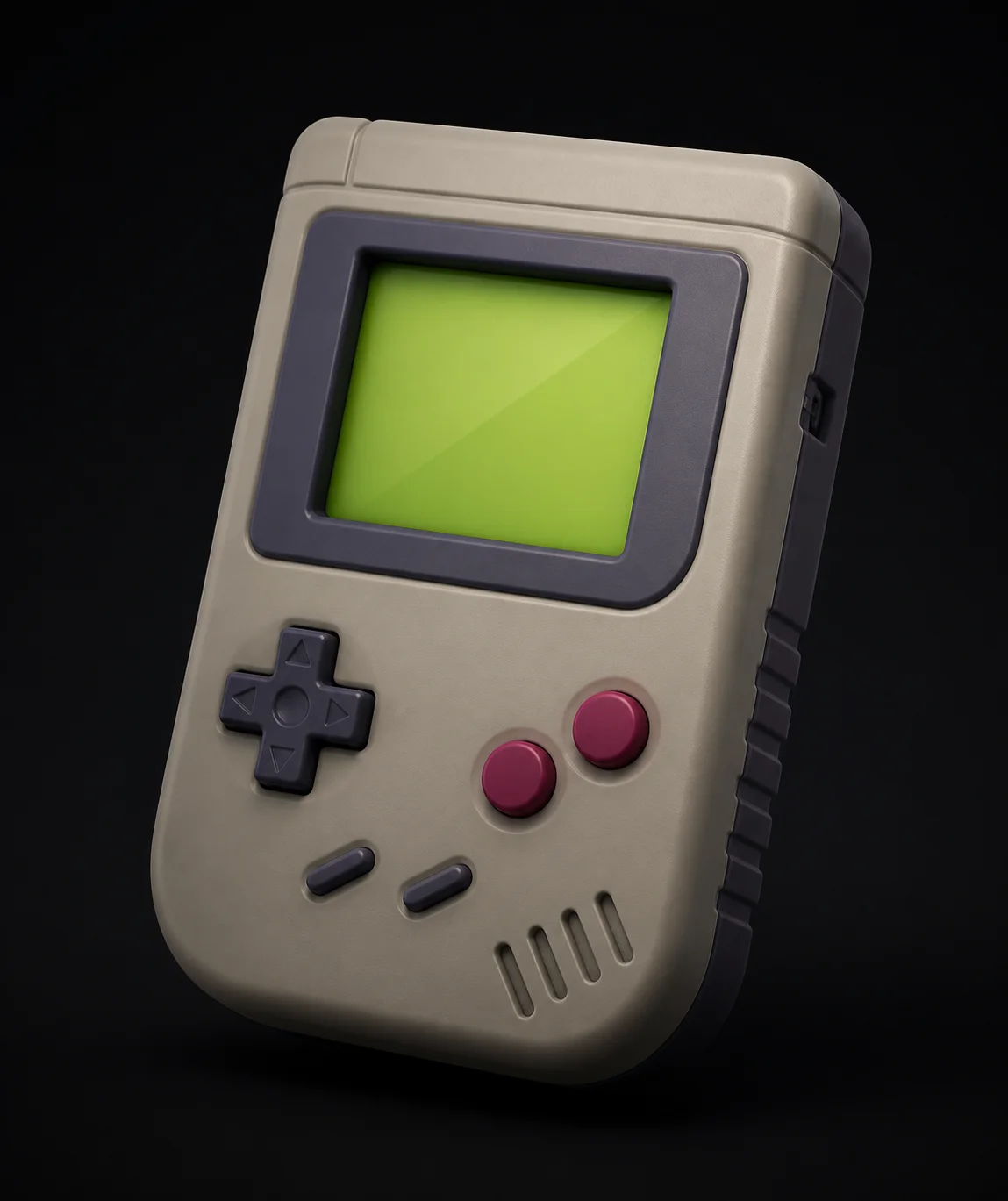
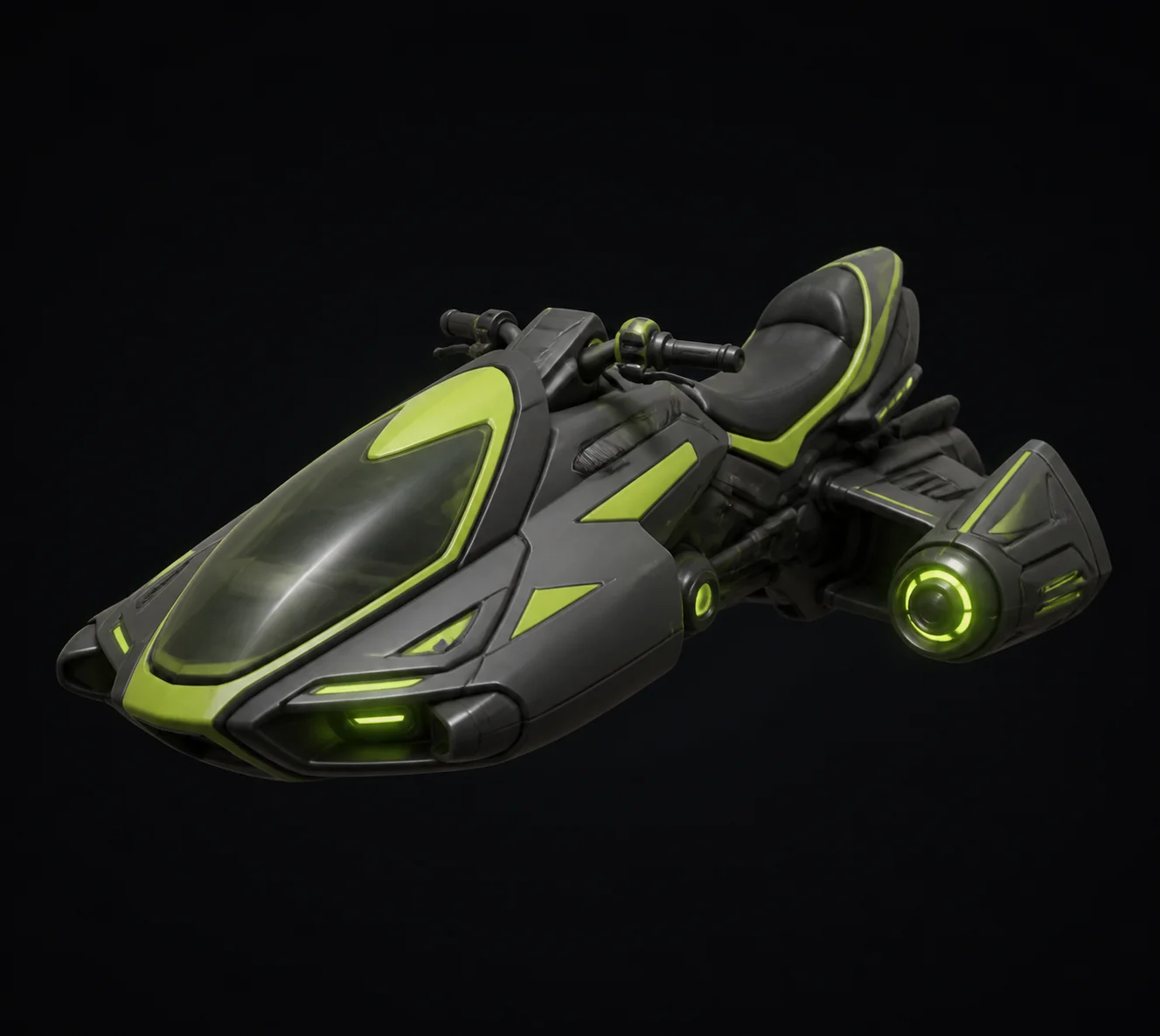
Concept models, packaging studies and printed proofs made by designers who needed the form before the meeting, not after.

Product Design FAQ
How many concepts could you see by Friday?
Free AI 3D modeling in the browser, three generations an hour, no install. Upload a sketch, explore the form in 3D, and print the winner.
Try Free →