Custom 3D Assets
for Interior Design
Every room scene stalls on the one prop the asset library does not carry. Meshi AI turns a reference photo or a written description into a textured GLB you can place, scale and render the same afternoon.
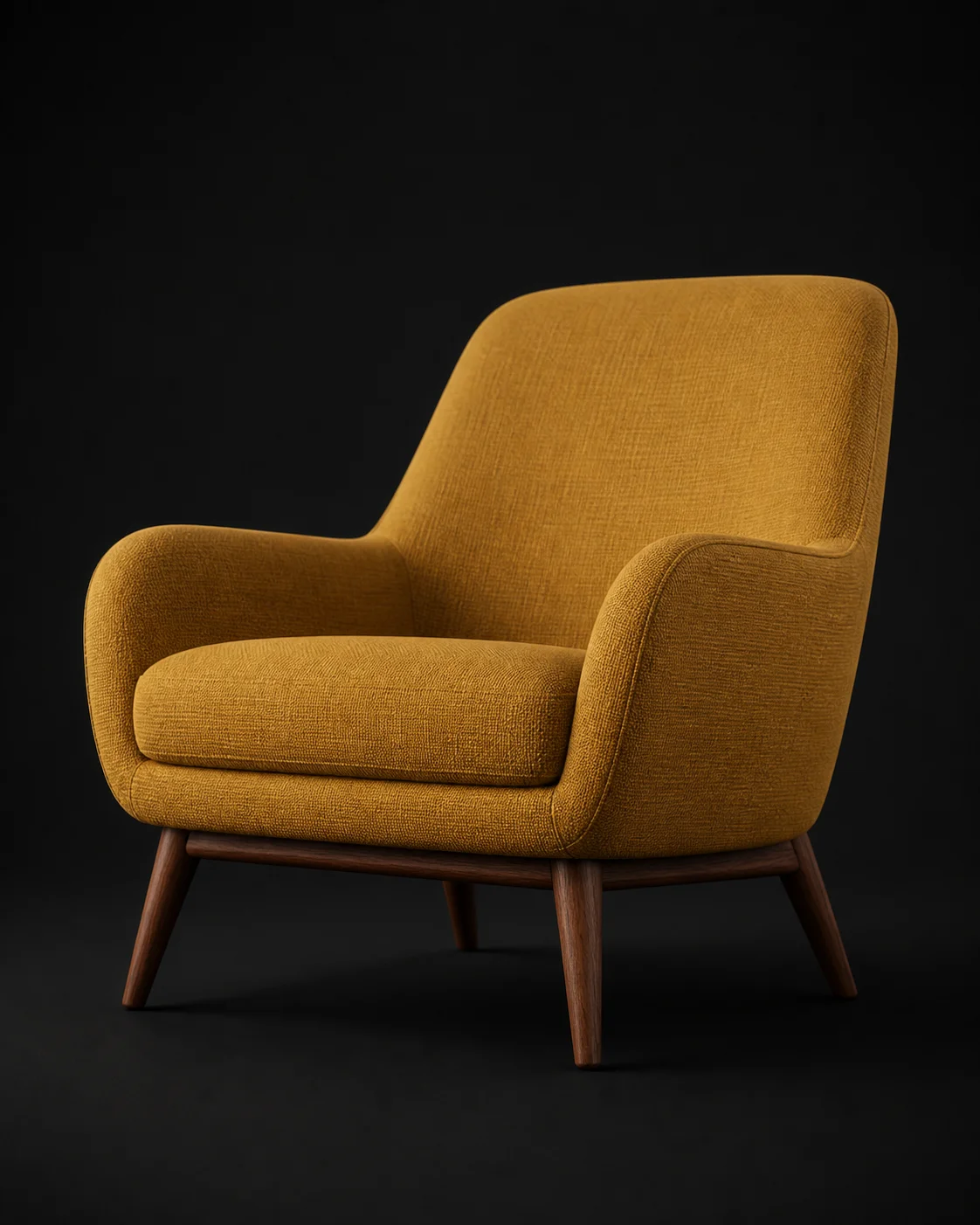
How to Fill a Room Scene in 3 Steps
Shoot or Describe the Piece
Photograph the client's existing armchair on site, screenshot a discontinued lamp from an old catalogue page, or simply describe it: a fluted travertine side table, 45 centimetres tall. Image to 3D handles anything with a reference. Text to 3D covers the pieces nobody photographed, including the ones still on a mood board.
Generate and Sanity-Check
About sixty seconds later the textured mesh loads in the browser viewer. Orbit it against the silhouette you were matching, look at proportions from seated eye height rather than from above, and regenerate with a tighter description if the back cushion reads wrong. Two attempts usually beats one long prompt.
Export GLB and Place It
Download GLB for SketchUp, Blender, Twinmotion, D5 Render and web viewers built on Three.js, or FBX and OBJ when your renderer prefers them. Set the real-world dimension once on import, snap the piece to the floor plane, then light it with the same setup as the rest of the room.
Why Meshi AI Fixes the Missing-Furniture Problem
Asset libraries are wide and shallow. They carry forty generic sofas and none of the specific object your client already owns, which is exactly the object the render has to show.
The Prop Nobody Stocks
Ceramic table lamps with pleated shades, a grandmother's carved chest, a regional light fitting, the vintage rattan chair from the site photos. Instead of substituting something close and hoping the client does not notice, describe it and generate it. The gap closes in a minute rather than in a modelling afternoon.
Match What They Already Own
Upload a phone photo taken during the site visit and get a mesh with the same proportions and the same colourway. Discontinued pieces, inherited furniture and anything sourced from a small workshop all become renderable. Clients recognise their own things immediately, which shortens the approval conversation.
Real-World Scale Discipline
A generated mesh arrives in neutral units, so set the true dimension on import and let everything else follow. Match one known measurement, usually seat height at 45 centimetres or a 750 millimetre table top, and the rest of the piece falls into place. Correct scale is what stops a render looking uncanny.
GLB Goes Everywhere
GLB is the file every modern pipeline reads: SketchUp, Blender, Twinmotion, D5 Render, and browser walkthroughs built on Three.js or Babylon.js. Where a renderer such as Enscape prefers native host geometry, route through the host application or convert via Blender. FBX, OBJ and STL are exported alongside.
PBR Maps, Not Flat Colour
Diffuse, roughness, metallic and normal maps come baked, so brushed brass reads as brushed brass under your HDRI instead of turning into grey plastic. When the finish is wrong for the scheme, retexture the same mesh with AI Texturing and keep the geometry you already approved.
One Coherent Scheme
Reuse the same material vocabulary across every prompt in a project: oak, boucle, aged brass, matte ceramic. With 50+ style presets and a consistent phrasing pattern, a set of generated pieces reads as one scheme rather than six unrelated downloads pulled from six different libraries.
Stop redesigning the room around the prop your asset library does not have.
Photograph it, generate it, export GLB, and finish the scene the way you actually specified it.
Try Free →Made with Meshi AI for Real Rooms
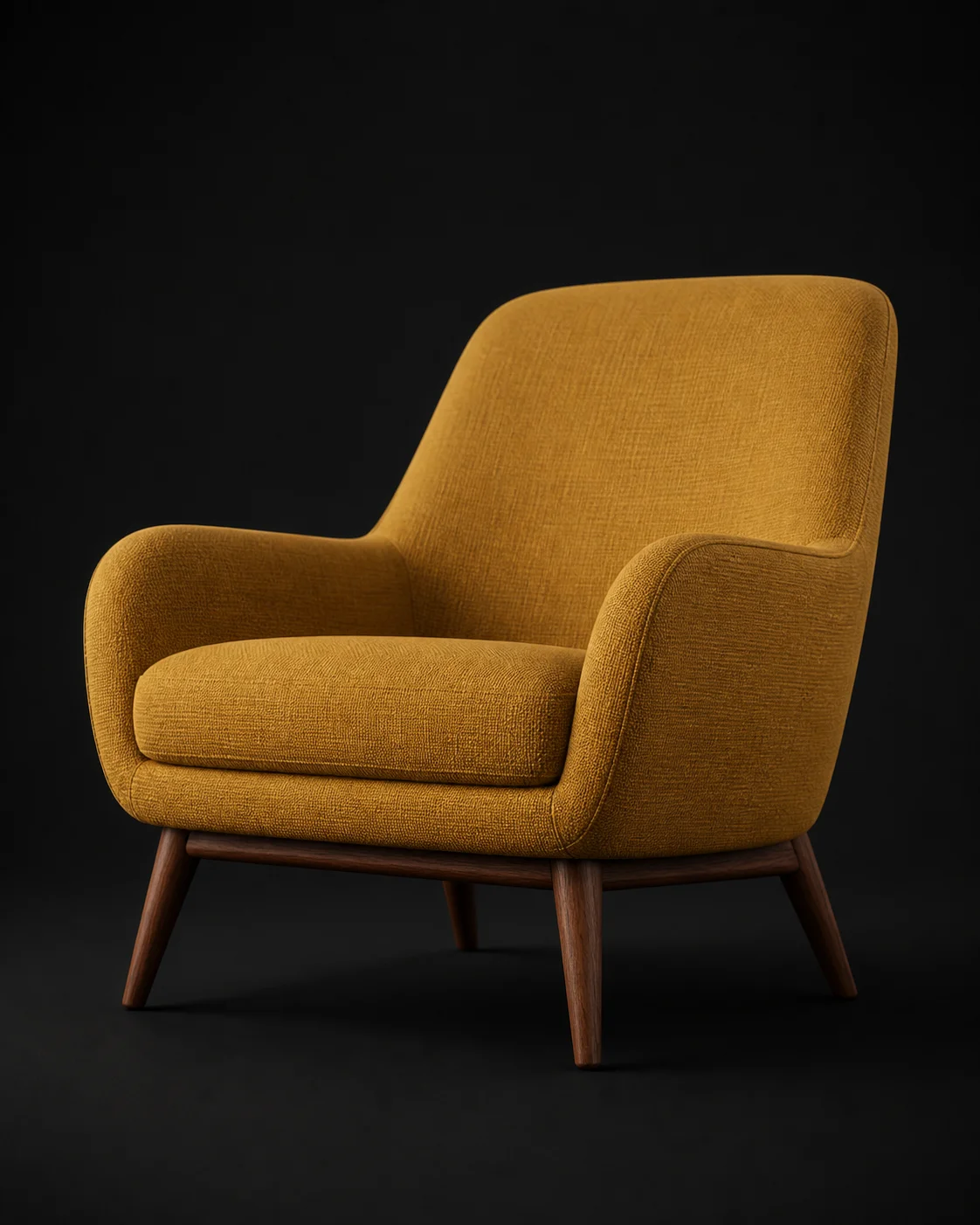
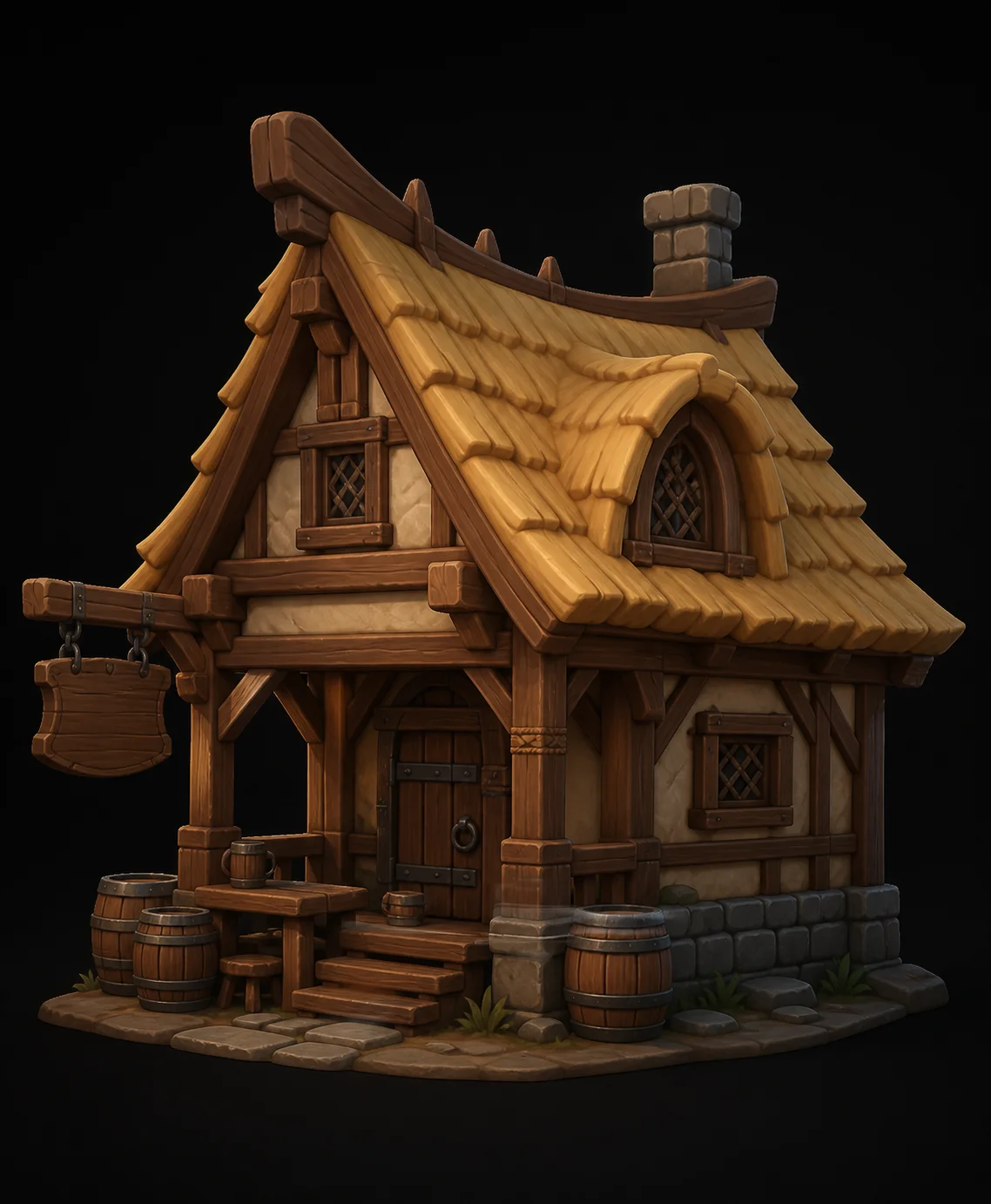
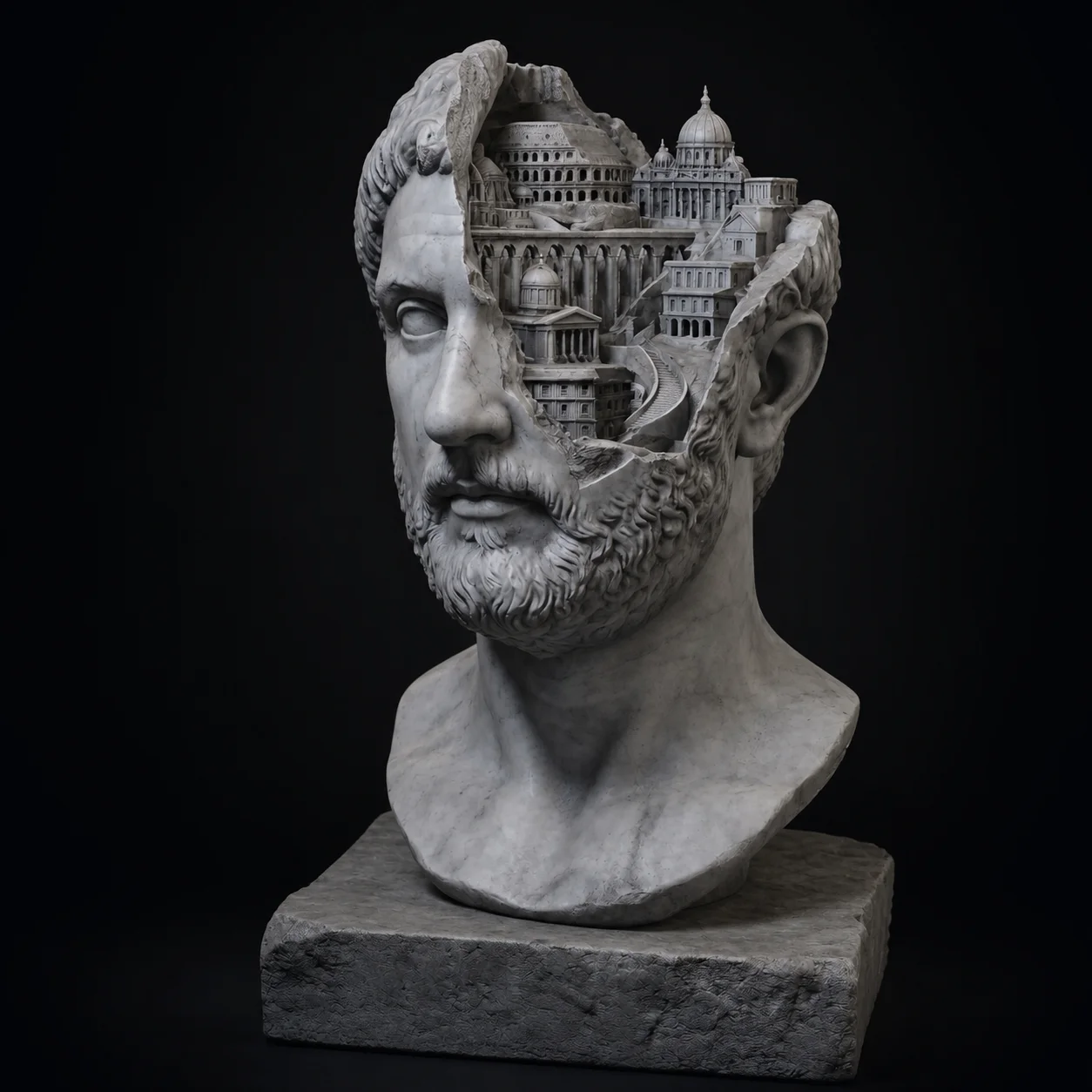
See the furniture, lighting and decor pieces other designers generated, then borrow the prompt structure.



3D Assets for Interior Design FAQ
Need the piece your library does not carry?
Describe it or upload the site photo, generate a textured GLB in about a minute, and place it in the scene before the client call.
Try Free →