AI 3D Animation Generator:
Rig and Animate in Minutes
Meshi AI takes a static mesh and hands back a moving character: skeleton placed, skin weights solved, motion applied, ready to export. You skip the bone chains, the weight painting marathon and the retargeting cleanup that normally eats an afternoon.
How to Rig and Animate a 3D Model in 3 Steps
Load Your Mesh
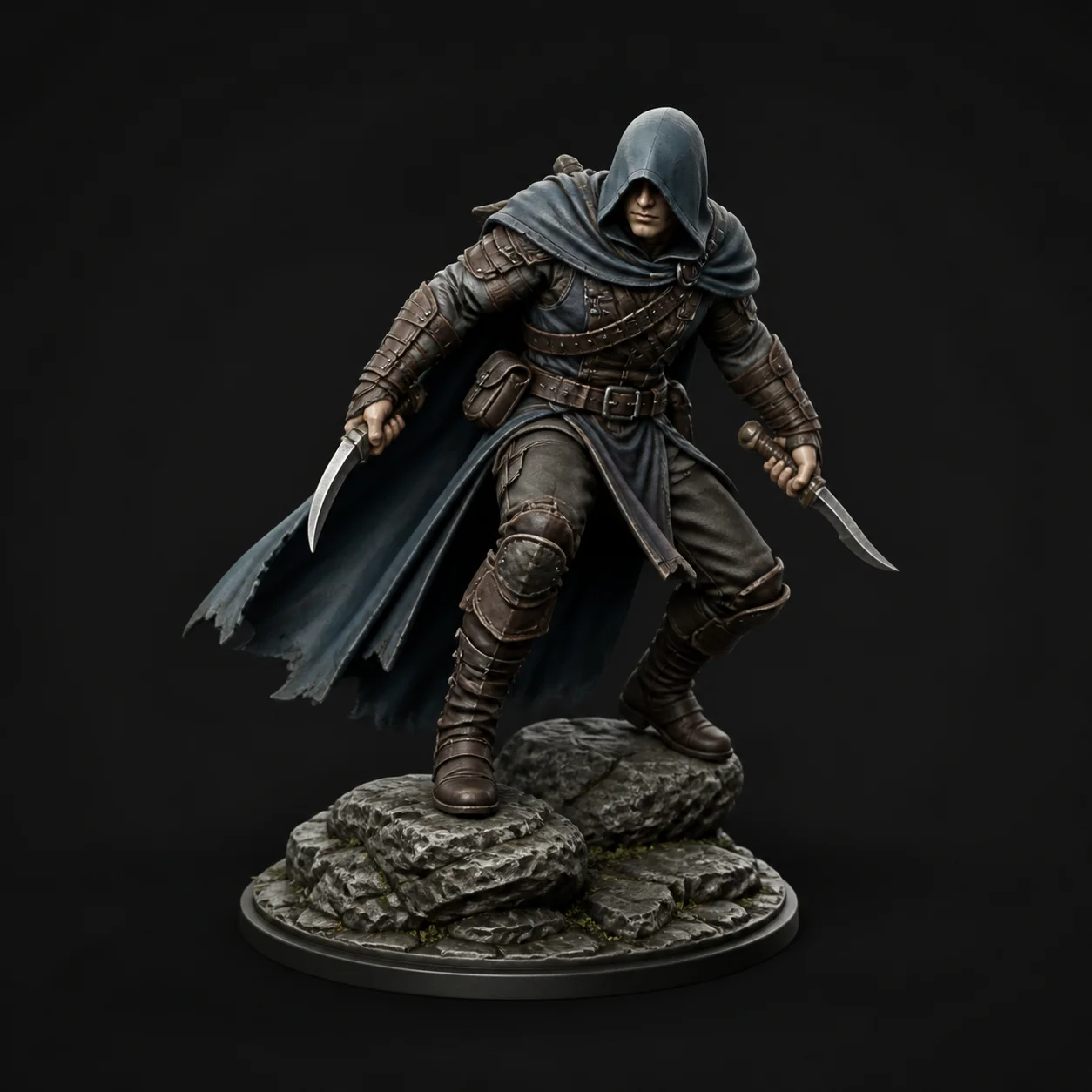
Drop in an FBX, OBJ or GLB, or pick a model you just made with Text to 3D or Image to 3D. An A-pose or T-pose with arms clear of the torso gives the cleanest result. Meshi AI reads the silhouette and decides whether it is looking at a biped or a quadruped.
Pick a Motion Clip
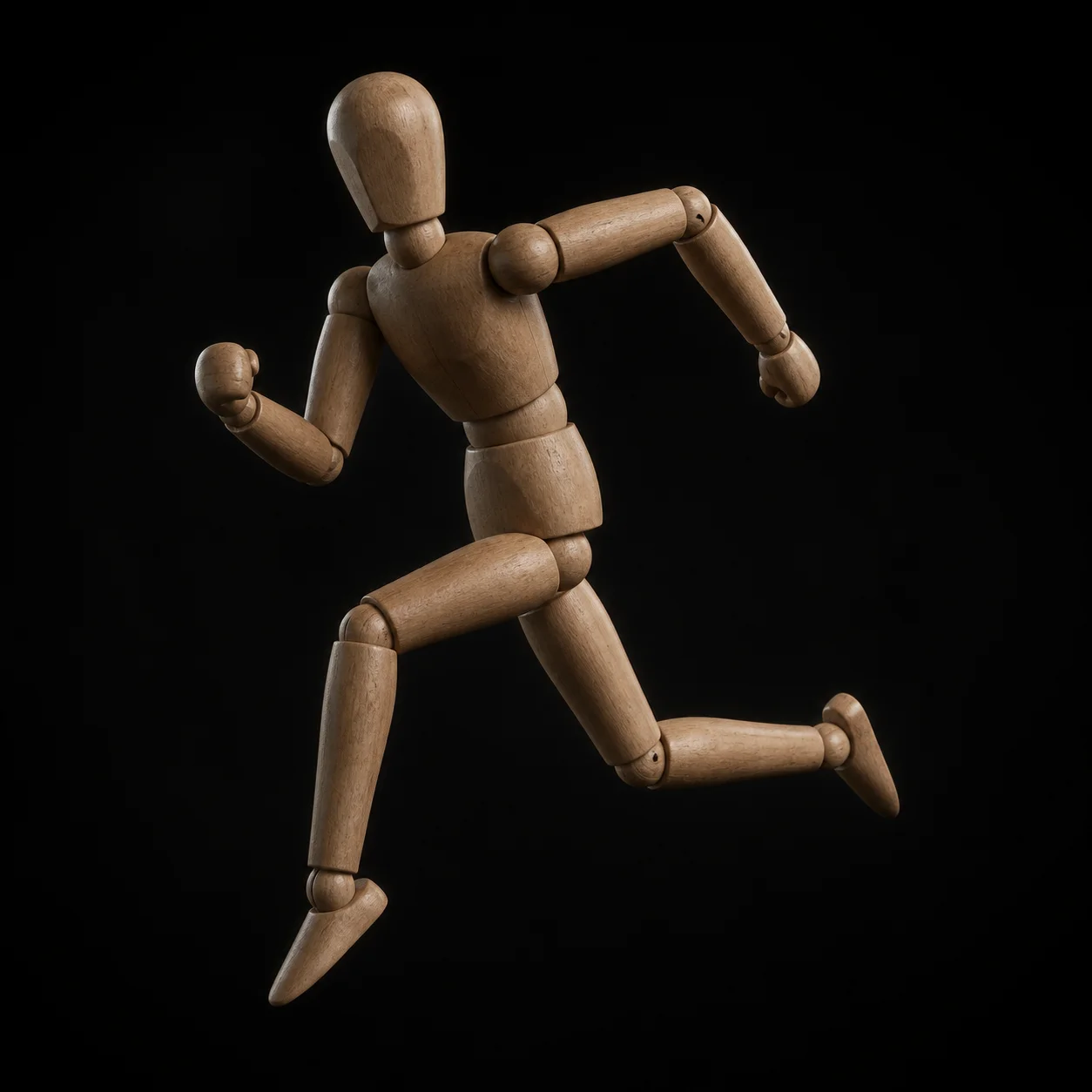
Choose from the motion library: walk, run, idle, wave, attack. The skeleton is fitted and the weights are solved in the same pass, so the clip plays on your mesh immediately in the built-in browser viewer. Scrub the timeline, check the elbows and knees, then swap clips until the read is right.
Export Animated FBX or GLB
Download FBX for Unreal Engine, Unity, Maya or Blender, or GLB for Three.js, Babylon.js and WebXR. Bone names follow the common humanoid convention, so the clip drops onto an existing animation blueprint or Animator controller without a rename pass. Toggle root motion before you export.
Why Meshi AI's 3D Animation Skips the Rigging Grind
Rigging is the step where most character projects stall. Meshi AI does the joint placement, the skinning and the clip retarget in one pass, in the browser, for free.
Auto-Rigging in Seconds
Joint placement is inferred from the mesh itself: spine, hips, shoulders, elbows, wrists, knees, ankles. Hand-placing that hierarchy and orienting every joint axis is an hour of work before a single frame moves. Here it happens while you are still looking at the preview.
Weight Painting Done For You
Skin weights are the part nobody enjoys. Meshi AI solves them per vertex so shoulders keep their volume, elbows fold instead of collapsing, and the waist does not twist into a candy wrapper. Deformation is checked against the motion clip, not just against a bind pose that looks fine standing still.
A Motion Library, Not One Clip
Walk, run, idle, wave and attack cover the loop set most prototypes need on day one. Preview each on your own mesh before you commit, because a walk that reads well on a lean humanoid can look wrong on a stubby chibi with short legs. Swap and re-preview costs nothing.
Quadrupeds, Not Just Bipeds
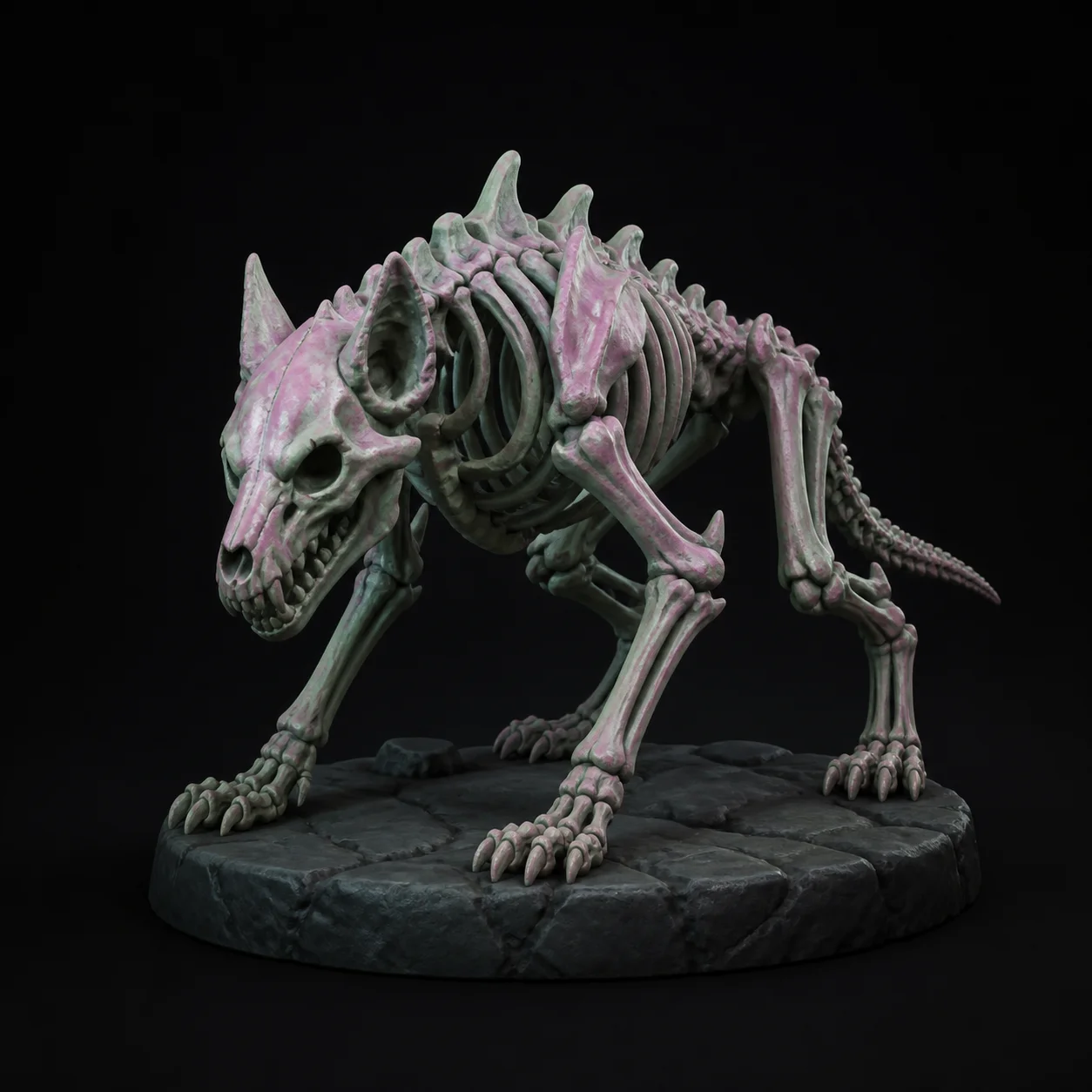
Four-legged creatures get their own skeleton template: front and rear limb chains, a longer spine, a tail chain when the mesh has one. Dogs, horses, dragons and invented beasts rig without you rebuilding a humanoid hierarchy by hand and hoping the solver forgives it.
Retargets to Standard Skeletons
The output uses a common humanoid bone naming and hierarchy, the same layout most engines and animation libraries expect. That means a clip from Meshi AI and a clip from your existing library can drive the same character, and your state machine does not need a parallel branch for the new asset.
Root Motion or In Place
Export in place when your controller drives movement in code, or with root motion when you want the animation to carry the capsule. Getting this wrong is the classic reason a character moonwalks or slides across the floor, so the choice is a toggle before download, not a fix in the engine later.
A day of hand-rigging, compressed into one upload and one motion clip.
No bone placement, no weight painting, no retarget cleanup. Upload a mesh, pick a motion, download animated FBX or GLB.
Try Free →Made with Meshi AI 3D Animation
Rigged characters, creature walk cycles and looping idles built by the community, all free to browse.

3D Animation FAQ
Ready to watch your model take its first step?
Upload a mesh, pick a motion clip, download an animated FBX or GLB. No install, no account, no credit card.
Try Free →