Image to 3D:
Turn Any Photo into a 3D Model
Upload a photo, a pencil sketch or a frame of concept art, and Meshi AI rebuilds it as a textured mesh with real depth in roughly 60 seconds. Everything runs in the browser, and the result exports straight to FBX, OBJ, GLB or STL.
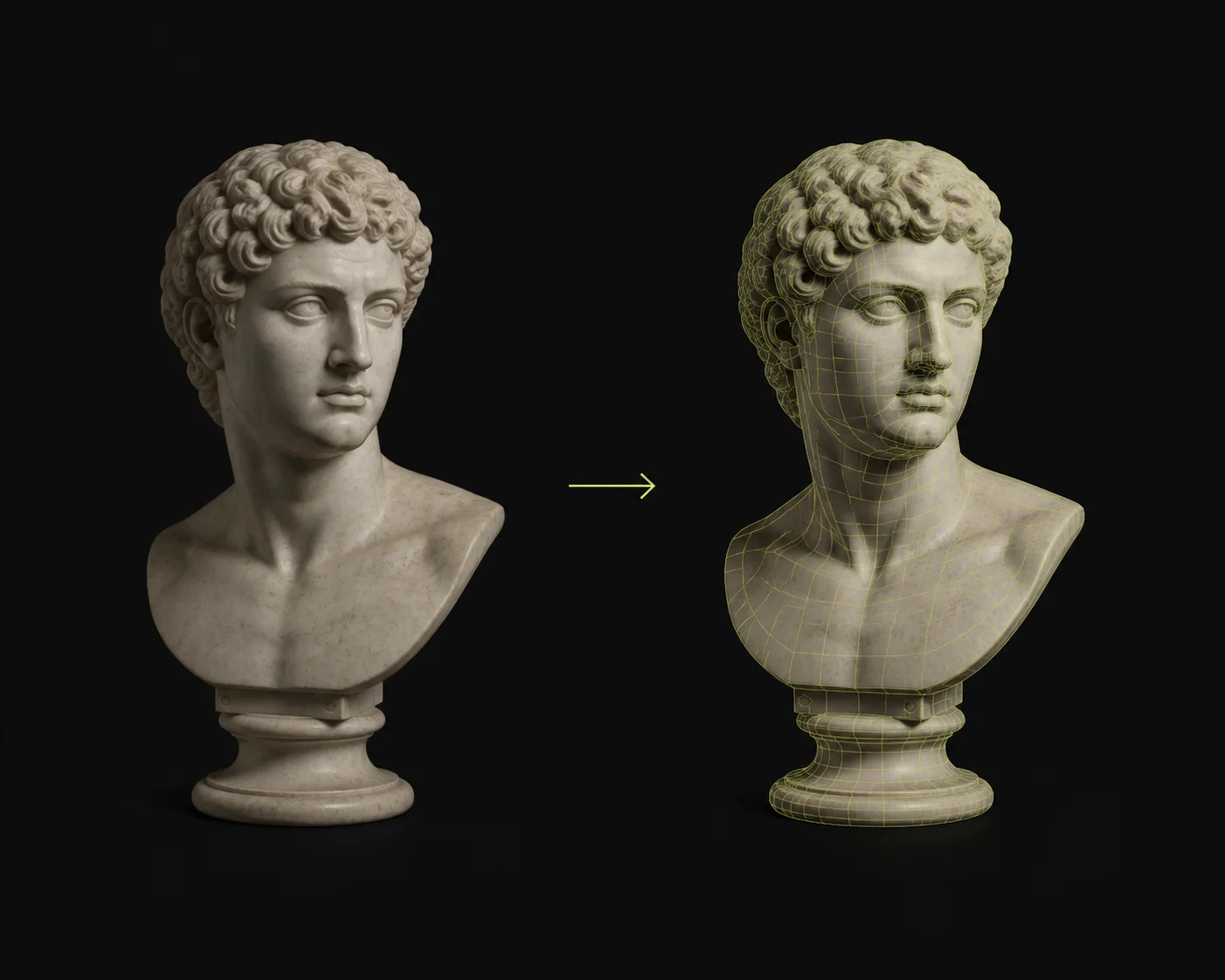
How to Turn a Photo into a 3D Model in 3 Steps
Upload Your Source Image
Drag in a JPG or PNG. Photos, pencil sketches, flat concept art and orthographic turnarounds all work. One clear subject on a plain background gives the cleanest silhouette, since the reconstruction traces the outline before it estimates depth. Shoot at a three-quarter angle if you can, so the front and one side are both visible.
Let Depth Inference Run
Meshi AI reads shading, occlusion edges and perspective cues to lift flat pixels into volume, then infers the sides and back the camera never saw. Roughly 60 seconds later you have a watertight mesh of up to 600K faces with diffuse, roughness, metallic and normal maps already baked on, no UV work needed.
Inspect, Then Export
Orbit the result in the built-in viewer before you commit. Check the back face, the silhouette against the source image, and how the normal map catches light at grazing angles. Happy with it? Pull down FBX for Maya, OBJ for ZBrush, GLB for Three.js and WebXR, or STL for the slicer.
Why Meshi AI's Image to 3D Leads the Industry
Plenty of tools will extrude a photo into a relief. Meshi AI's image to 3D reconstructs an actual closed volume you can rig, print, retopologise or drop into a scene without a repair pass.
Edges Survive the Lift
Thin features are where photo-to-mesh pipelines usually collapse: sword blades round off, chair legs fuse, glasses frames vanish. The reconstruction weights silhouette edges separately from surface shading, so hard boundaries stay hard and a 3mm rim in the photo comes back as a 3mm rim in the mesh.
Sensible Occluded Sides
A single photo shows you one hemisphere. The back is inferred from symmetry, category priors and the way the visible surface curves away, so a mug gets a handle that closes, a character gets a spine, a shoe gets a sole. You can spin it a full 180 without finding a hollow shell.
PBR Maps, Not Projections
The source photo is not simply projected onto the front and smeared around the back. Lighting is separated from albedo, so baked highlights do not follow your model into the scene. You get diffuse, roughness, metallic and normal maps that respond correctly to Unreal Engine, Unity and Blender lighting rigs. Swap them in Substance Painter any time.
Watertight Out of the Box
Every mesh comes out manifold: no flipped normals, no boundary edges, no interior faces left behind. Load it straight into Cura, Bambu Studio, OrcaSlicer, PrusaSlicer or Lychee and slice without a trip through a repair tool. Booleans and remesh modifiers in Blender behave too.
Sketches Count as Input
You do not need a photograph. A ballpoint doodle, a marker concept sheet, a screenshot of a 2D game sprite or a child's drawing all reconstruct, because the pipeline reads line weight and enclosed shapes as volume cues. Flat cel-shaded art tends to produce cleaner topology than a busy photograph does.
Three Free Runs an Hour
Reconstruction from a single image is a judgement call, so iteration matters. Meshi AI gives you three free 3D generations every hour, enough to try a tighter crop, a background removal and a different camera angle of the same subject, then keep whichever mesh holds up under a close camera.
One photo in, one watertight textured 3D model out, in about 60 seconds.
Upload a JPG, watch the depth resolve, and export FBX, OBJ, GLB or STL free from your browser.
Try Free →Made with Meshi AI Image to 3D
Real photos, sketches and concept boards turned into meshes by the community. Browse the gallery for input ideas.
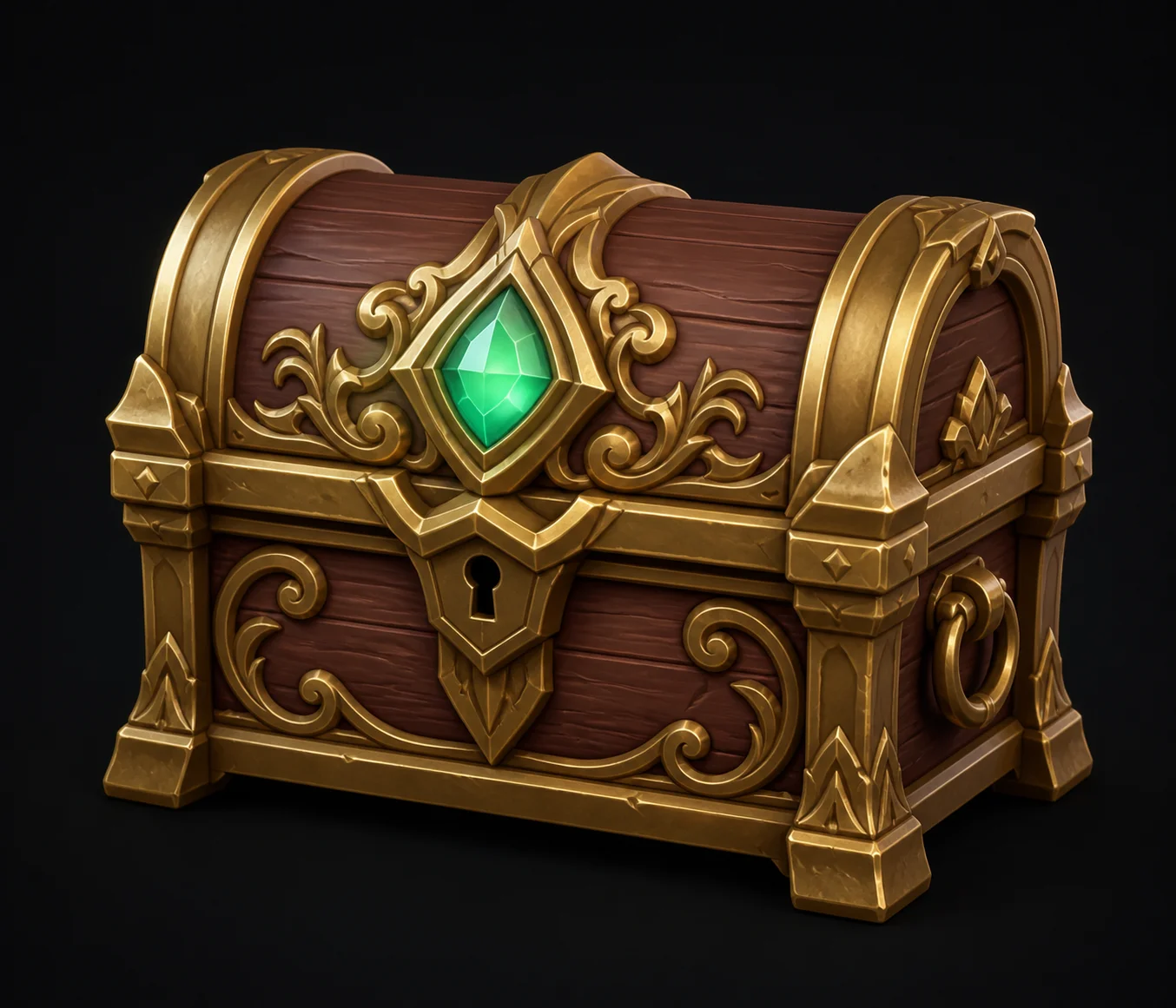
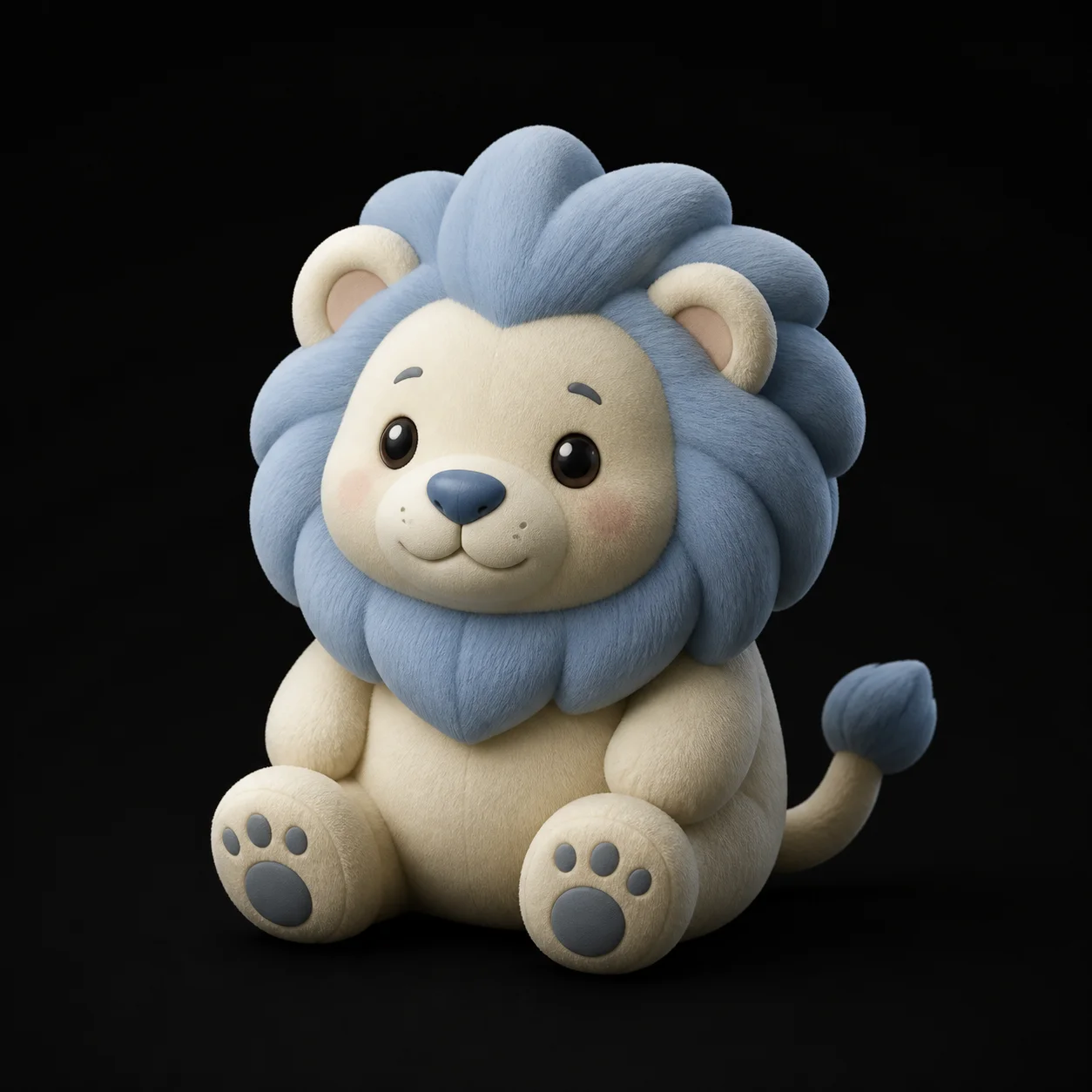
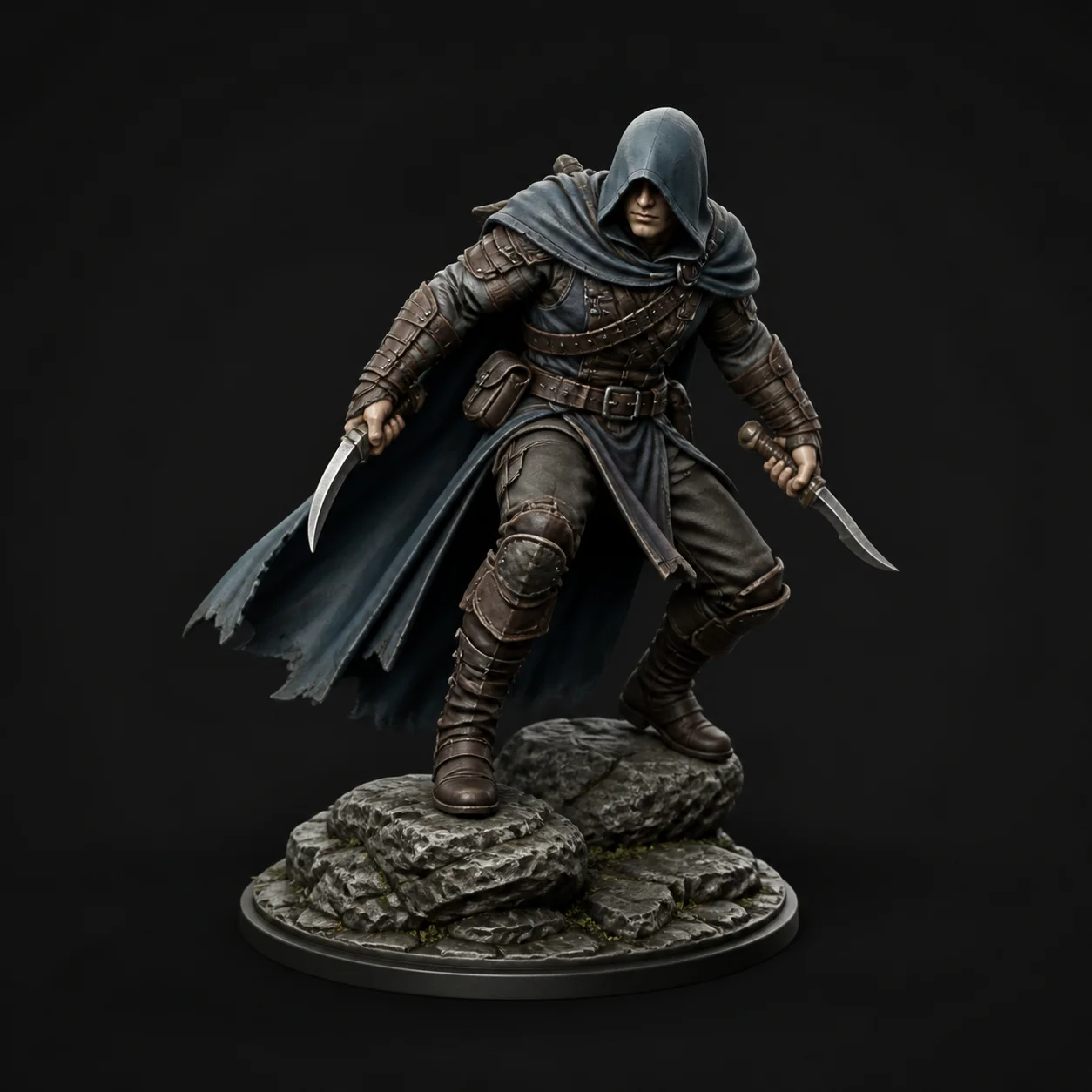
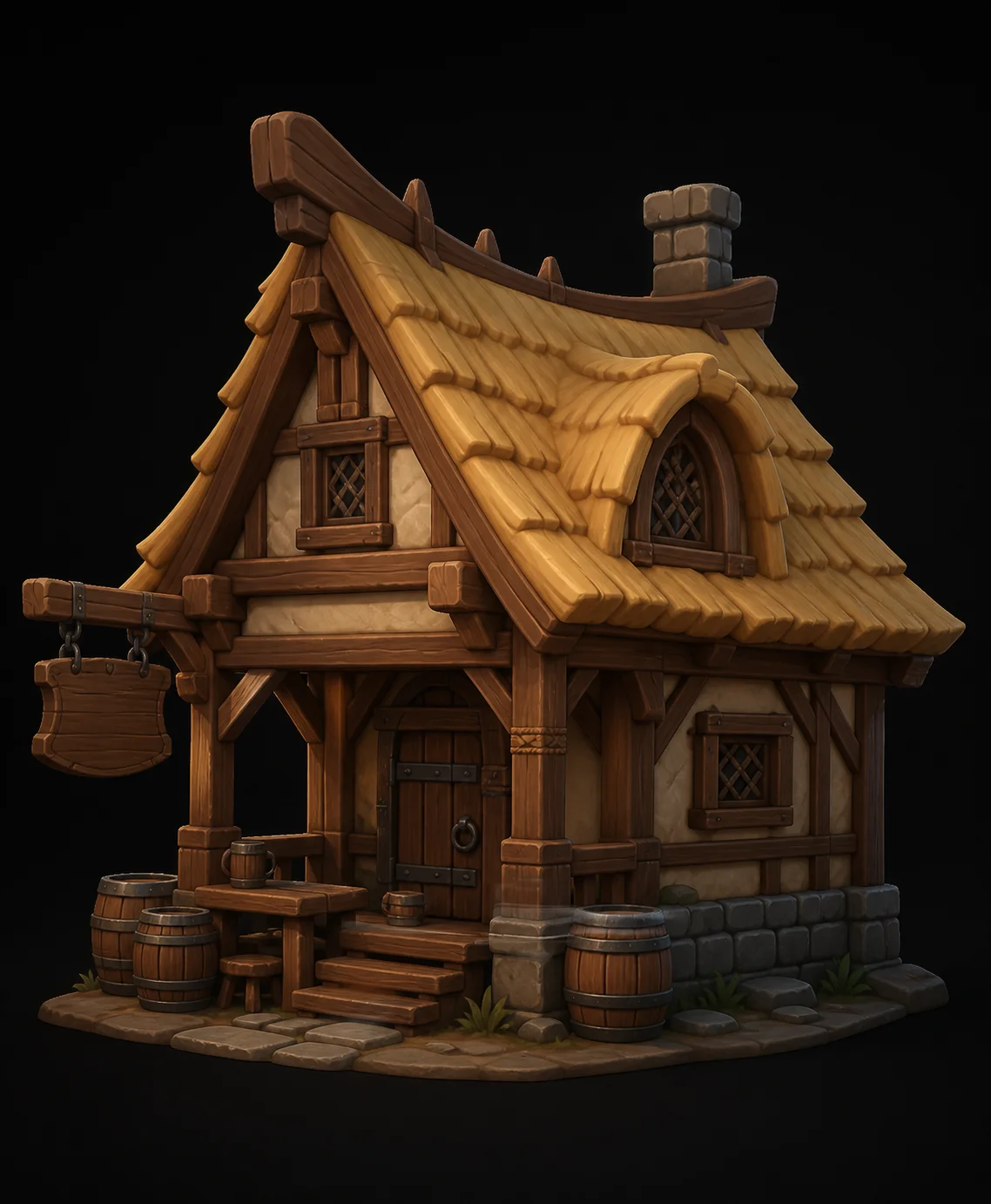
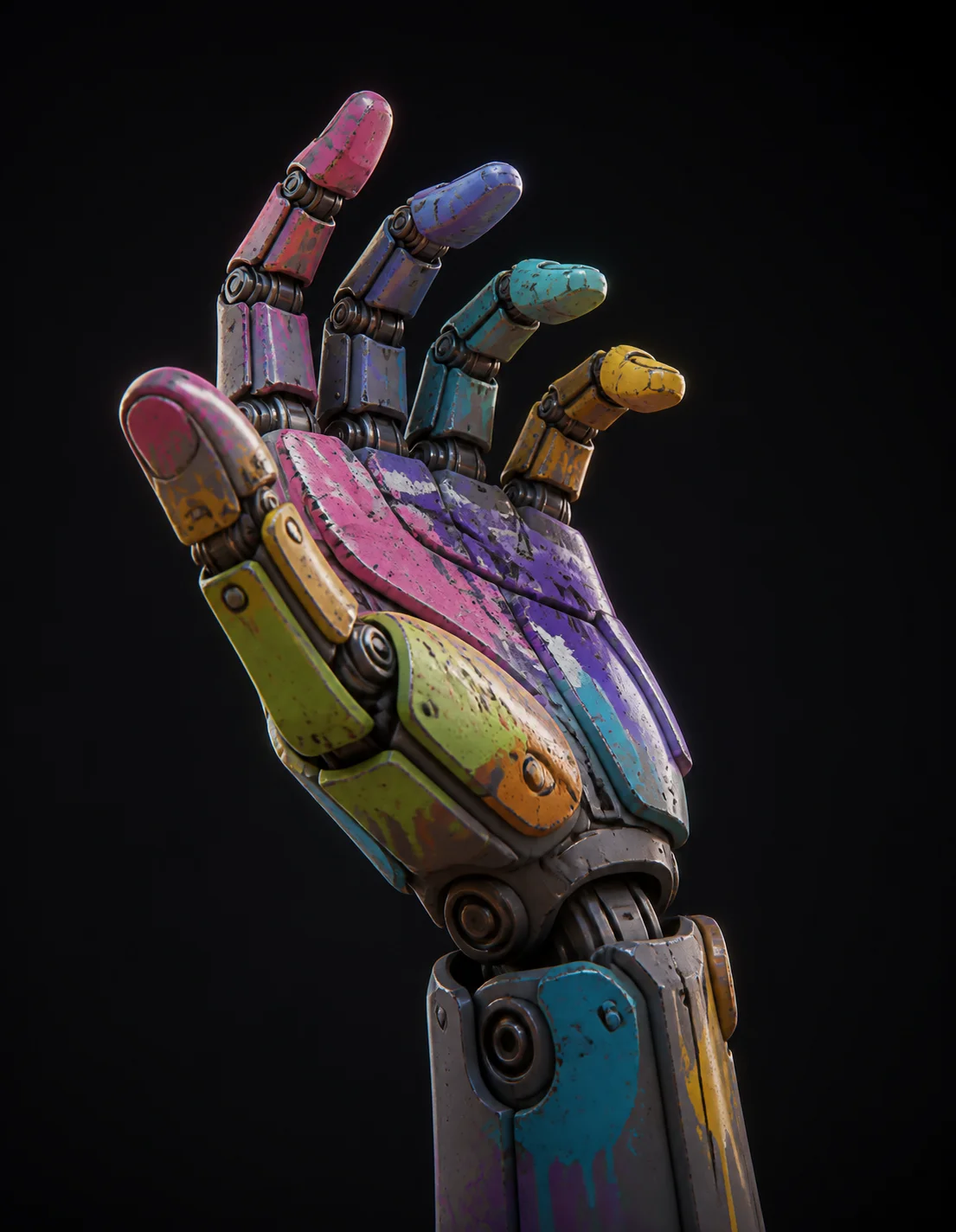
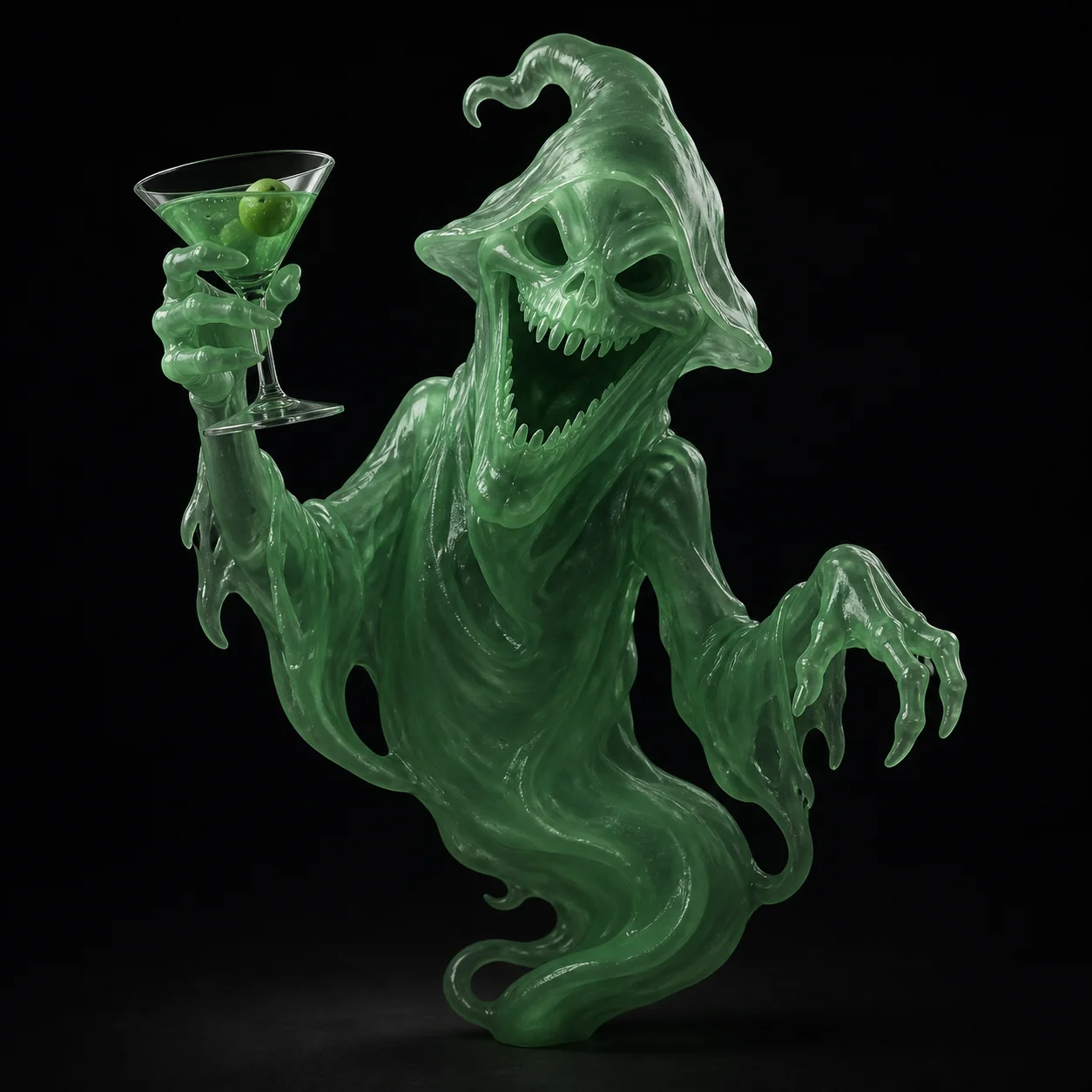
Image to 3D FAQ
Got a photo? You are 60 seconds from a 3D model.
Drop in an image, watch the mesh resolve in the browser viewer, and export FBX, OBJ, GLB or STL free. Three runs an hour.
Try Free →