Text to 3D:
Generate 3D Models from a Prompt
Write one sentence describing the object you need, and Meshi AI returns a textured, watertight mesh roughly 60 seconds later. No reference image, no sculpting, no retopology pass, just a prompt, a browser tab and an export button.
How to Generate a 3D Model from Text in 3 Steps
Write a Structured Prompt
Name the subject, then the material, then the silhouette, then the style: 'a squat ceramic teapot, matte glaze, wide rounded body, short curved spout, studio product render'. Four clauses beat one long adjective run. Skip camera language and lighting words, since you are describing an object in space, not a photograph of one.
Watch the Two Stages
Meshi AI first paints a reference frame from your wording, then reconstructs geometry from that frame. You see it as one continuous run, but knowing the shape of the pipeline explains why word choice matters so much: whatever the reference frame gets wrong about proportion or material, the mesh inherits. Roughly 60 seconds end to end.
Iterate, Then Export
Judge the result in the viewer and change one clause at a time. Swapping 'ornate' for 'chunky low-poly' reshapes the whole silhouette; swapping 'oak' for 'brushed steel' mostly moves the maps. When the proportions read right, export FBX, OBJ, GLB or STL and take it into Blender, Unity or the slicer.
Why Meshi AI's Text to 3D Beats Sculpting by Hand
Blocking out a prop by hand is an afternoon. Describing it is a sentence. The trade is control for speed, and for concepting, greyboxing and filling a scene, speed wins outright almost every time.
Prompt Grammar That Works
Subject, material, silhouette, style. That order gives the model the information it needs in the order it uses it. 'Viking longship' returns something generic; 'weathered oak viking longship, tall curved prow, carved dragon head, striped sail furled' returns the ship you pictured. Specificity about form beats a pile of mood adjectives.
One Flow, Two Stages
Under the hood the prompt becomes a reference frame first, and geometry is reconstructed from that frame second. You never handle the intermediate, but the architecture explains the failure mode: when a prompt produces a strange mesh, it is usually because the reference frame was ambiguous, not because the reconstruction failed. Rewrite the words, not the geometry.
Fifty Plus Style Presets
Rather than fighting the wording for a look, pick a preset and let it carry the style clause. Low-poly, stylised handpainted, realistic, voxel, clay, toon and forty-odd more sit alongside your prompt. Presets are also the fastest way to keep an entire asset set visually consistent across a dozen separate runs.
Geometry You Can Use
A prompt-generated mesh is manifold and watertight, up to 600K faces, with diffuse, roughness, metallic and normal maps baked and UVs already laid out. Decimate it for a game engine, subdivide it for a render, or send the STL straight to a slicer. No hole-filling, no normal flipping, no cleanup pass. Hand-sculpting rarely arrives that tidy.
Cheap to Be Wrong
Hand modelling punishes a change of direction; you sank three hours into the wrong silhouette. Text to 3D costs a sentence, so you can generate four readings of the same brief, put them side by side in the browser viewer and pick, rather than committing to the first idea that seemed workable. Cheap failure is the real feature.
Know When to Switch
Text is the wrong tool when the shape is already decided. If you have a photo, a turnaround or concept art, the image pipeline locks the silhouette to your reference instead of reinterpreting it. A common workflow: generate reference art from a prompt, choose the frame you like, then reconstruct that frame as geometry.
Describe it once and download the mesh a minute later.
Free text to 3D in the browser, with PBR maps baked and FBX, OBJ, GLB and STL exports.
Try Free →Made with Text to 3D Prompts
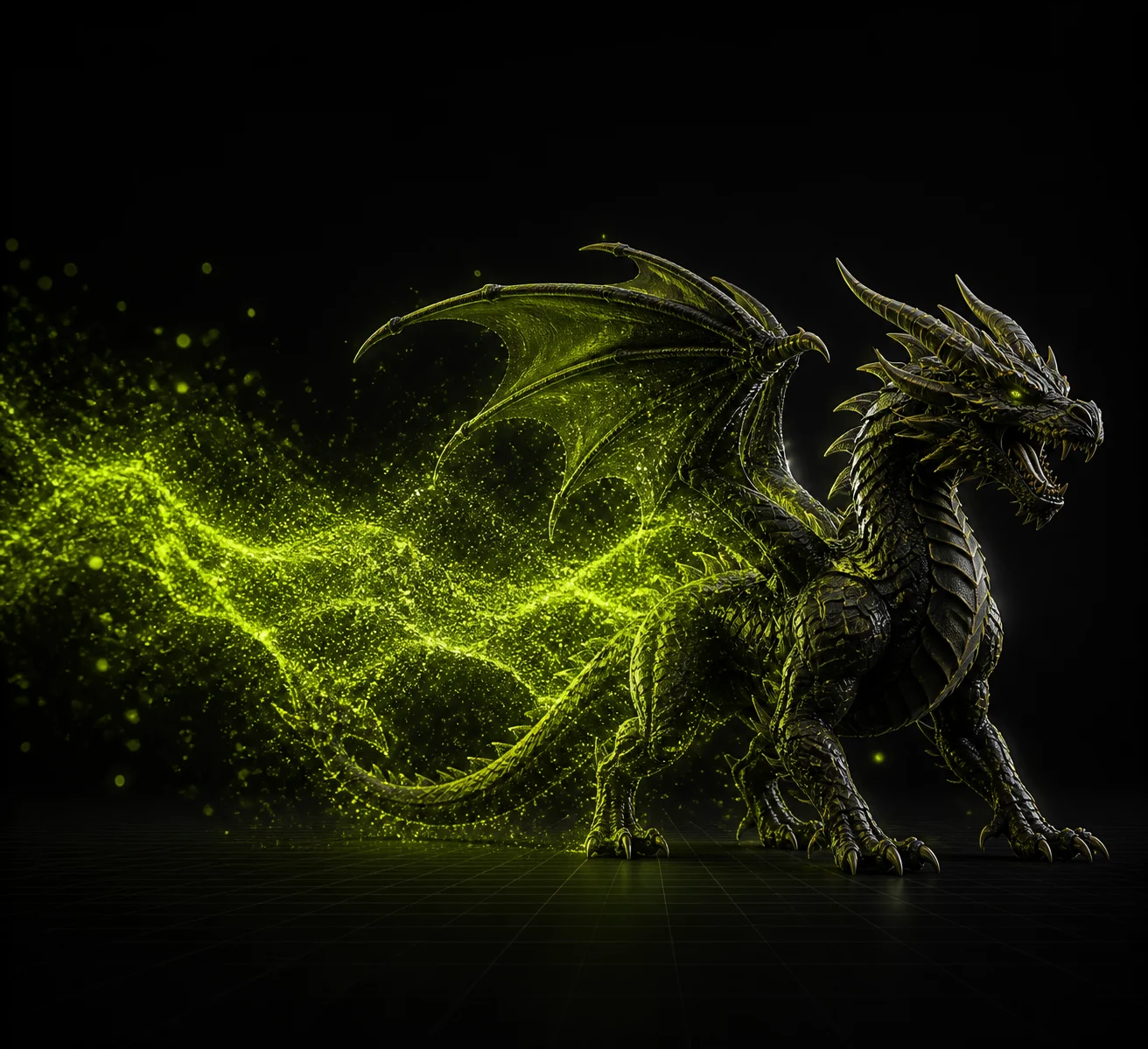
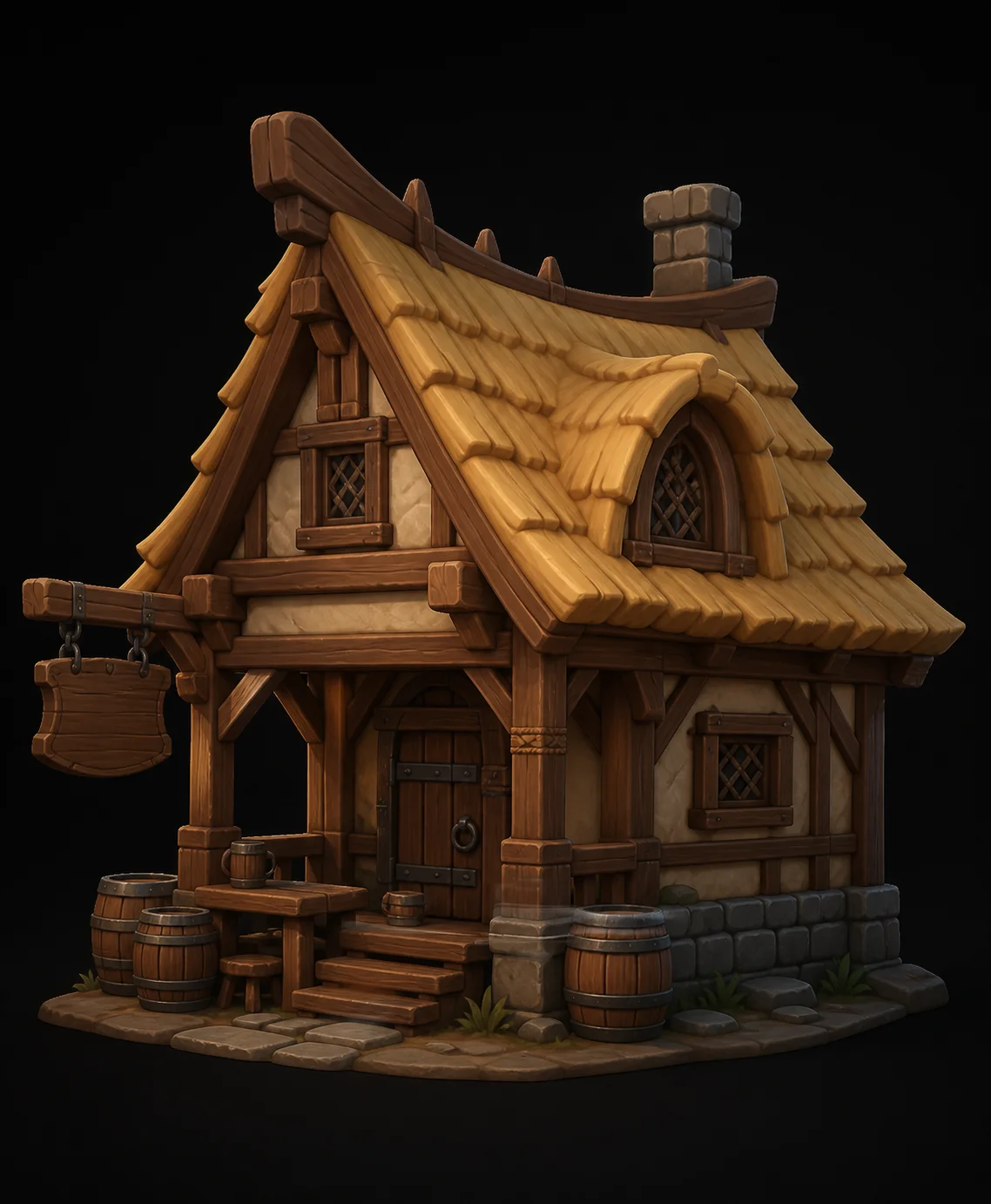
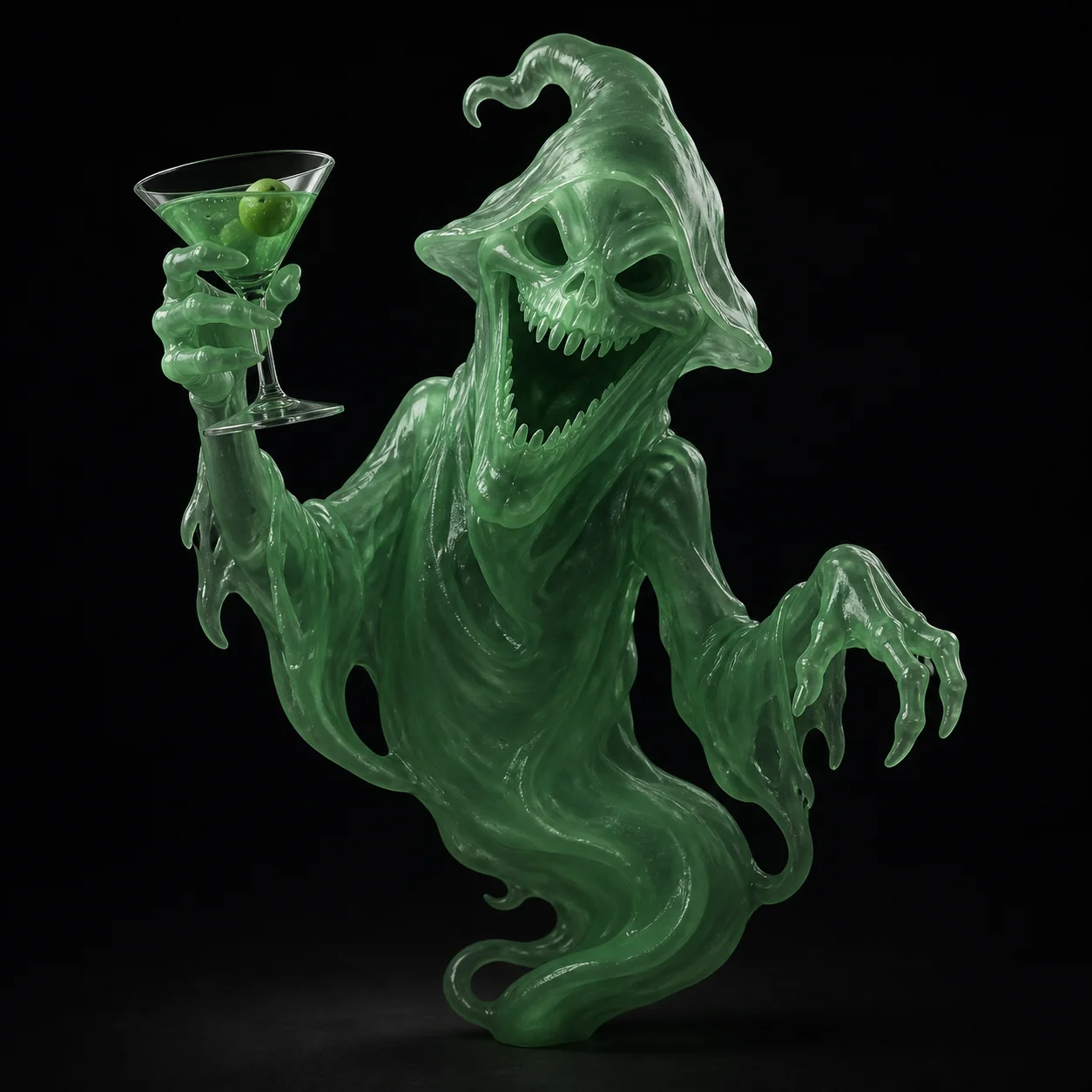
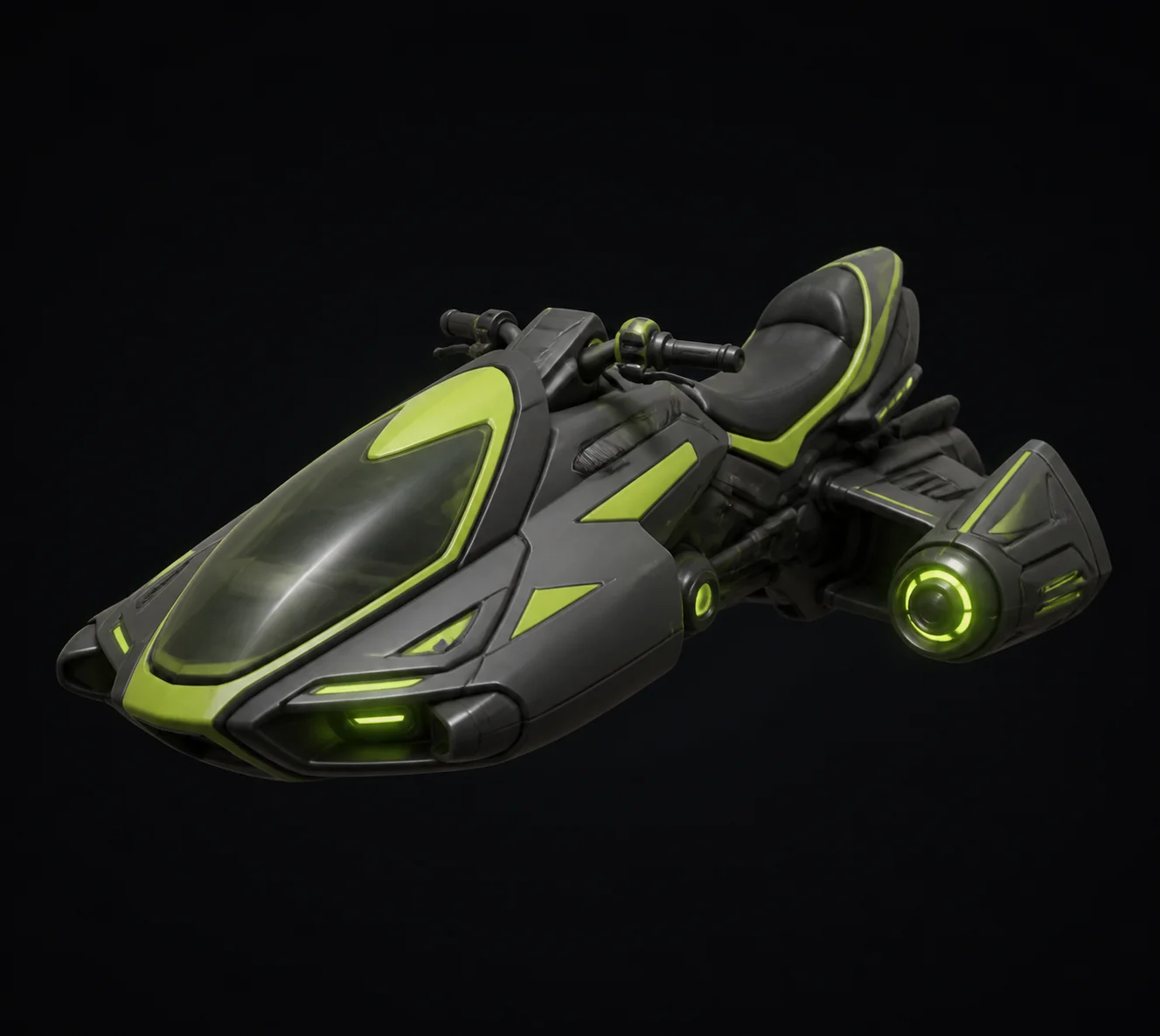
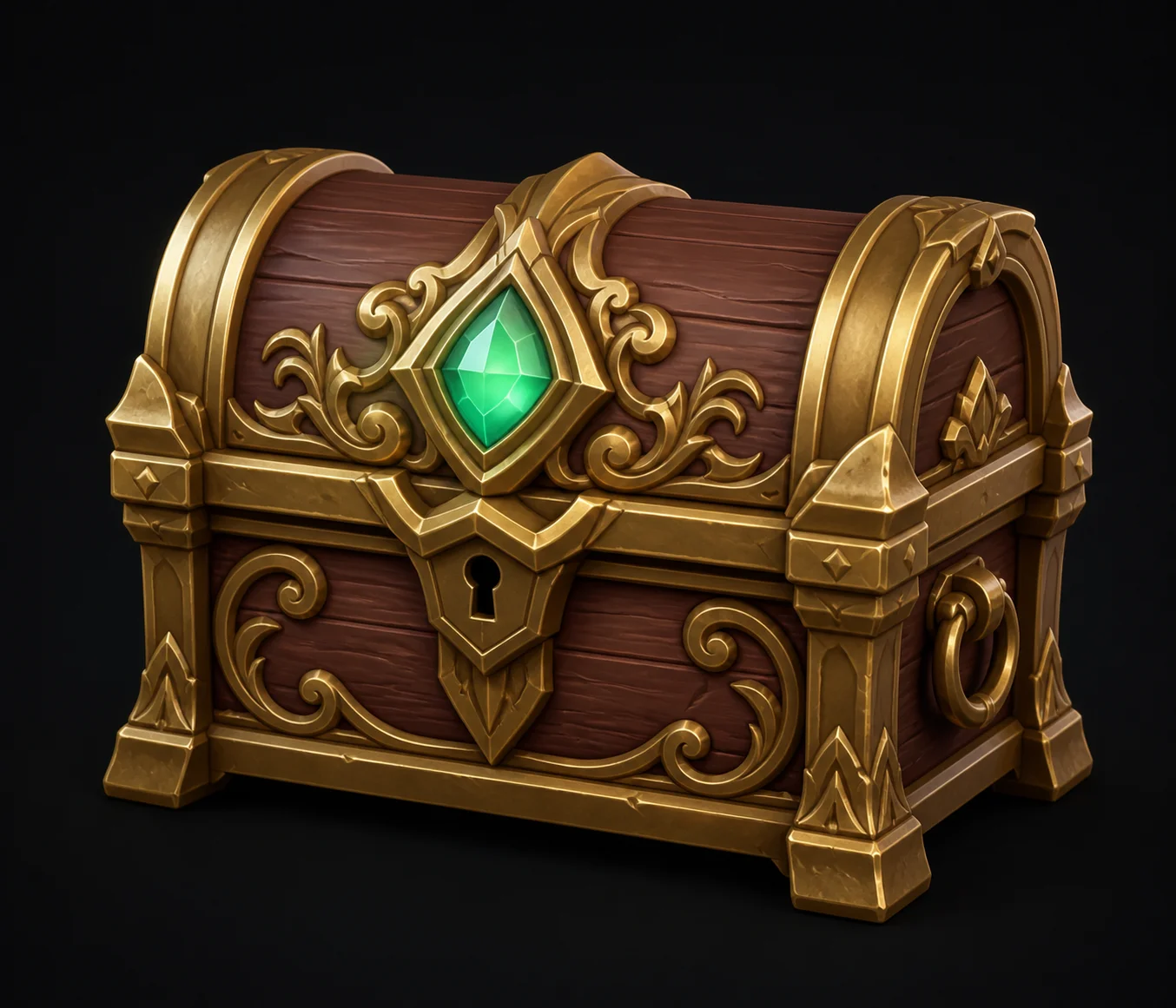
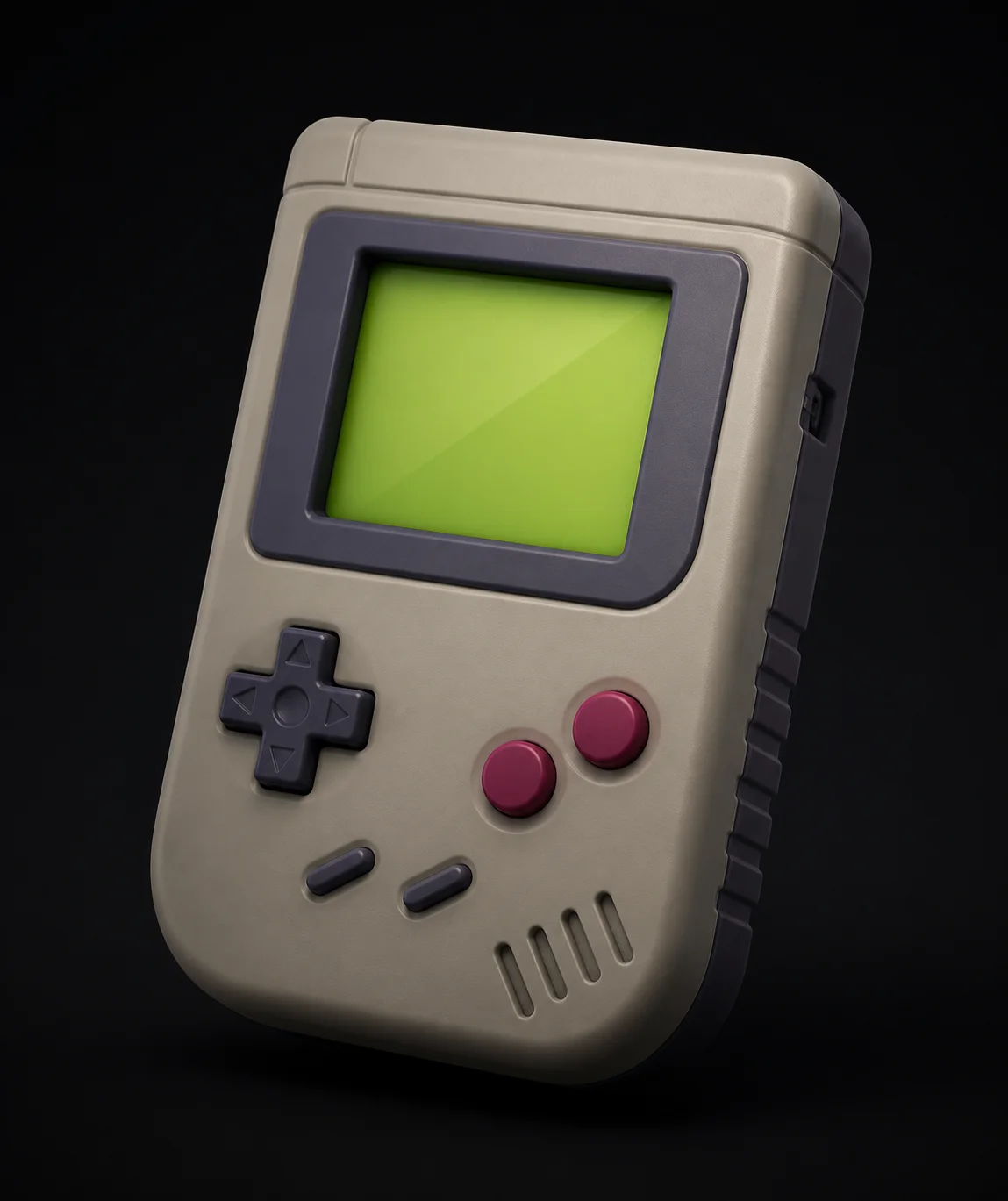
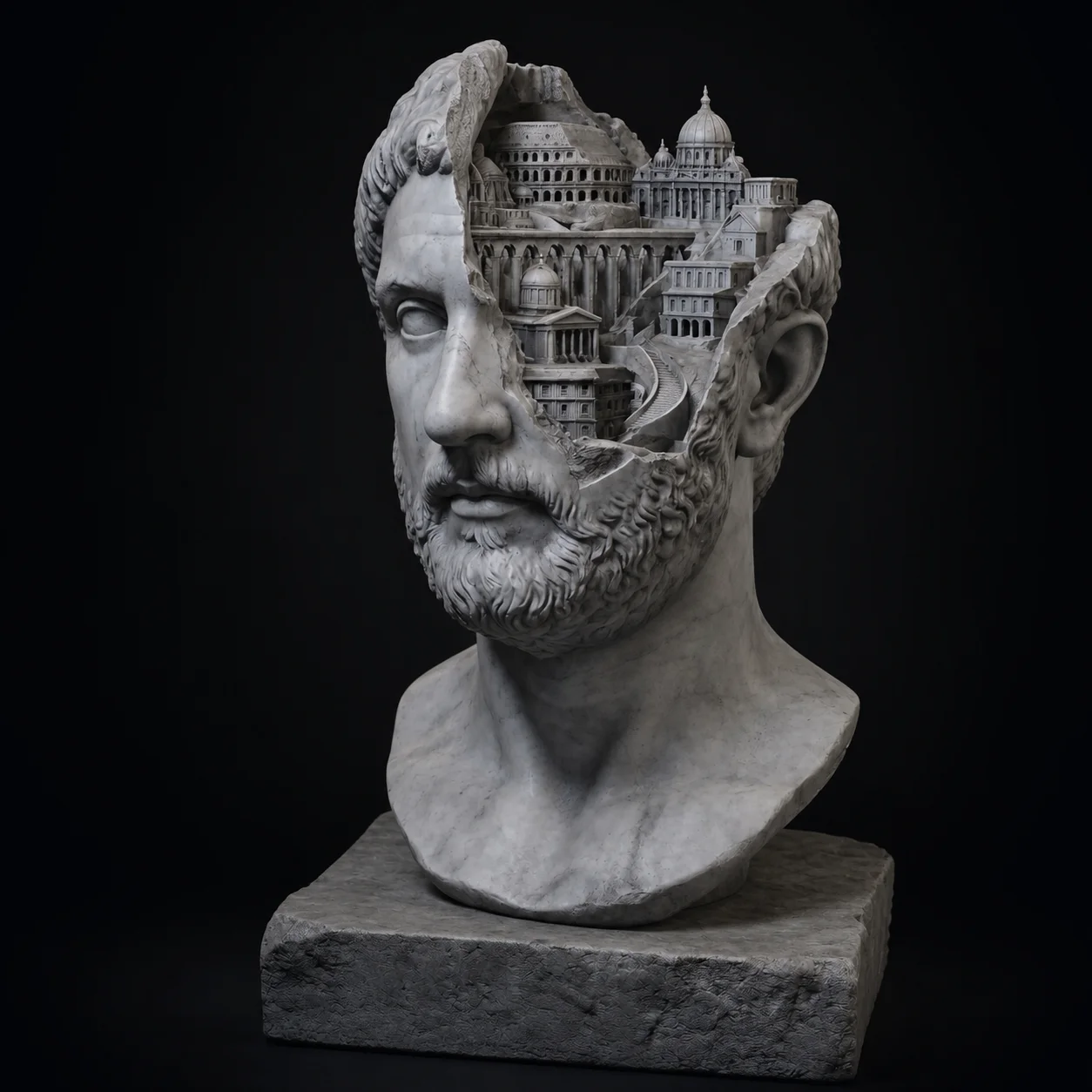
Real prompts that worked, and the meshes they produced. Read the wording before writing your own.
Text to 3D FAQ
What will you describe first?
Type a sentence, wait about a minute, and orbit a finished textured mesh in your browser. Three free generations an hour, every hour.
Try Free →