AI Image Generator:
Make Reference Art for 3D
Most image generators optimize for a pretty frame. This one optimizes for a frame that reconstructs, which means clean framing, honest lighting and a silhouette the depth solver can actually read.
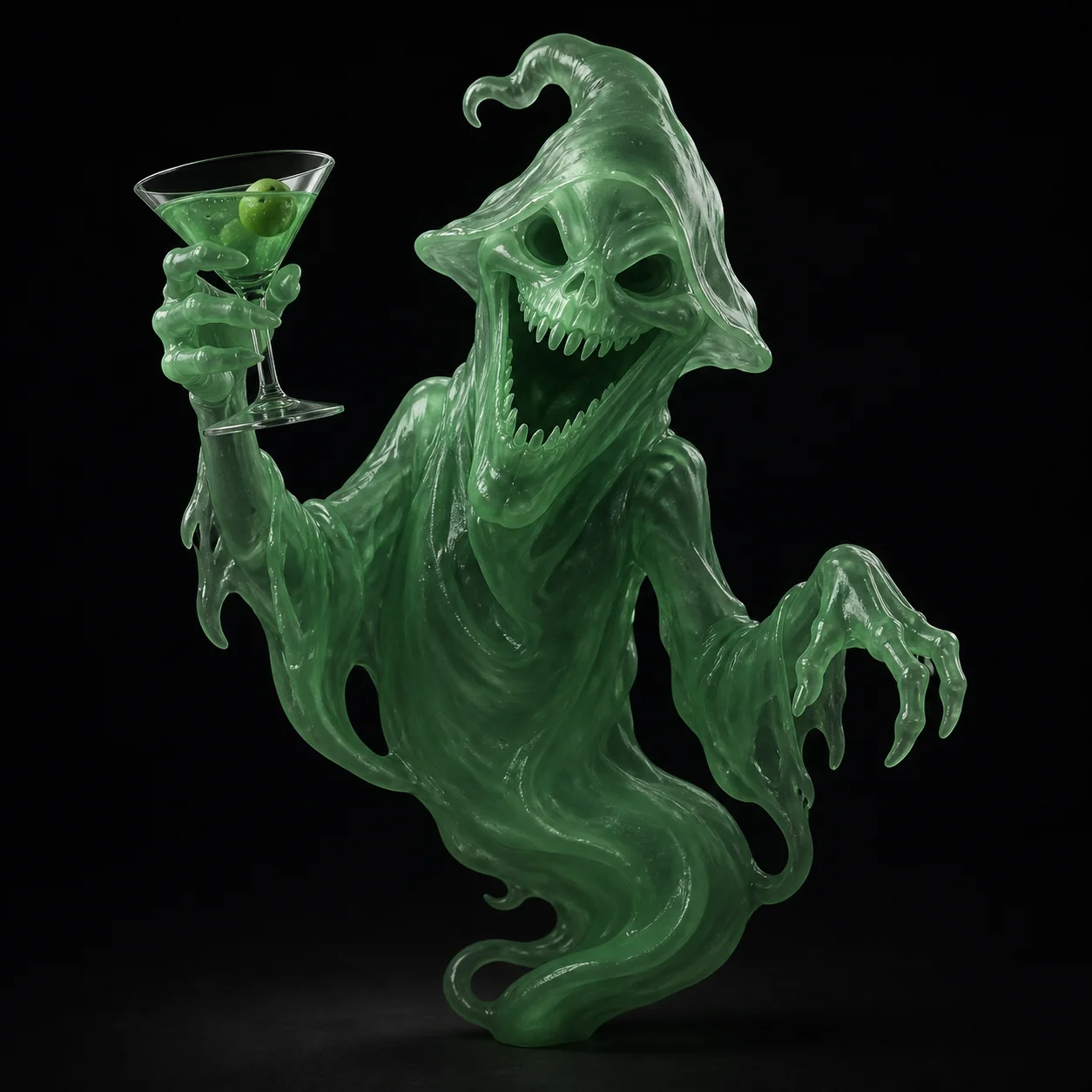
How to Generate Reference Art for 3D in 3 Steps
Describe the Subject
Write what the object is, what it is made of, and how you want it framed. Nouns and materials carry more weight than mood words. Pick from 50+ style presets to lock a look, whether that is stylized game character, collectible figure, hard surface prop or clean product render on white.
Check It Reconstructs
Look at the frame the way a depth solver does. Is the whole subject inside the crop? Is the background plain? Are the shadows soft enough that you can still read the volume? Are the limbs clear of the torso? If any answer is no, adjust the prompt and generate again.
Send It to Image to 3D
Hand the approved frame straight to Image to 3D. Around sixty seconds later you have a textured mesh with baked PBR maps, up to 600K faces, previewable in the browser viewer and exportable as FBX, OBJ, GLB or STL. The reference you tuned is the geometry you get.
Why Meshi AI's Image Generator Is Built for 3D, Not Wallpaper
A reconstructable image and a beautiful image are not the same picture. Everything here is tuned toward the first one, because it is the frame that becomes a mesh.
Three-Quarter View by Default
A dead-on front view hides depth and a pure profile hides half the form. The three-quarter angle shows front and side surfaces in one frame, which is exactly the information reconstruction needs to infer the back. Ask for a different angle when you want one, but this is the default for a reason.
Flat Light, Readable Volume
Dramatic rim light and deep cast shadows look great and reconstruct badly. A hard shadow reads as a surface feature and bakes into the diffuse map as a dark smear, while a blown highlight erases the form underneath. Even, diffuse lighting keeps every plane legible and keeps the texture usable.
Plain Background, Clean Silhouette
Busy environments give the solver competing edges to chase. A flat neutral backdrop makes the subject boundary unambiguous, so the mesh boundary lands where the object actually ends rather than absorbing a chair leg or a patch of foliage from behind the subject.
Whole Subject, In Frame
A crop that clips the feet or slices the top of the head gives reconstruction nothing to work with, and the missing part comes back guessed or flat. Framing here keeps the full object inside the border with a margin of clear space around it, closer to a reference sheet than a hero shot.
Iterate Here, Not Downstream
You get five free image generations per hour and three free 3D generations per hour. That ratio is deliberate. Reroll the reference four times until the pose and framing are right, then spend one 3D generation on a frame you already trust rather than discovering the problem after the mesh exists.
No Blur, No Extreme Lens
Motion blur and shallow depth of field destroy the edges reconstruction depends on, and a heavy wide angle bends straight lines so the mesh inherits the distortion. Prompts here steer toward a neutral, near-orthographic look with the subject sharp from front plane to back.
Reference art that reconstructs, not just renders nicely.
Three-quarter framing, even light, plain backdrop, full subject in frame. Then one click into Image to 3D.
Try Free →Made with Meshi AI Image Generation
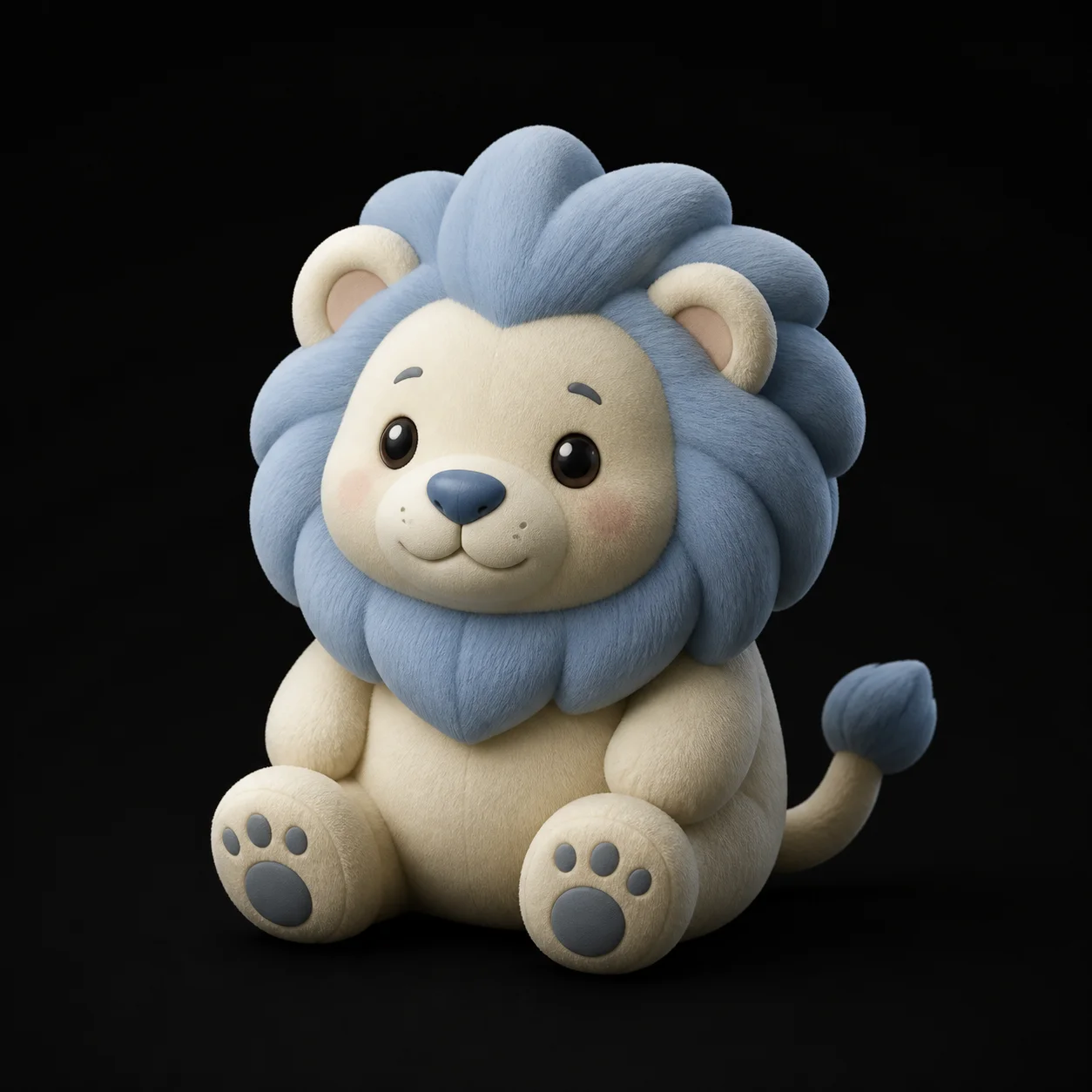
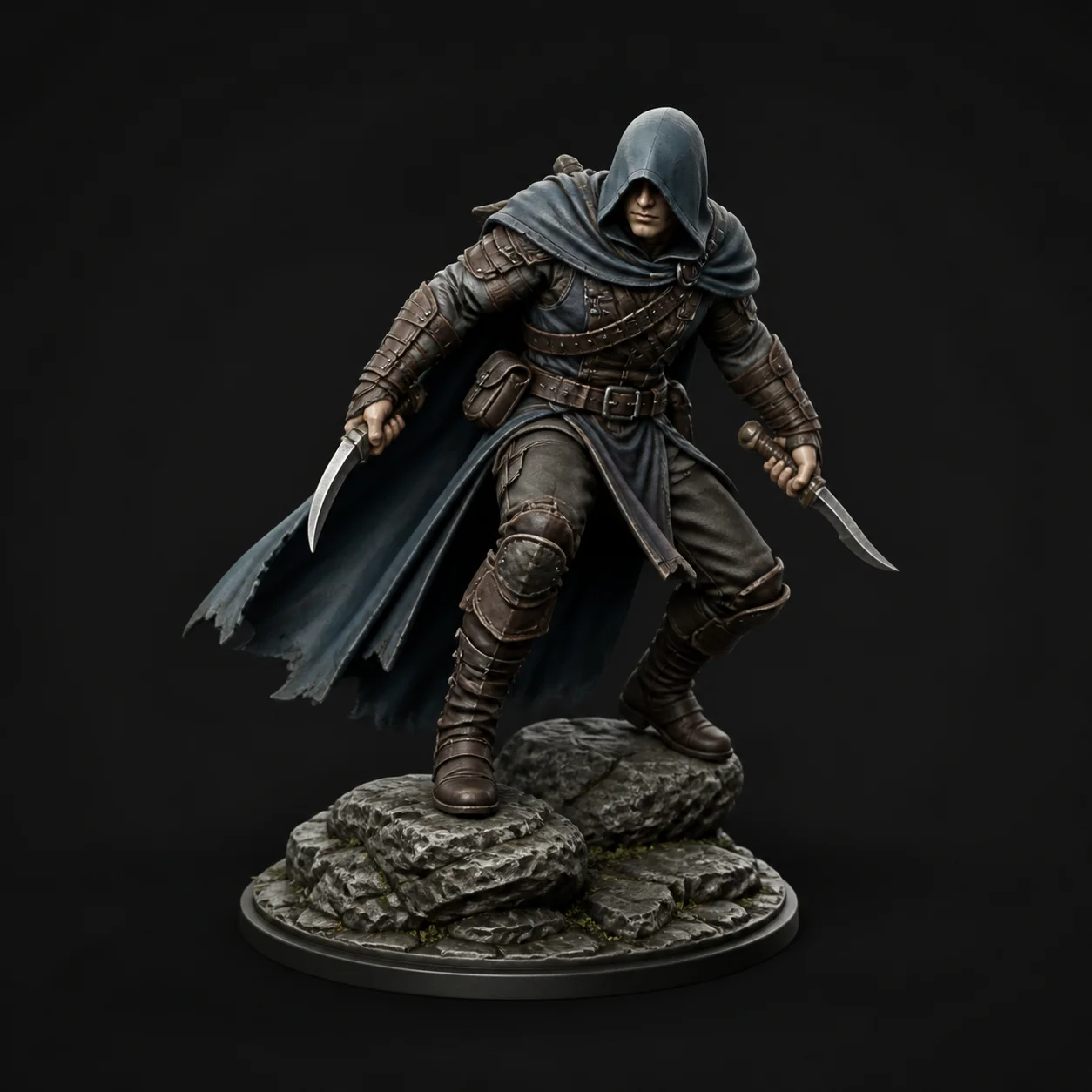
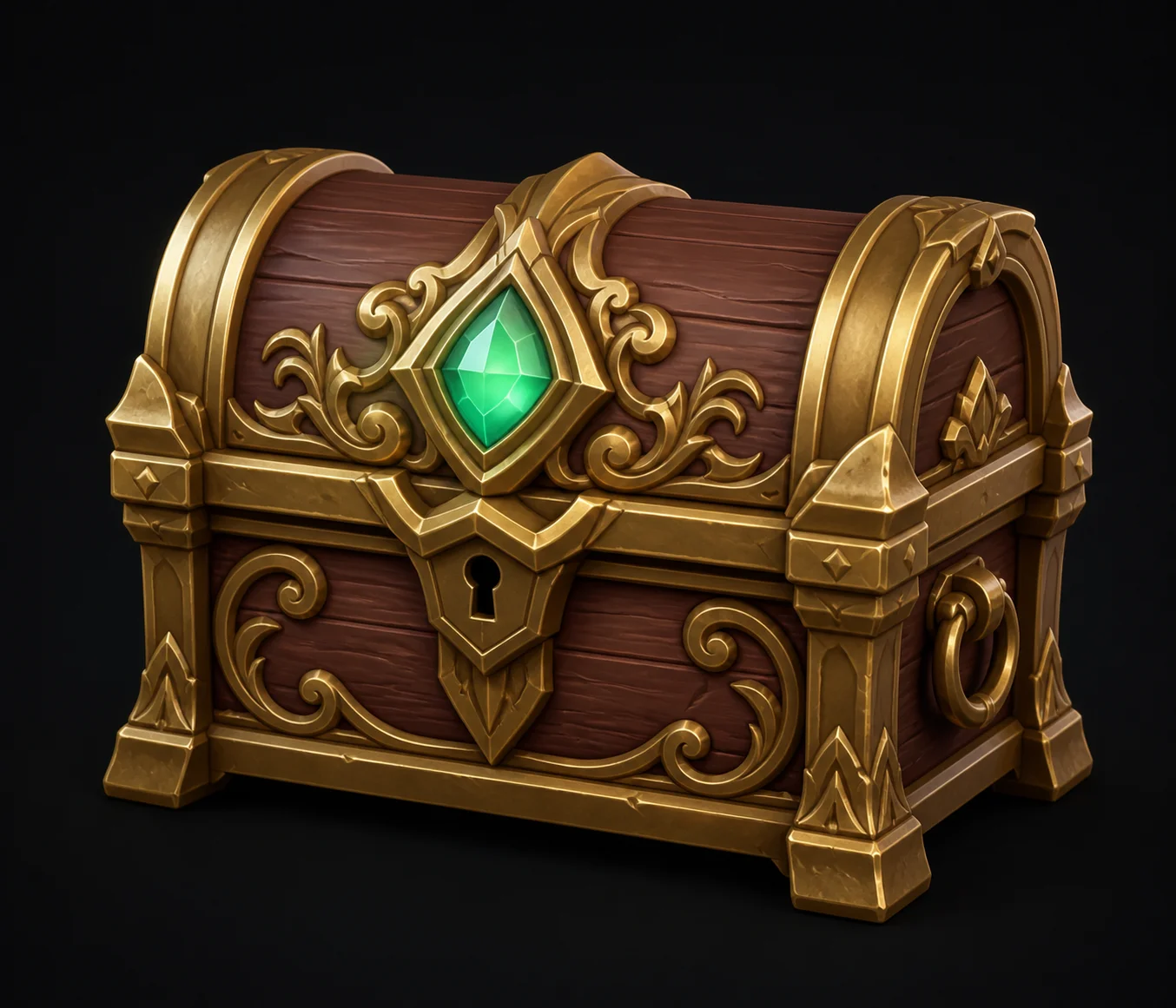
Reference frames and the finished meshes they became, posted by makers, designers and game developers.
AI Image Generator FAQ
Get the reference right before you build the mesh
Generate a clean, well lit, well framed reference, then turn it into a textured 3D model in about a minute. Free, in your browser.
Try Free →